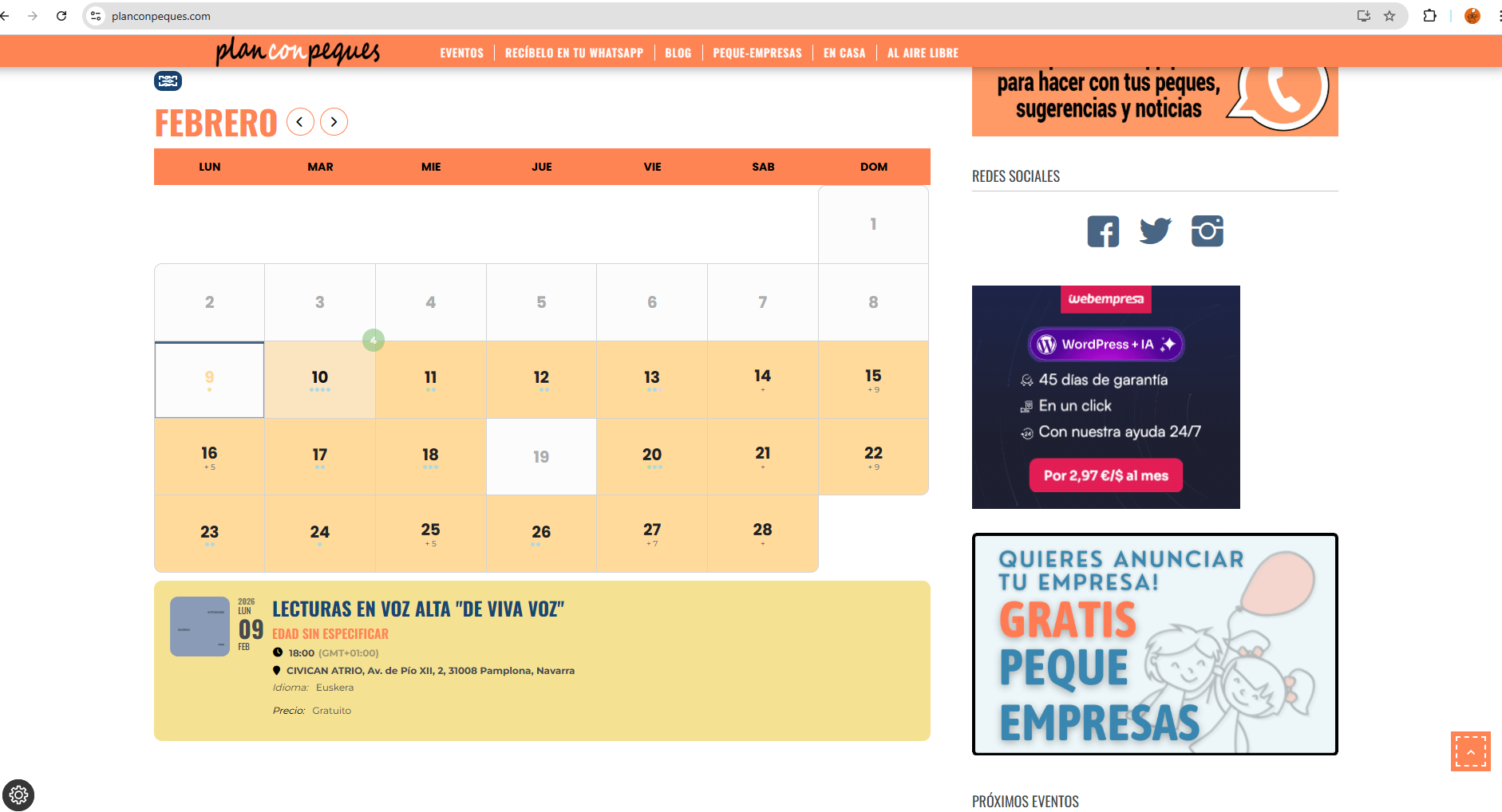
this changed nothing 🙁
Archives: Replies
Replies for tickets on suppota
Reply to: tickets(402528)
Hi Artem,
are there any updates for this ticket?
Best regards
Reply to: tickets(401084)
thank you! Best Regards.
Reply to: tickets(401967)
Also, I have saved the last footer template, that you helped fixing to look normal. Maybe it is possible to use that template only on these individual event sites? Now it uses global theme footer template all overt the website. Also what could work if there would be no footer displayed on these individual websites. Just empty space or single black footer. Is this possible? The admin pass is still not changed, so you have access to website.
I think this should be solved in the future on your product. I guess I am not the only one having this issue of broken footer layout on single event pages?
The link you provided to custom code event pages is too complicated as I am not a coder, it it used just simple global footer design, all would be logical and unform. https://docs.myeventon.com/documentations/customize-single-events-page/
Reply to: tickets(403258)
It works, thank you very much!
Reply to: tickets(401084)
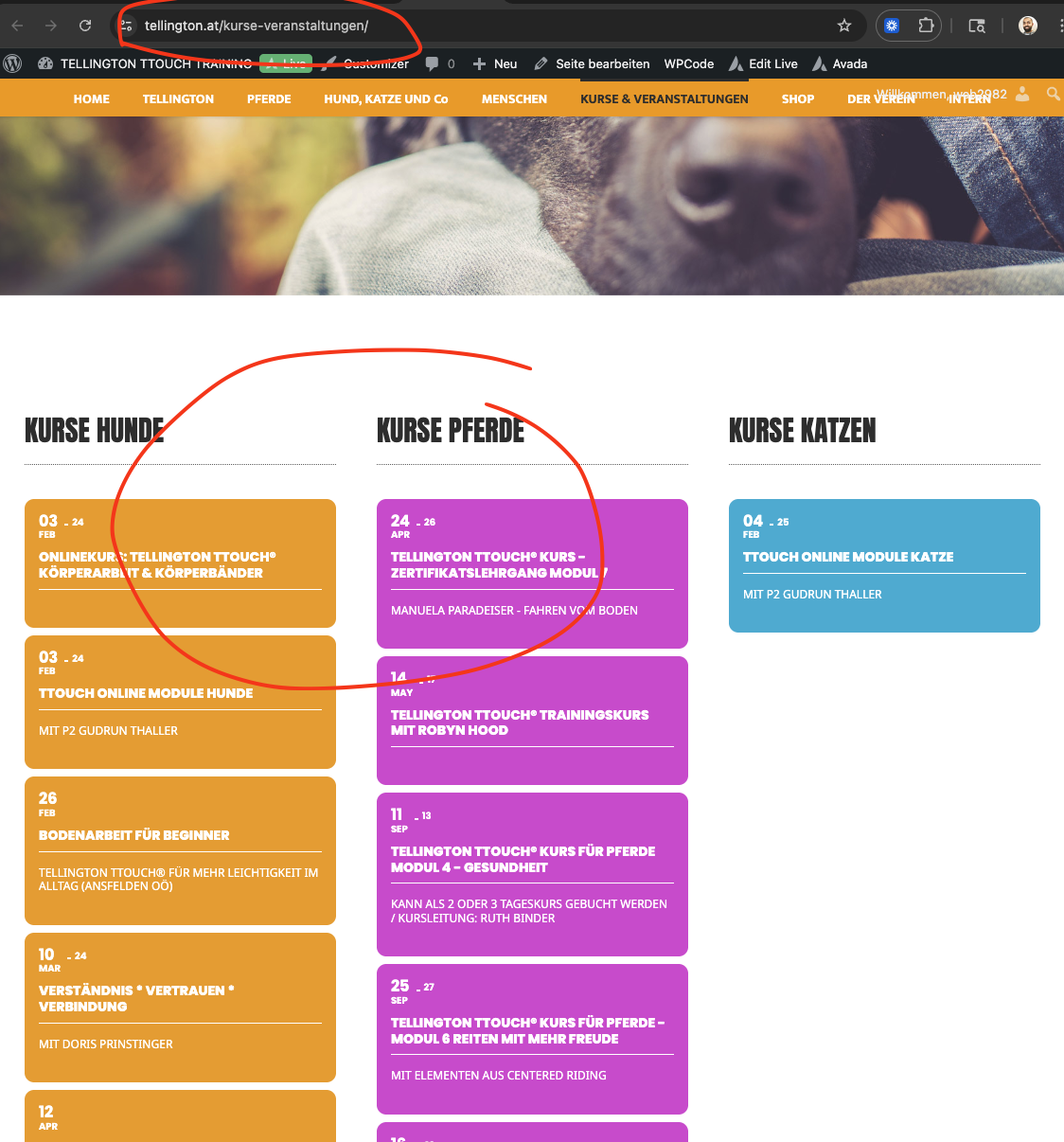
got it fixed for you by adding a code change to eventON code in your website, the change will be passed on to the next version update of Eventon.
Reply to: tickets(403499)
Short code:
[add_eventon_list number_of_months=”12” hide_month_headers=”yes” hide_mult_occur=”yes” hide_empty_months=”yes” filter_style=”lb”]
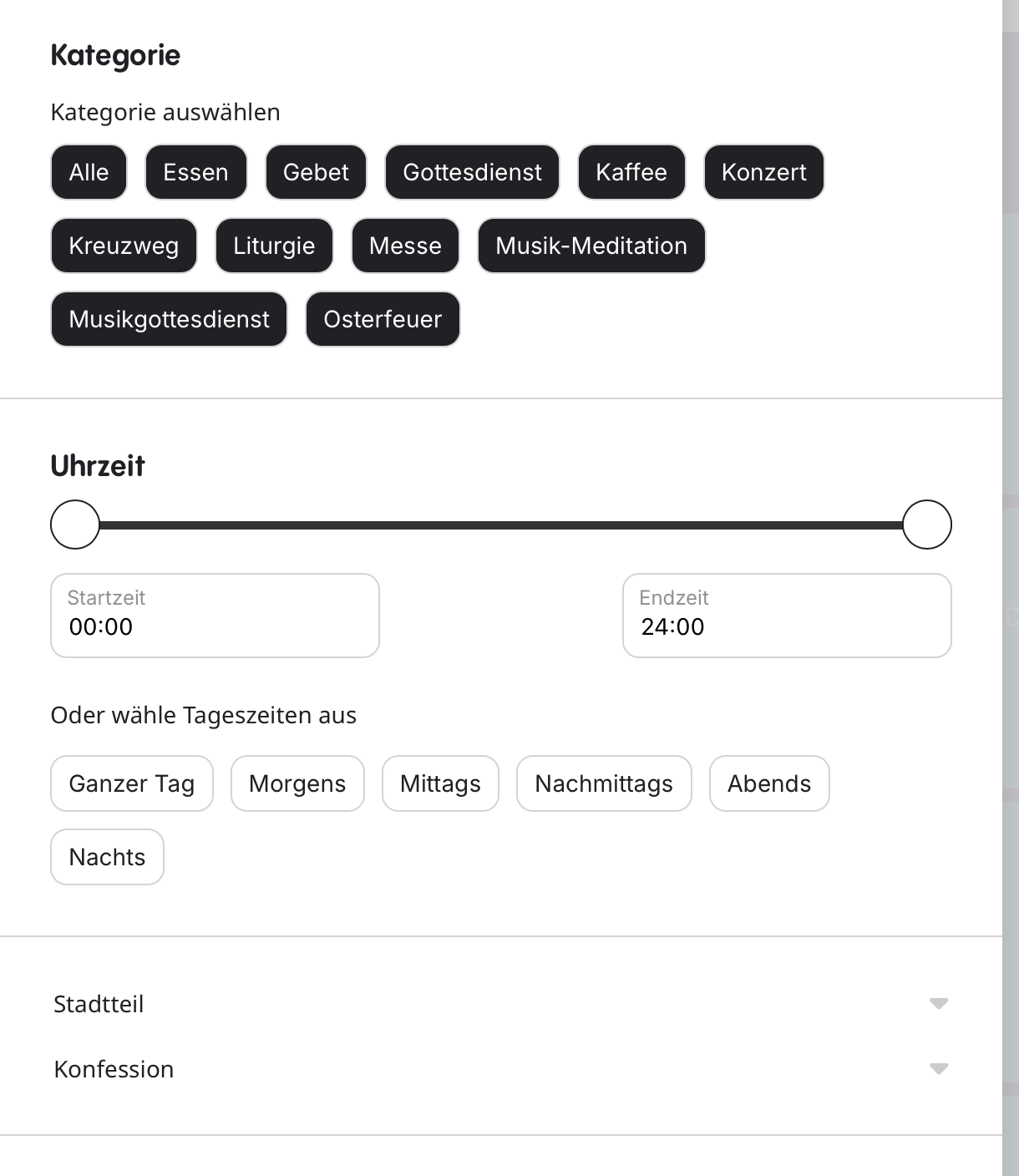
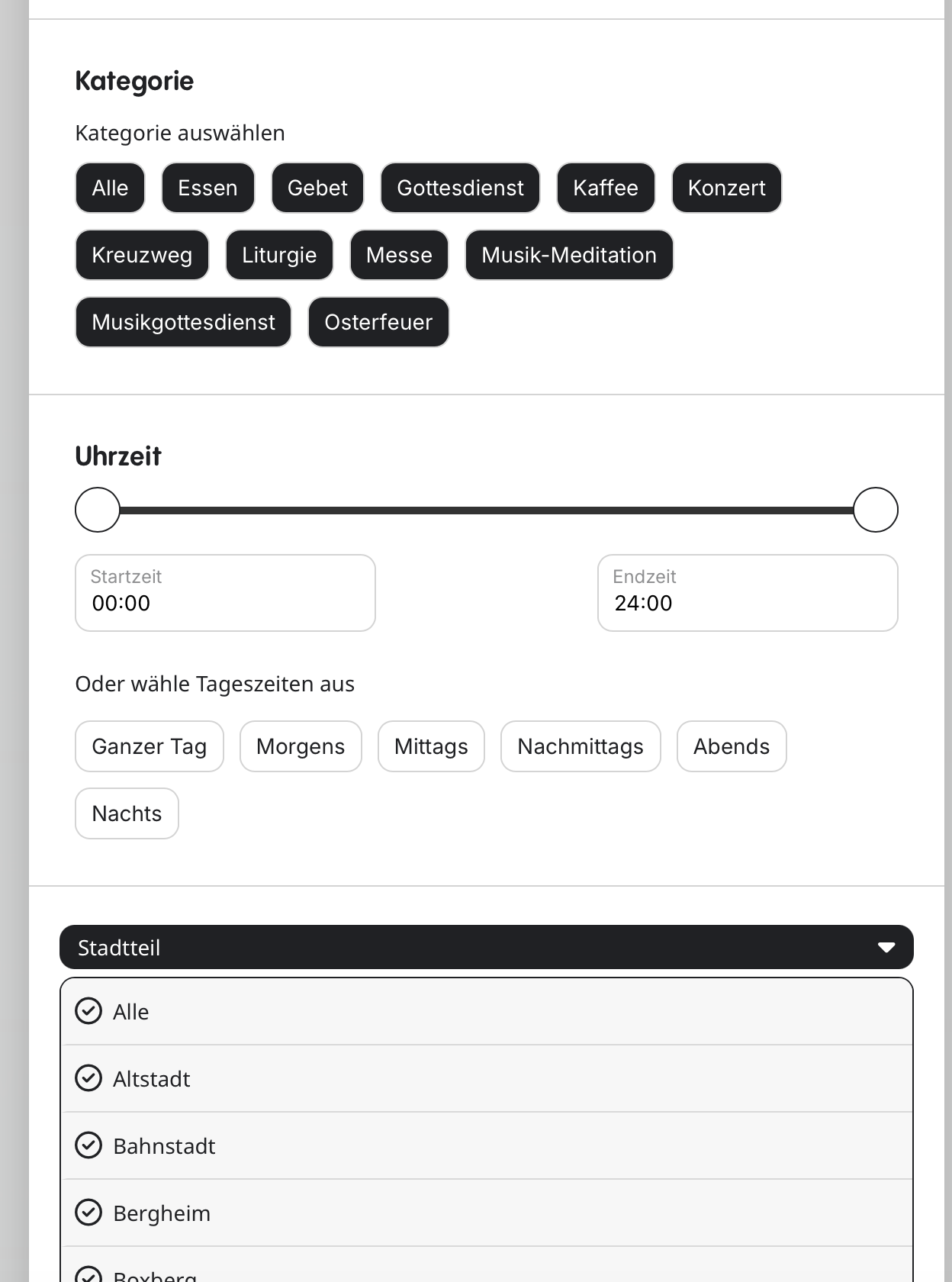
Screenshot attached. We are currently displaying 3 categories, here called Kategorie (the main categories on the top) and ”Stadtteil” and ”Konfession” at the bottom. We will at a third category too. However, some of the categories at the bottom we would display like the one on the top – each category as button and not as drop-down menu.
Reply to: tickets(403464)
Worked, thanks! But not a very convenient way…
Reply to: tickets(403295)
Try adding this CSS code as well:
@media (max-width: 960px){ .ajde_evcal_calendar.boxy.boxstyle1 .evo_boxtop, .ajde_evcal_calendar.boxy.boxstyle2 .evo_boxtop { height: 140px !important; } }
Reply to: tickets(403522)