Hello,
Please add this CSS code to EventON > Styles (If you don’t see any change, EventON > Scripts & Styling > turn off Write dynamic styles to header > save settings > turn on Write dynamic styles to header):
.evocard_lb_navs { display: none !important; }
We are going to add the option to hide them in the next version of EventON.
Hello,
What’s your current version of EventON? Could you try updating it and check again? The ratio issue should be fixed and open images as popup.
In order to stop images to open as popup window please add this CSS code to EventON > Styles (If you don’t see any change, EventON > Scripts & Styling > turn off Write dynamic styles to header > save settings > turn on Write dynamic styles to header):
.evocard_row .evocard_main_image_hold { pointer-events: none !important; }
Thank you for your great suggestion, at the moment it is not supported. However please create a new ticket and select Feature Request as category so others can vote on your idea and get it moved into development faster.
There is no way of hiding just text with CSS, so not possible to achieve what you need, I am afraid.
Hello,
Thank you for your great suggestion, at the moment it is not supported. However please create a new ticket and select Feature Request as category so others can vote on your idea and get it moved into development faster.
Sorry for the issue.
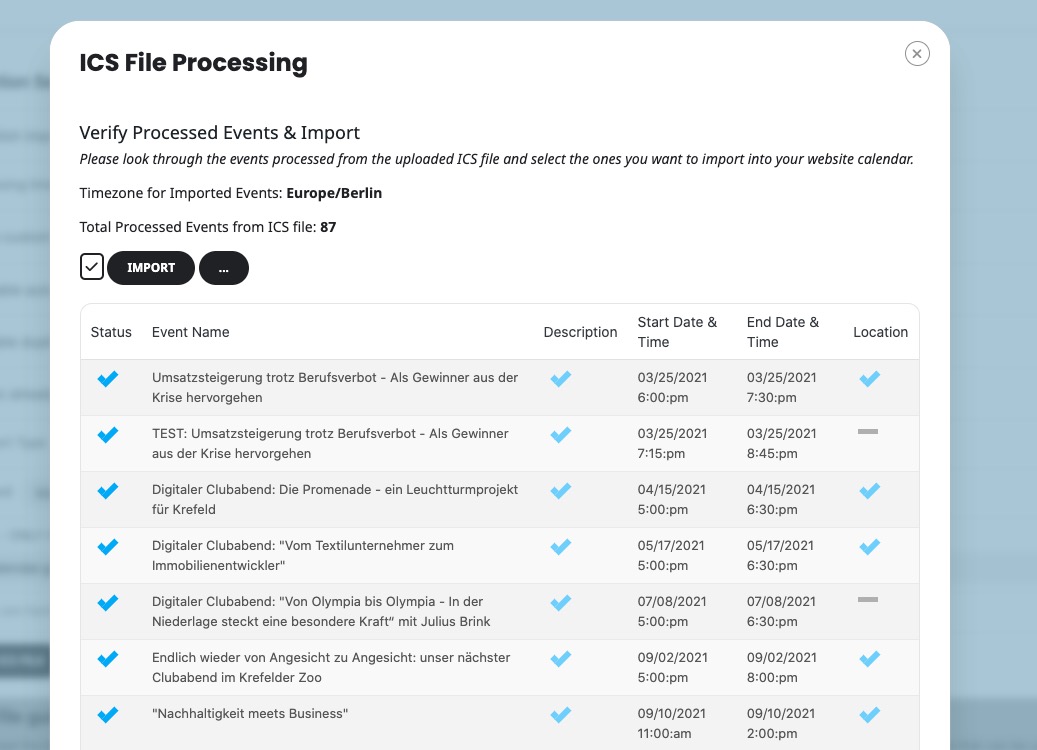
When I go to EventON > ICS Importer > select “Import Method: Manual import from ICS file URL” > try to import events, it says that all imported events are in Trash and cannot be accessed:
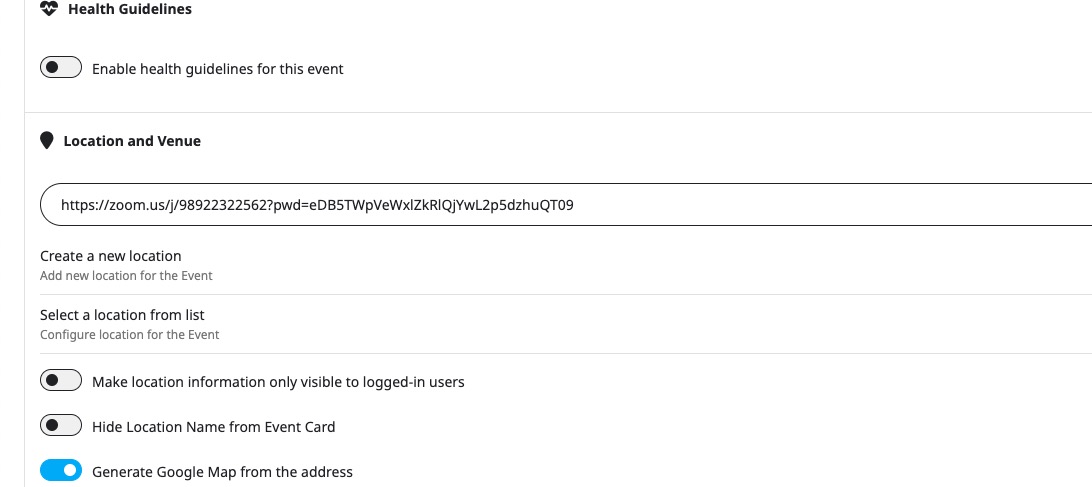
When I tried to import events on our dev site, it imports locations as well:
https://dev2.myeventon.com/events/umsatzsteigerung-trotz-berufsverbot-als-gewinner-aus-der-krise-hervorgehen/
Could you empty Trash, so I can try importing events? Or do you need them in Trash?
Hello,
Please take a look at this guide:
https://docs.myeventon.com/documentations/hook-eventtop/
Staging site login info will work. I just need to check cron jobs.
Here’s the issue:
[13-Mar-2025 12:11:06 UTC] PHP Fatal error: Allowed memory size of 536870912 bytes exhausted (tried to allocate 16777224 bytes) in…
Please follow this guide:
https://docs.myeventon.com/documentations/increasing-wordpress-memory-limit/
Dark is ok, but I still have a problem with the display of images when I’m logged in.