URL : https://env-ittrainingacademy-ittadev28.kinsta.cloud/operations
ID : Artemeventon
mdp : sfSz%(EjGkp3!CPH!jx4##V)
email : begofis183@payposs.com
Replies for tickets on suppota
URL : https://env-ittrainingacademy-ittadev28.kinsta.cloud/operations
ID : Artemeventon
mdp : sfSz%(EjGkp3!CPH!jx4##V)
email : begofis183@payposs.com
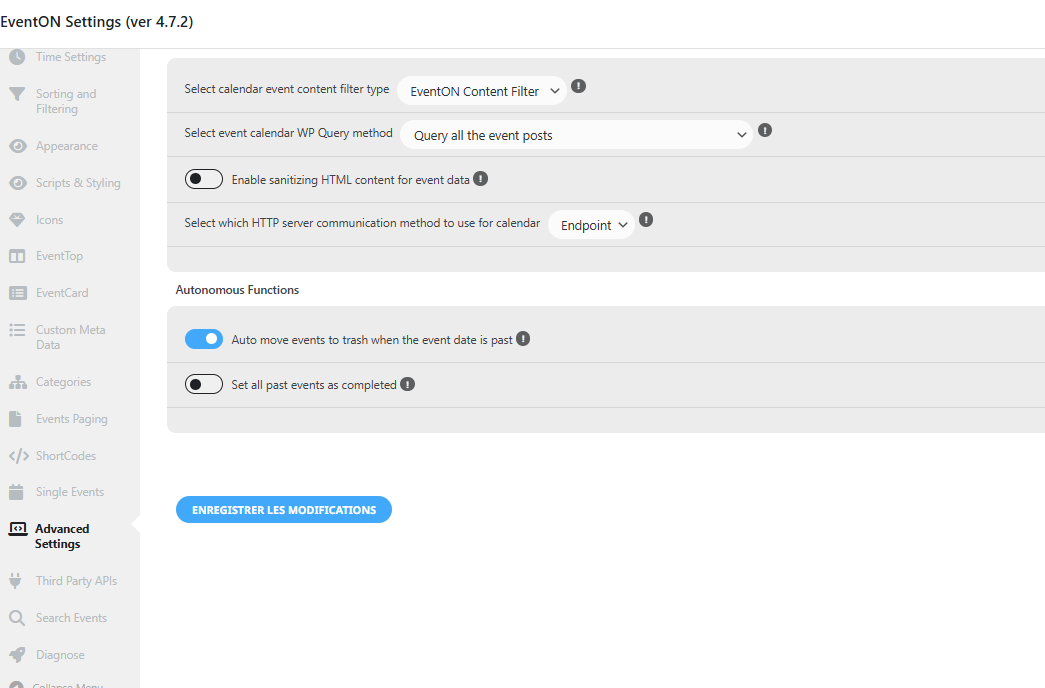
I have checked the automatic deletion option, and I can provide you with access to the staging site. Please let me know what needs to be modified if necessary. However, I don’t have the rights to give you access to the live site…
Ashan,
i ve still information: EventON Event Speakers & Schedule is disabled! – Event Speakers & Schedule need EventON version 4.7.2 or higher to work correctly, please update EventON.
Maybe you have older version of speakers – 1.0.5?
Please, help 🙂
Robert

This screenshot belongs to the message above
I did. Still not working. Seriously what’s wrong here? I have more problems with EventON then with all other plugins on all the websites I run together.
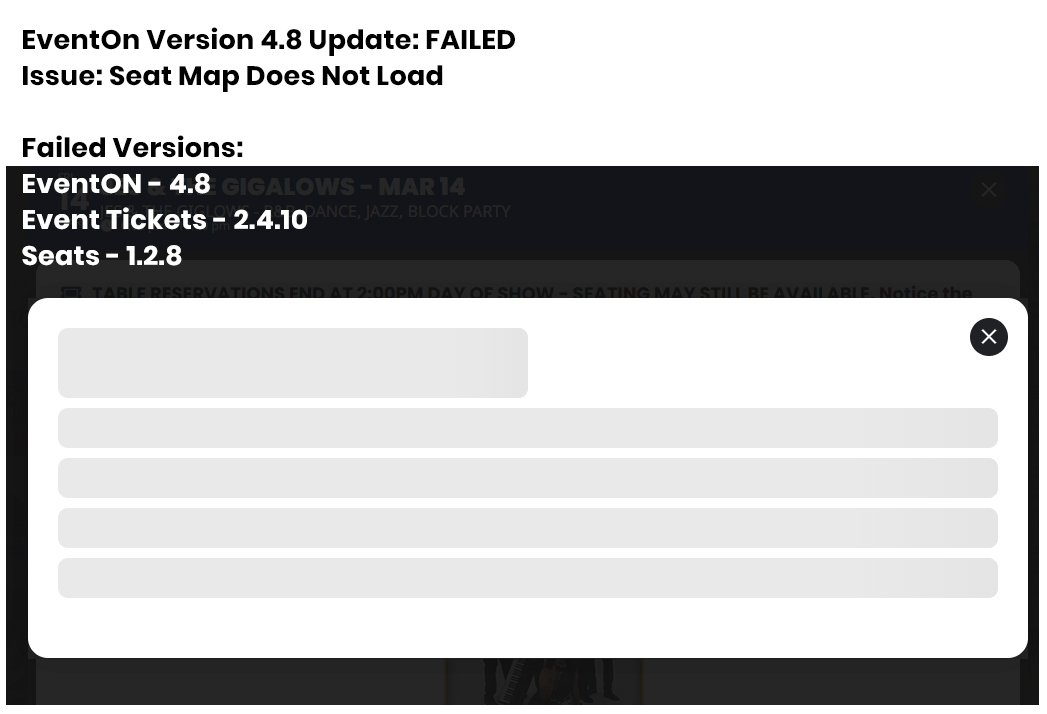
Updating to current versions and re-saving event and seat failed.
EventOn Version 4.8 Update: FAILED
Issue: Seat Map Does Not Load
Failed Versions:
EventON – 4.8
Event Tickets – 2.4.10
Seats – 1.2.8
Current Versions:
EventON – 4.7.1
Event Tickets – 2.4.1
Seats – 1.2.7
Remaining Issue: Seat PRICING – Checkout is 0.00
Test Event: Valerie Tyson Band – APR 29
Test Price: Table 19 – 5.00
Okay Had to remove the visitwoodland@gmail.com recipient and add al@visitwoodland.com from then it worked just FYI
Last question what I got was a notice that I got a new calendar submission (which worked) however question is there anysort of option that when I get the notice on my Iphone is there a way to get the summary of the submission to approve via the notice so I don’t have to wait and login to my computer. Just curious.
Thanks a lot. We overlooked the EventON > EventTop > Event End Year option. It does work now.
Artem, the proposed solution doesn’t solve anything and still looks terrible. I understand that UX is not a strong point of EventOn, but at least could you provide a solution to disable it?
Thanks.
This is a bug in the new version (4.9.1)
Go to EventOn -> Settings -> Time Settings -> Select again your Default Event Timezone to your local time, and this will fix the issue.
This is how I fixed the problem with the dates.