Hi Amet,
I will need to do the update again later tonight so not to disrupt as the site is live.
Will keep you updated,
Thanks,
Rick
Replies for tickets on suppota
Hi Amet,
I will need to do the update again later tonight so not to disrupt as the site is live.
Will keep you updated,
Thanks,
Rick
Also the time zone setting I change from London to Auckland save, but it is not showing as Auckland when I go back into it the next time.
I will ask my website developer to activate debut on my site and see if any PHP errors are recorded.
I should have sent that the individual event listing pages work such as:
https://www.aucklandforkids.co.nz/events/tamariki-imagination-birds/
However it is the pages that summaries my events that aren’t working such as:
https://www.aucklandforkids.co.nz/theatre-and-shows-for-kids-in-auckland/
Which has veventon shortcodes on my elementor page such as:
[add_eventon_el pec=”ft” ux_val=”4″ el_type=”dr” start_range=”2025/03/01″ end_range=”2025/03/31″ exp_no=”yes” tiles=”yes” tile_style=”1″ tile_count=”2″ tile_bg=”1″ hide_mult_occur=”yes” ft_event_priority=”yes” event_type=”16″ cal_id=”shows2503″ hide_past=”yes”]
Here is the URL to download the speaker addon versino 2.0.3 https://dev2.myeventon.com/surl/mDno4ySoIPRd
Sorry for the delay. Old versions aren’t available anymore. However, I am going to contact Ashan. Maybe he can send you one.
I am sorry, the access information you have provided did not work for us. Please check them and post the correct login information as a private message, thank you!
If you want to completely disable it then go to EventON > Third Party APIs > disable Enable PayPal event ticket payments.
For individual event, go to Edit Event > clean every field in “Paypal “BUY NOW” button” section.
Then follow my guides on how to create a new Custom Meta Field with a button.
I cleared WP Rocket cache plugin and also re-saved EventON Settings. Seems to be working correctly: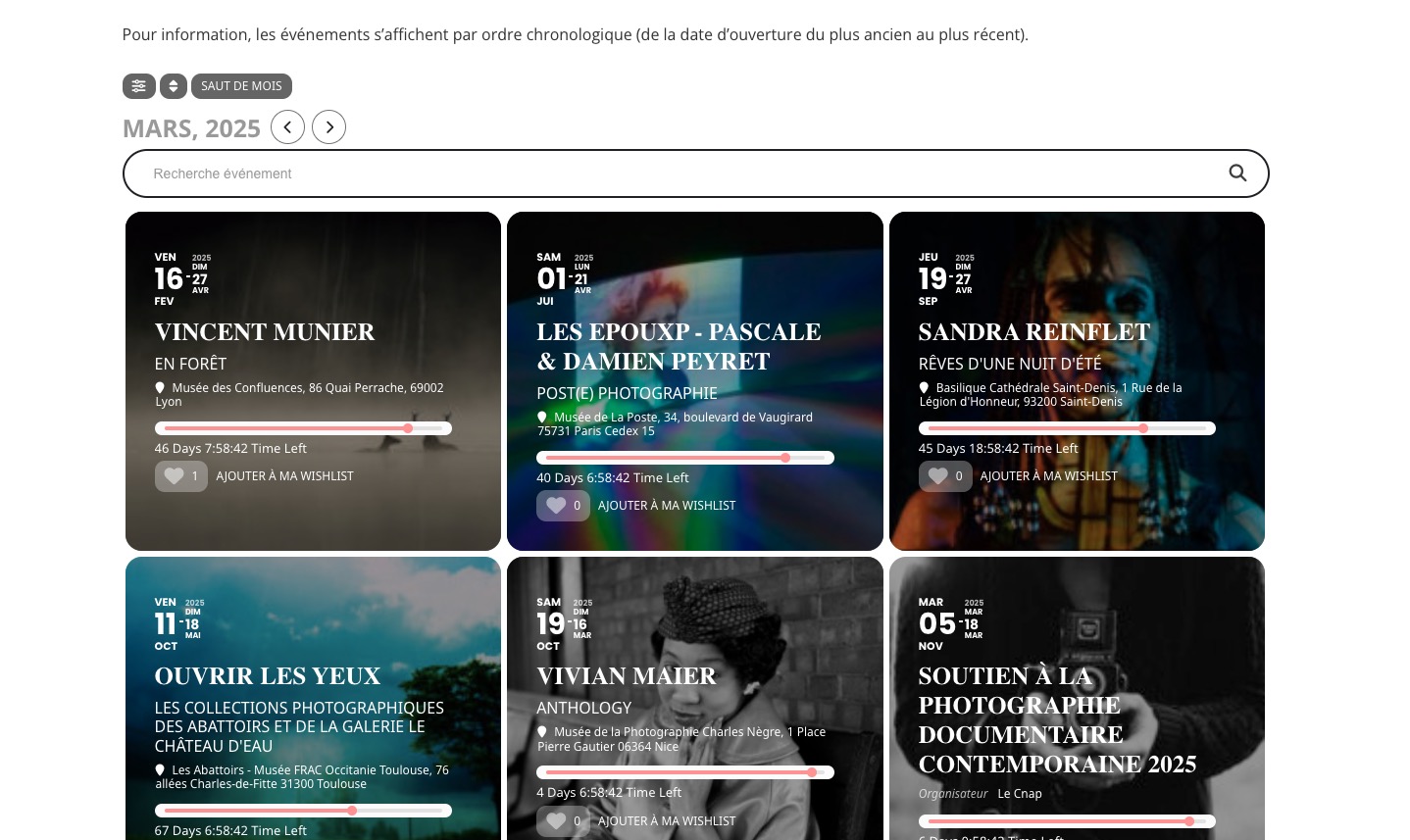
Event Card background is dark now:
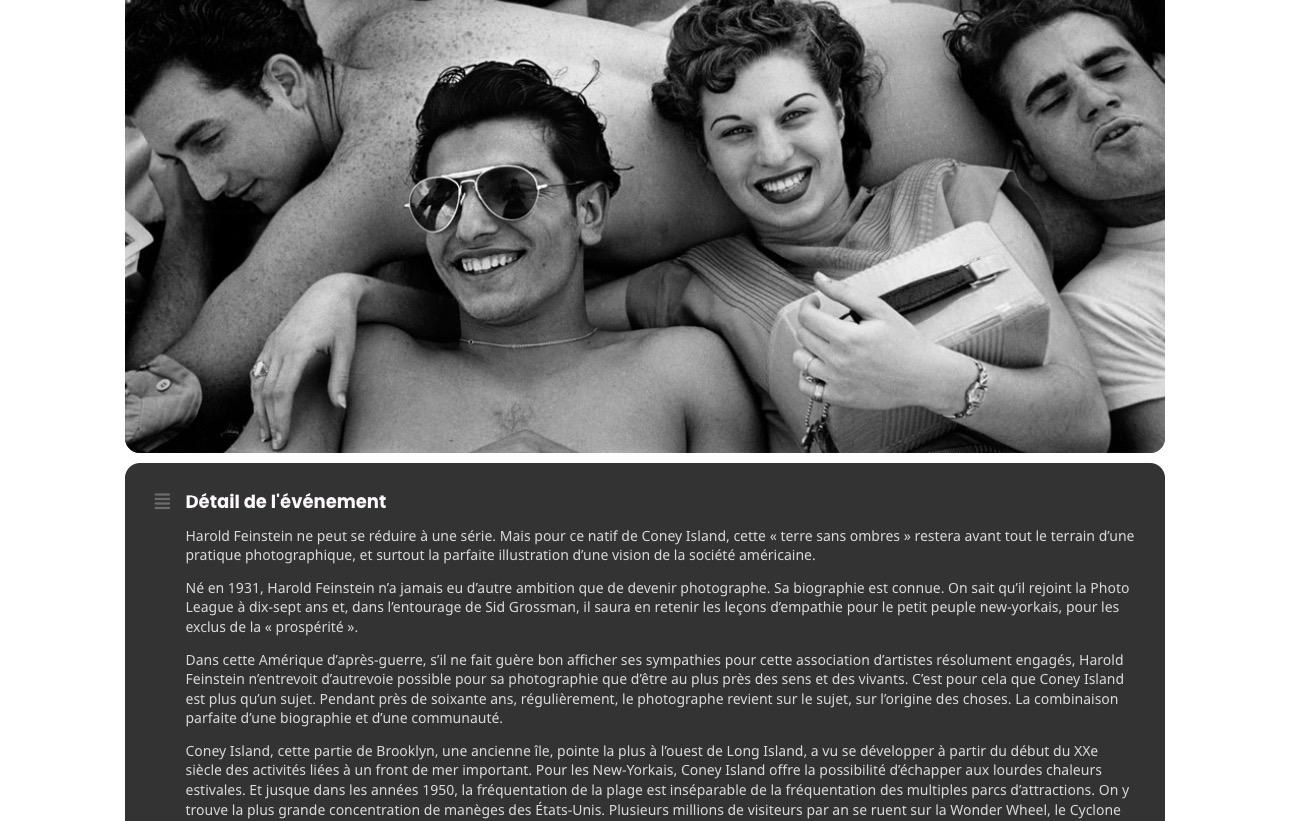
Could you check and let me know if it should be dark?
Hello,
Did you enable “Auto move events to trash when the event date is past”?
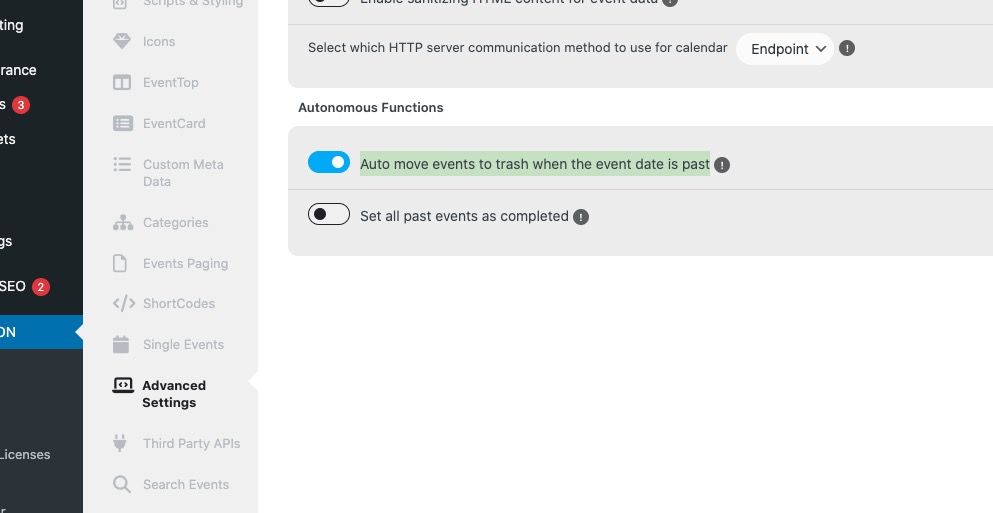 If possible, please send us wp-admin access to your site as a private message for us to further assist your situation. Maybe there is an issue with the cron job that is supposed to delete events.