We are very sorry for the delay.
Is the issue has been fixed or do you want me to apply the code? We are working on 4.9 version that should have this fix included.
Replies for tickets on suppota
We are very sorry for the delay.
Is the issue has been fixed or do you want me to apply the code? We are working on 4.9 version that should have this fix included.
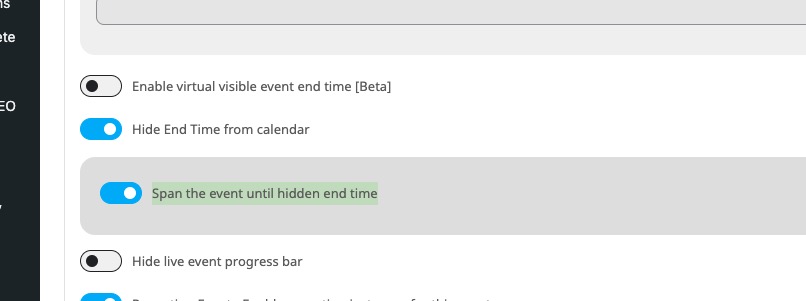
In addition to all of the issues I already mentioned, every time I edit an event I have to go back and fix the end time because it automatically adjusts the end time to 11:59 PM.
This is because of enabled “Hide End Time from calendar”. Could you try enabling this setting and then change the time?
Hello,
We are sorry for the delay. I contacted Ashan about your other ticket. Can we try fixing your issues first?
Ashan,
Current issue:
I’ve tried several different way to ensure the time zones were imported correctly- 1) using the file time zone 2) manually overriding the time zone to the Word Press Time Zone, and 3) Manually overriding the time zone to EST New York. Nothing is working.
I tried this on dev2:
https://dev2.myeventon.com/wp-admin/admin.php?page=eventon&tab=evoics_1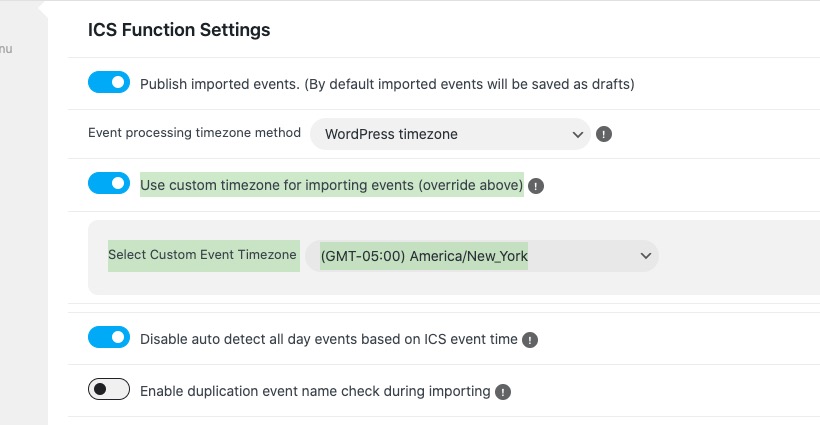
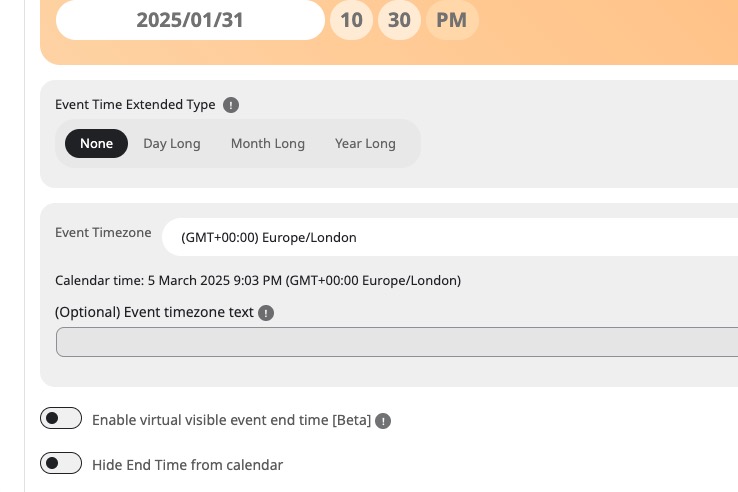
Imported:
https://dev2.myeventon.com/wp-admin/post.php?post=57097&action=edit
Could you change Fetch & Import Type to Fetch current, Import only current events?
It will import only current and future events this way.
Your file doesn’t have TZID to import the timezone correctly. Ours vs yours ics file: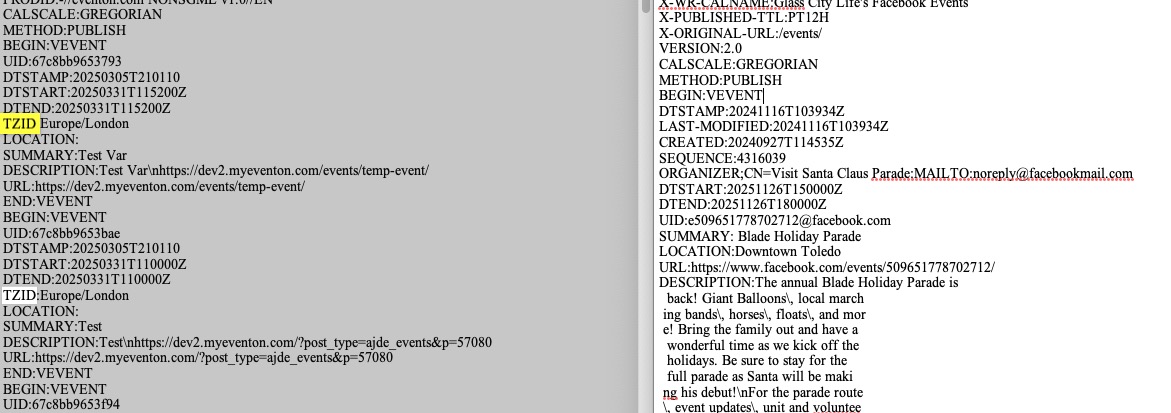
About the other options. Thank you for your messages, I am going to assign this ticket to Ashan and he will be able to take it from here and find you a solution. Please allow some time for him to get back to you, we greatly appreciate your patience and thank you for being a eventon customer!
Event Type is Navy on my side: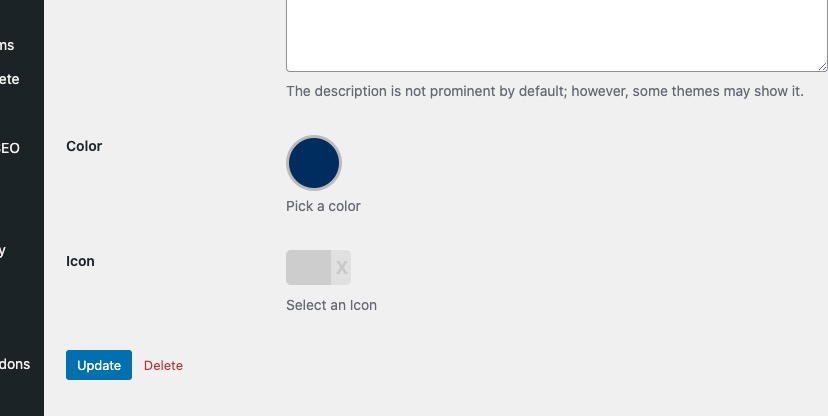
Where are you seeing the issue? Could you send us a screenshot?
Hello,
There is a new version of ICS Importer add-on available. Could you update, then make sure to add EventON > ICS Import > ICS File URL – ONLY If you are using ICS file from external source?
If the issue still continues, please let us know.
Also, if possible, can we access wp-admin? Your website isn’t loading for me.
Hello,
Licensing doesn’t affect much of EventON’s functionality. Even if the plugin isn’t activated, then most of functionality is still available.
If EventON cannot access the license server, then it’ll activate the license locally.
Please follow the instructions in this documentation to activate debug in your site to see any PHP errors recorded that can provide insight on to whats going on. Please reply with a link to debug.log file. If you are not able to do this please send us FTP access to your site so we can do this for you.
Hello,
Seems to be working now:
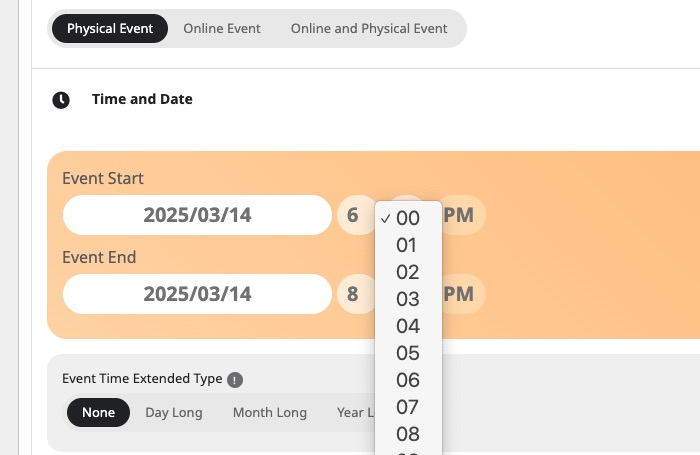
Could you check and let me know?
Hello,
After you updated EventON, you also need to update FullCal add-on as well.
Could you try and let us know? Also make sure to clear your server’s cache, as well browser’s.
To update eventon to latest version: If you are unable to do autoupdate, you can go to codecanyon your account > download and get the latest eventon version as zip file. Then you can go to your website > make sure “Delete eventon settings & data when EventON is uninstalled” is Deslected from eventon settings, delete old eventon, install new one and activate. This link will further explain the process it. Also you can follow us on twitter to get real-time announcements on updates!
To update eventon addons: You can download latest eventon addons from myeventon > my account. Then you can go to your website, deactivate old addon and install new one and activate then delete the old addon. This link will further explain the process. Also you can follow us on twitter to get real-time announcements on updates!