Thanks for letting me know, I indeed overlooked that setting, it’s working now 🙂
Archives: Replies
Replies for tickets on suppota
Reply to: tickets(380396)
Thanks a lot. Update to version 0.12 – including updating EventOn – solved it.
Reply to: tickets(377957)
Sorry about that, and you should be able to use the license on upto 5 websites now.
Reply to: tickets(380135)
The issue is back on my phone but seems to be working on my laptop.
Reply to: tickets(380002)
Thank you, please let us know
Reply to: tickets(380420)
I installed the current version. Still no change, the map doesn’t show the events.
Feedback from my webdeveloper:
“Error messages:
google.maps.InfoWindow is not a constructor
google.maps.OverlayView is not a constructor
Seems like the EventOn plugin doesn’t go together with the current JQuery Version.”
Reply to: tickets(380538)
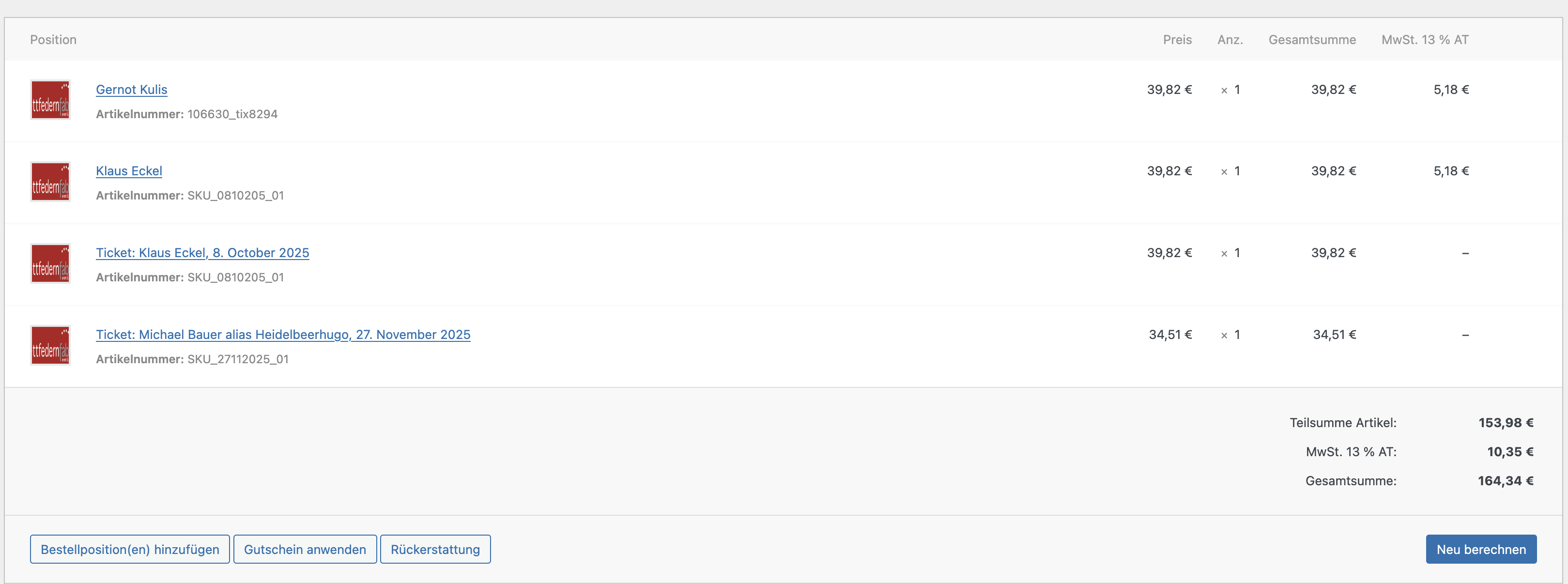
image to showcase.
Reply to: tickets(380350)
Yes. I will wait for your reply.
Reply to: tickets(380501)
Hello,
The easies solution is to use Event Lists: Ext add-on:
https://www.myeventon.com/addons/event-lists-extended/
As it has “Select Event List Type: Date Range”:
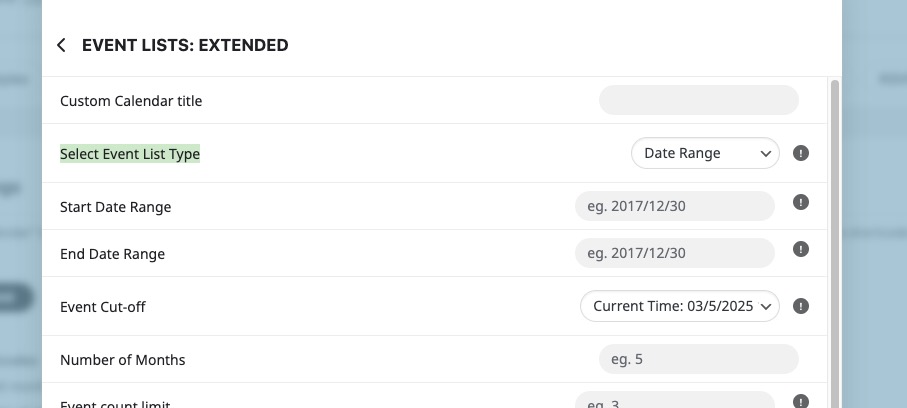
Try on
https://dev.myeventon.com/wp-admin/
With basic Event Lists, in order to get events, for example, only for 2023 you need to use month_incre=”-24″ or try even bigger number.
The issue is that as the time goes, then you will need to adjust it again and again.
For 2024 month_incre=”-12″ should work.
Also try adjusting number_of_months.
Reply to: tickets(380135)
Perfect! Please wait a little bit and then let us know if the issue will appear again.