Hello,
This custom style completely hides the waitlist section:
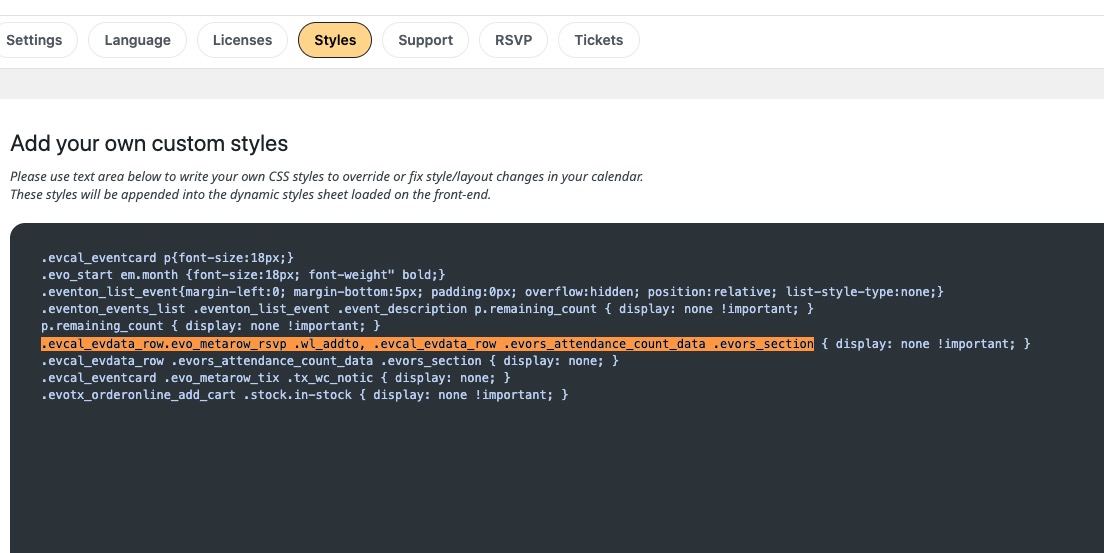
Could you try removing it?
Replies for tickets on suppota
Hello,
This custom style completely hides the waitlist section:
Could you try removing it?
Ashan,
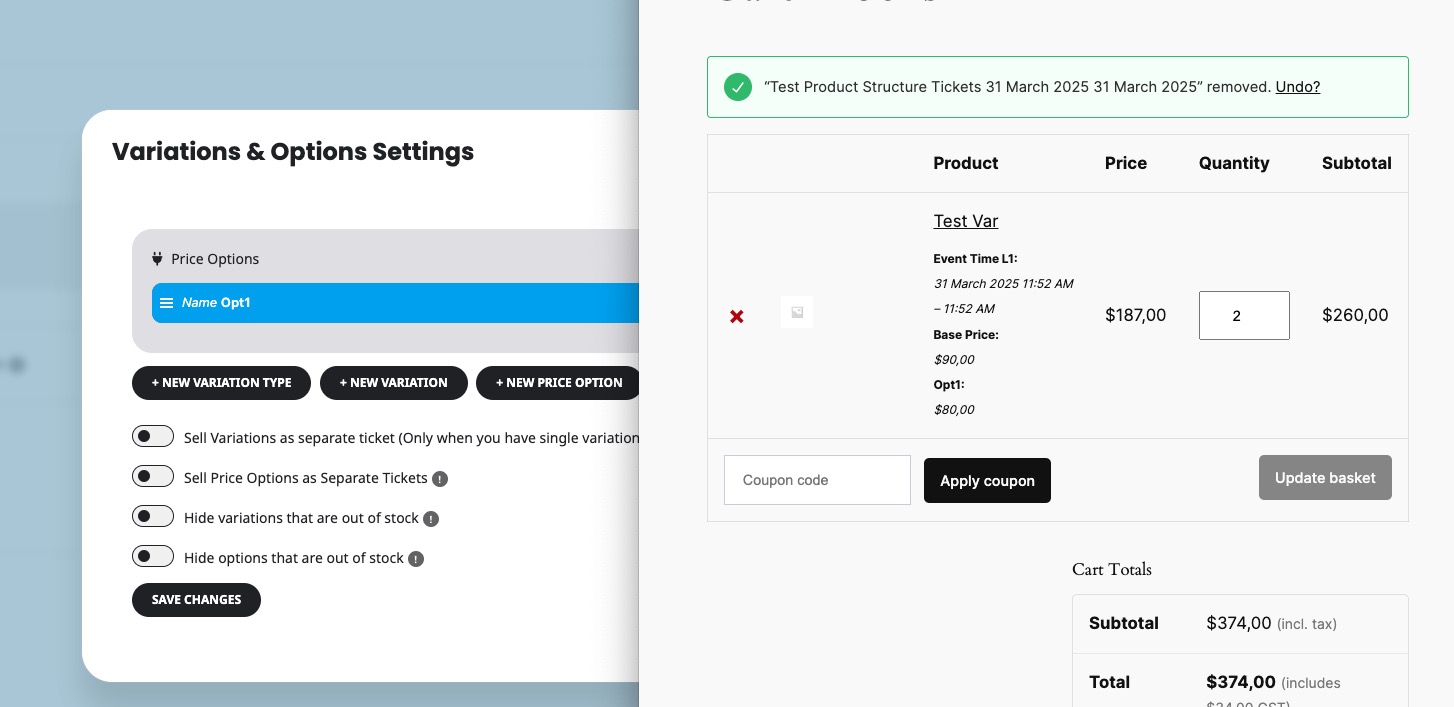
https://helpdeskx.s3.amazonaws.com/wp-content/uploads/2025/02/26053444/wrongSubtotal.png
The same issue on dev2:
https://dev2.myeventon.com/events/temp-event/
Hello,
Could you update EventON to 4.8.2, then check if the issue continues?
If it does, please follow the instructions in this documentation to activate debug in your site to see any PHP errors recorded that can provide insight on to whats going on. Please reply with a link to debug.log file. If you are not able to do this please send us FTP access to your site so we can do this for you.
Could you also take a look at these guide on how to customize email confirmation email:
https://docs.myeventon.com/documentations/customize-ticket-email-template/
https://docs.myeventon.com/documentations/how-to-additional-data-to-confirmation-email/
Thank you for your messages, I am going to assign this ticket to Ashan and he will be able to take it from here and find you a solution. Please allow some time for him to get back to you, we greatly appreciate your patience and thank you for being a eventon customer! Also please disable any IP blocking on your site if there are any.
Is it possible to get the bookers names on the invoice?
By default each attendee receives their own ticket. Please take a look at “Ticket Holder #”:
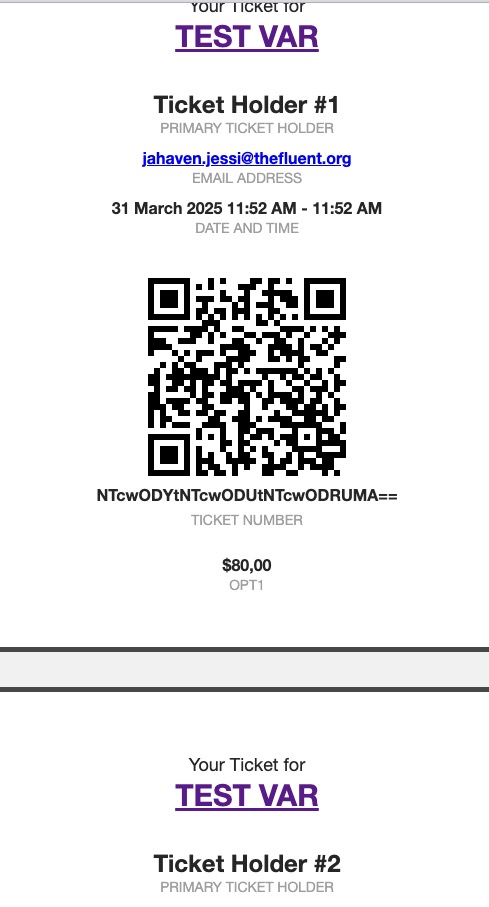
I would need the ticket price separately listed.
Could you elaborate?
Ok, just did that- And also,
The event type/category colors are also not changing. You can see that I changed the fitness category color to Navy, but it’s still showing up turquoise.
It seems that most customizations like that are not working for me.
Users must be logged-in to see submitted events they are assigned to in Action User Event Manager. There is no way of seeing event if you aren’t logged-in.
There is a new version of Event Map add-on is available. Please try updating and let me know.
To update eventon addons: You can download latest eventon addons from myeventon > my account. Then you can go to your website, deactivate old addon and install new one and activate then delete the old addon. This link will further explain the process. Also you can follow us on twitter to get real-time announcements on updates!
We are glad your issue is resolved, if you have any further questions or concerns please create a new ticket.
If you have a moment, we would greatly appreciate if you could kindly leave us a review at Codecanyon. By going to your account > Downloads. We are very grateful for your kind review!
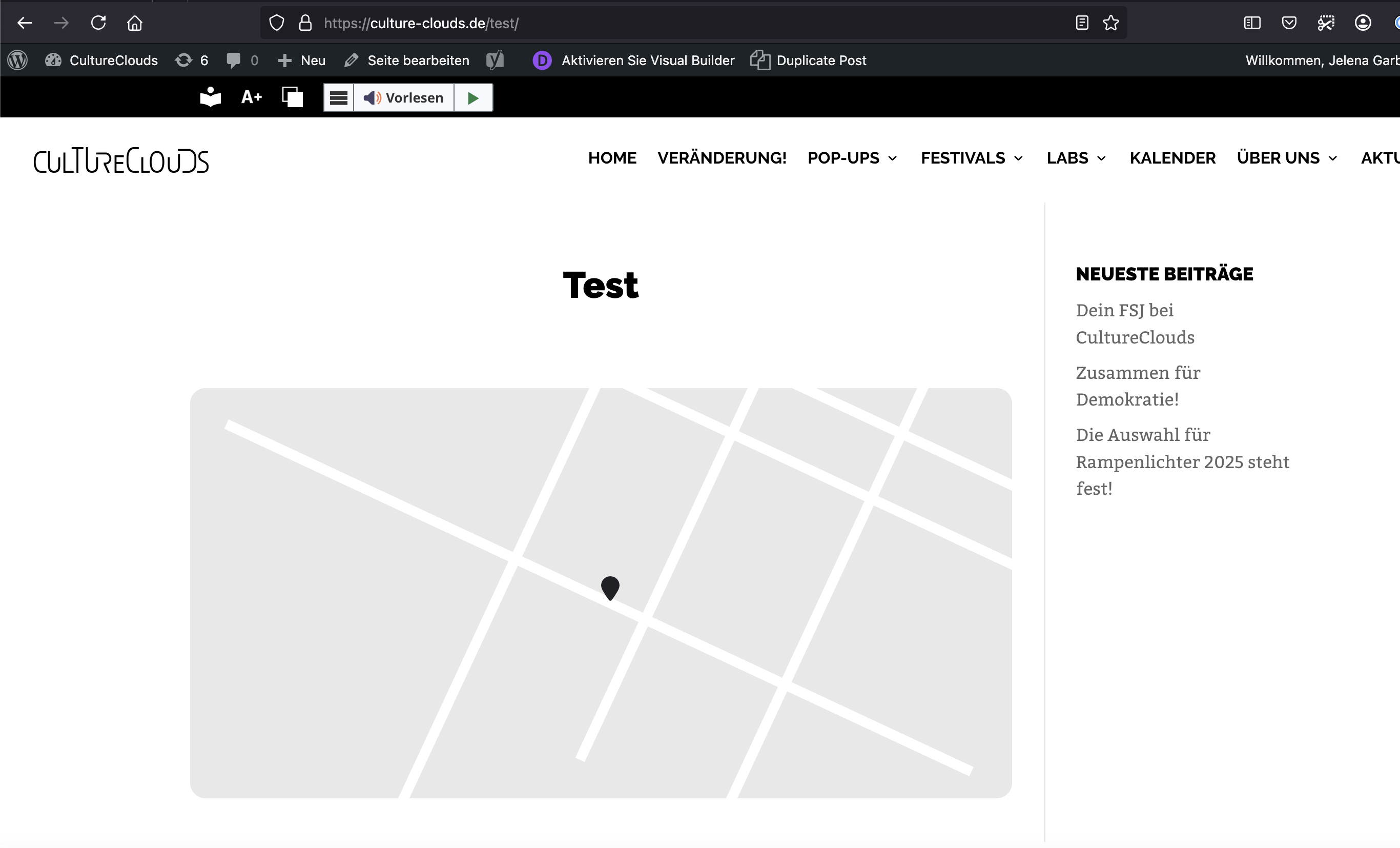
Hi, I have the same problem on your test page, please see screenshot.
Ich deleted the browser cache and checked in different browsers.