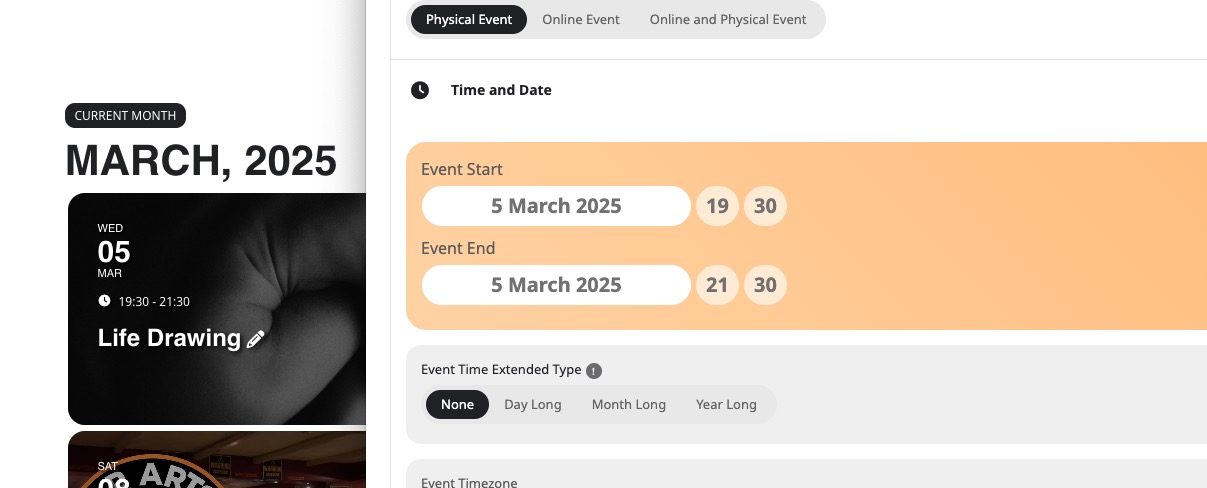
I’ve been messing around with settings and got one page to appear kind of ok, but its still messed up.
I changed template in the settings for the event for this page https://bluediamondtransfers.com.au/events/drake/ and its almost there.
Others are still wrong.
Since you are using WPML, there is no need to use EventON > Enable language corresponding events. Please follow this guide:
https://docs.myeventon.com/documentations/wpml-eventon-front-end/
Hello,
Please go to EventON > Scripts & Styling > try enabling Disable Jitsi script & Load eventON scripts and styles only on eventON pages.
As for Google Maps, please try going to EventON > Maps API > Disable Google Maps API: Google maps javascript file only (If the API js file is already loaded with another gmaps program).
This page:
https://phangan.events/login/?redirect_to=https://phangan.events/wp-admin/
I need login/pass to wp-admin and not FTP. Could you check?
Hello,
Which events are you referring to? For example, this one seems to be working correctly:
I need to access wp-admin, because no matter what I do with CSS code, I cannot fix the issue.
Hello,
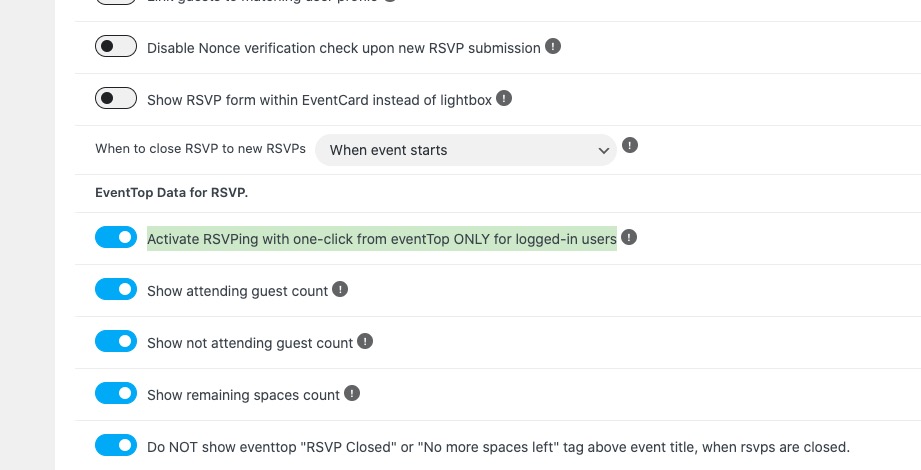
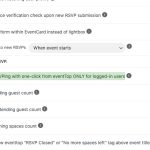
Please take a look at EventON > RSVP > enable Activate RSVPing with one-click from eventTop ONLY for logged-in users:
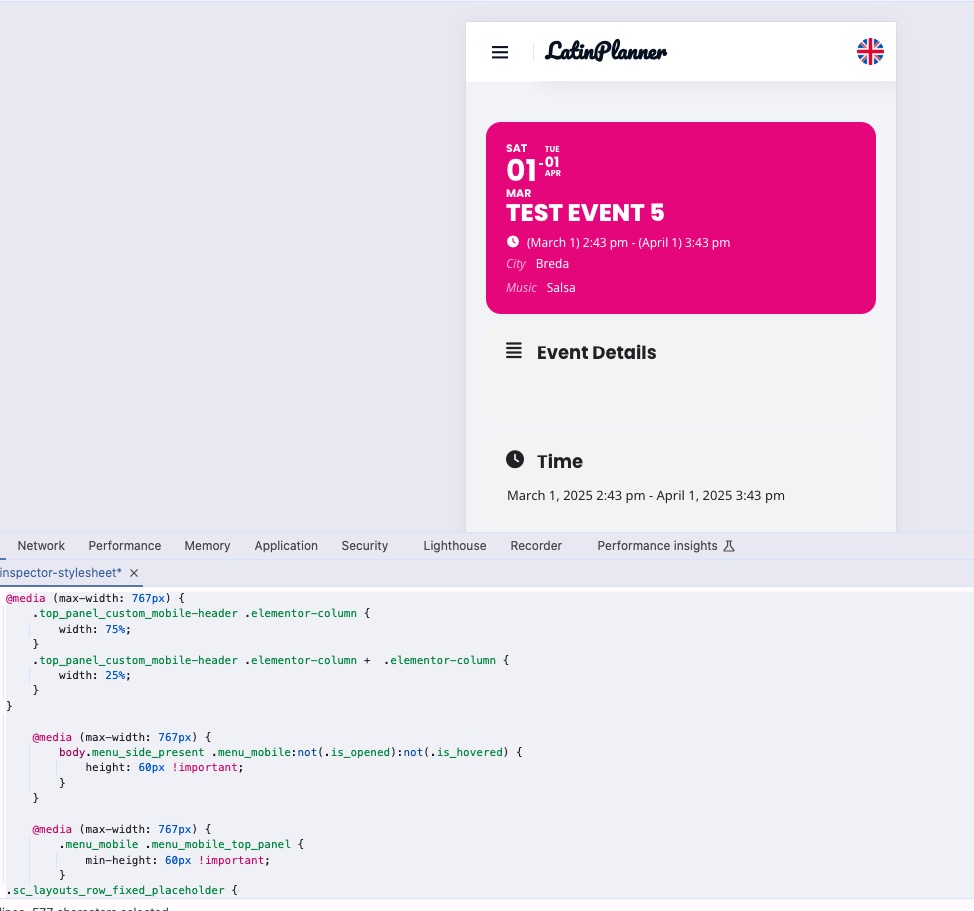
Please add this CSS code to EventON > Styles (If you don’t see any change, EventON > Scripts & Styling > turn off Write dynamic styles to header > save settings > turn on Write dynamic styles to header):
@media (max-width: 767px) { .top_panel_custom_mobile-header .elementor-column { width: 75%; } .top_panel_custom_mobile-header .elementor-column + .elementor-column { width: 25%; } } @media (max-width: 767px) { body.menu_side_present .menu_mobile:not(.is_opened):not(.is_hovered) { height: 60px !important; } } @media (max-width: 767px) { .menu_mobile .menu_mobile_top_panel { min-height: 60px !important; } .sc_layouts_row_fixed_placeholder { height: 60px !important; }}