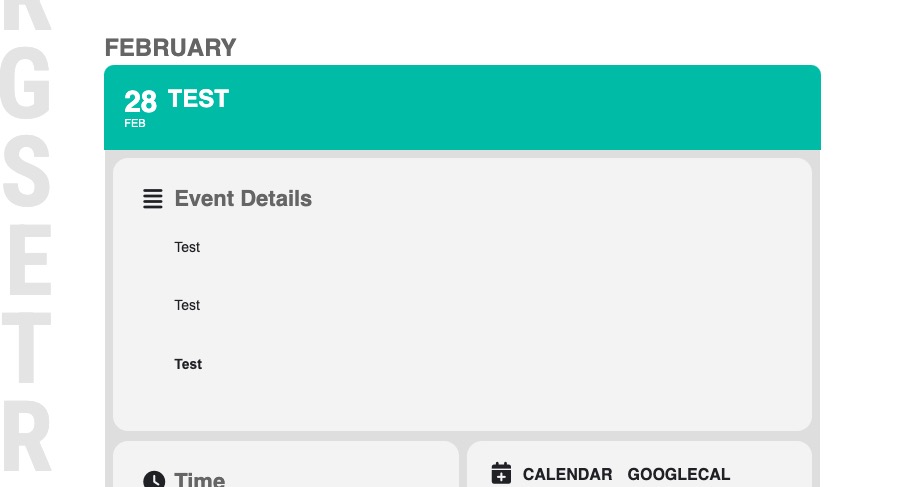
Thank you Dave. Is it anything I did wrong? I am trying to understand shortcodes. Have not done much with them. Where did you add it? Can you show me? Other than that, we are all done here. I have put in a new ticket regarding the fact past events are not deleted.
Thanks for your help.
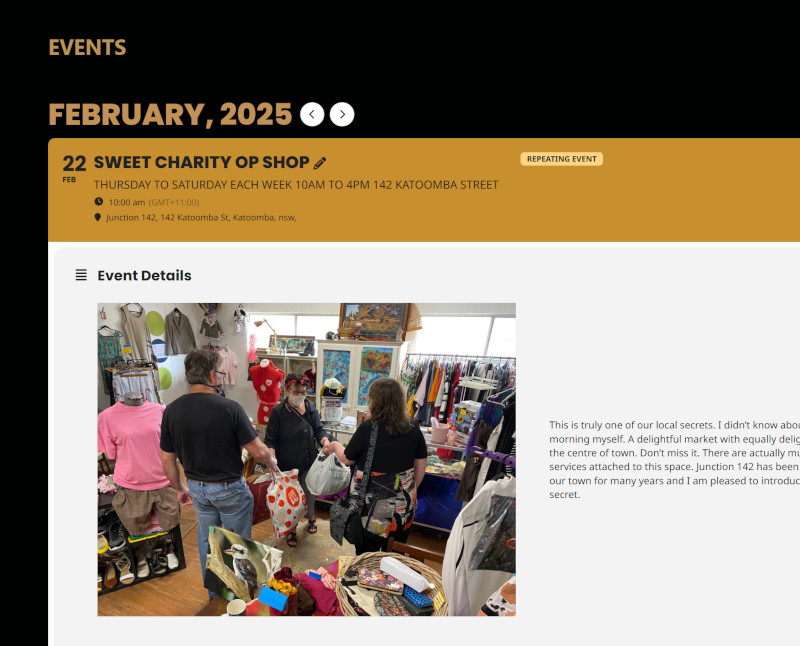
Yes, I can Artem but I have to change it for every block and every piece of text. I can handle that on the occasional page such as the HOME Page but it will become very difficult if I need to do it for every event entry. Is is not possible to change the background just for event entry data entry pages as you did for the event display page?
Thanks for your help with this.
Hello S Ross,
Please go to EventON > Time Settings > enable “Enable “View in my time” button on frontend events. So users can localize event time”.
S Ross,
If “Enable “View in my time” button on frontend events. So users can localize event time” is enabled, then “View in my time” should be visible both on EventTop and EventCard:
https://dev2.myeventon.com/events/temp-event-2/
Could you create a new ticket with included login info?
Hello,
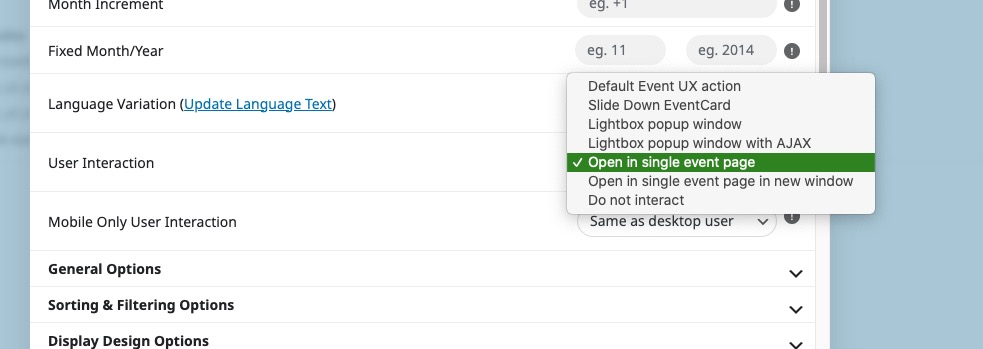
Please use “User Interaction > Open in single event page”:
Just add ux_val=”4″ to your shortcodes to open events as Single Event Page by default.
Seems to be working 
Could you check this event:
https://www.releaseinc.org/wp-admin/post.php?post=13597&action=edit
Just publish it to see it in the calendar.
We are glad your issue is resolved, if you have any further questions or concerns please create a new ticket.
If you have a moment, we would greatly appreciate if you could kindly leave us a review at Codecanyon. By going to your account > Downloads. We are very grateful for your kind review!
Hey guys
how are you doing
the problem is not solved. We got already troubles with customers.problem come after update. Please help
Worked perfectly! Thanks Artem for the prompt response. Have a great day!
ULR: releaseinc.org/pixelfire
USERNAME: EliWood
PASSWORD: 5Gak52Qi%Zzo)rZs((#A$hZM