Thanks
Archives: Replies
Replies for tickets on suppota
Reply to: tickets(379545)
Hello,
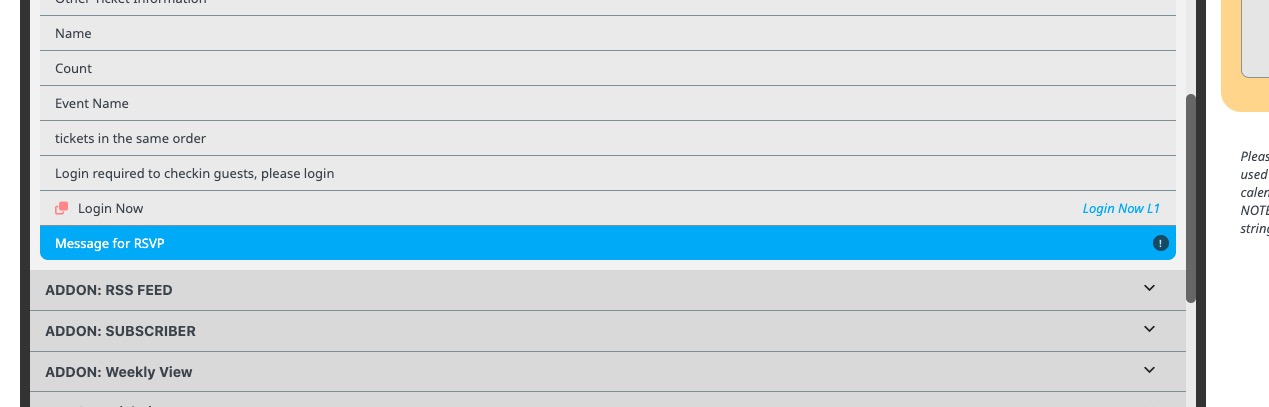
Please go to EventON > Language > ADDON: QR Codes > Message for RSVP:
Reply to: tickets(379459)
Hello,
Please add this CSS code to EventON > Styles (If you don’t see any change, EventON > Scripts & Styling > turn off Write dynamic styles to header > save settings > turn on Write dynamic styles to header):
.eventon_events_list .eventon_list_event .evcal_cblock em, .evo_pop_body .evcal_cblock em { color: red; font-size: 35px !important; }
Reply to: tickets(379548)
Hello,
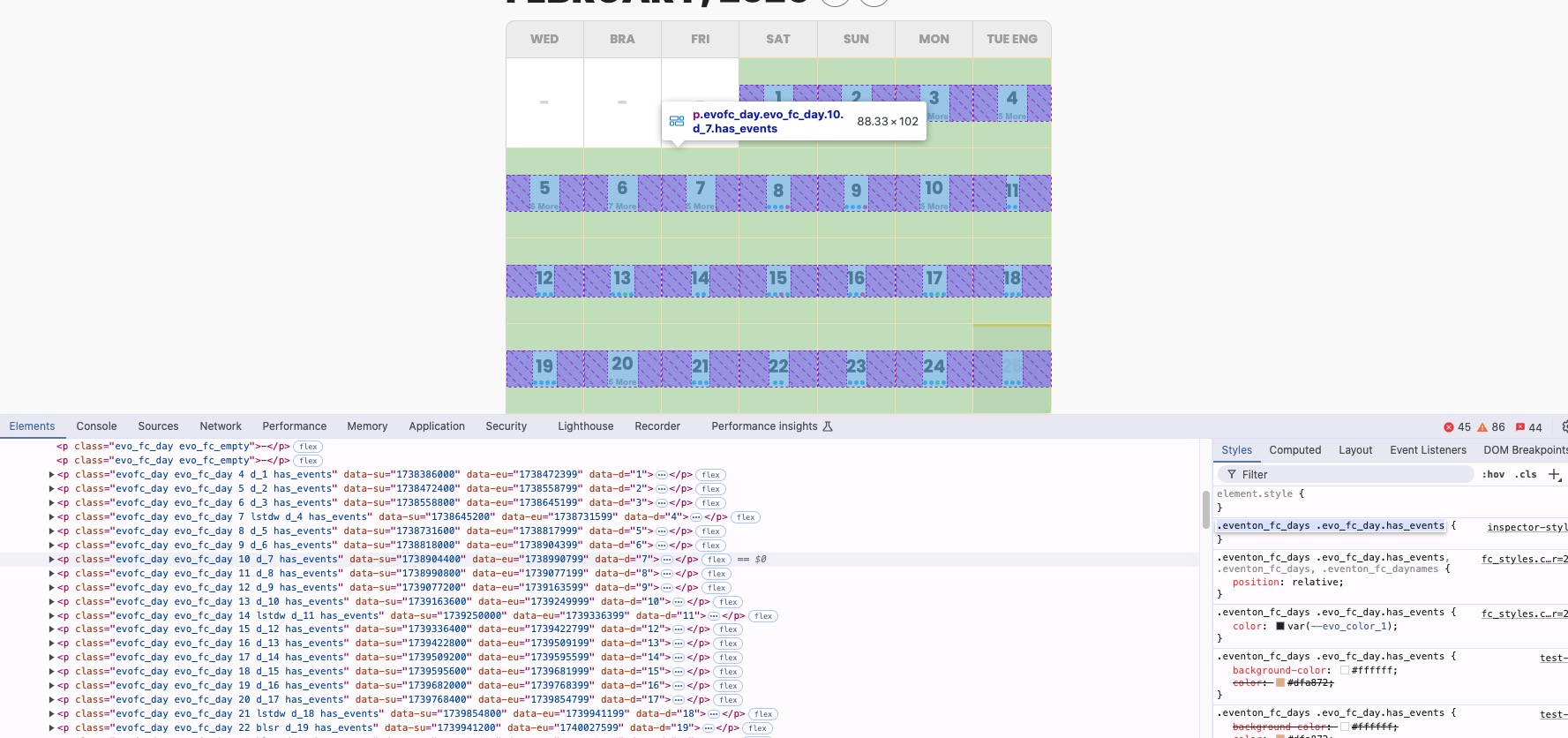
Please try using this code:
.eventon_fc_days .evo_fc_day.has_events {}
Add “. d_” class to the code above to style a certain day:
Reply to: tickets(378574)
The new update of Reminders add-on is available. Please update and let us know.
To update eventon addons: You can download latest eventon addons from myeventon > my account. Then you can go to your website, deactivate old addon and install new one and activate then delete the old addon. This link will further explain the process. Also you can follow us on twitter to get real-time announcements on updates!
Reply to: tickets(379424)
I don’t think that it will break. However, please let us know.
We are glad your issue is resolved, if you have any further questions or concerns please create a new ticket.
Reply to: tickets(379552)
Please also go to EventON > EventTop > add Tags field to show “Canceled” label for people to know.
Reply to: tickets(379552)
Hello,
Canceled events aren’t hidden by default. Please add hide_cancels=”yes” to the shortcode to stop showing them.
Reply to: tickets(379424)
Thanks it worked!
But won’t it break on future updates?
Reply to: tickets(378574)
Any update on this? I still can’t seem to enable event reminders on my calendar. Thank you!