ok, thx!
Archives: Replies
Replies for tickets on suppota
Reply to: tickets(379459)
Great thank you. How would I change the font size and colour for it?
Reply to: tickets(201964)
Thanks, solved that one, but I’m sure I saw a ‘view my time’ button on the event strip (rather that just in the pop up). Is there a way of turning that on please? I seem to have lost where that is.
Ideally, I need the client to see the event time in their timezone without clicking on any button. Is that possible yet?
Reply to: tickets(201840)
Hi, how can we turn ON the button for view in my time please?
Reply to: tickets(379503)
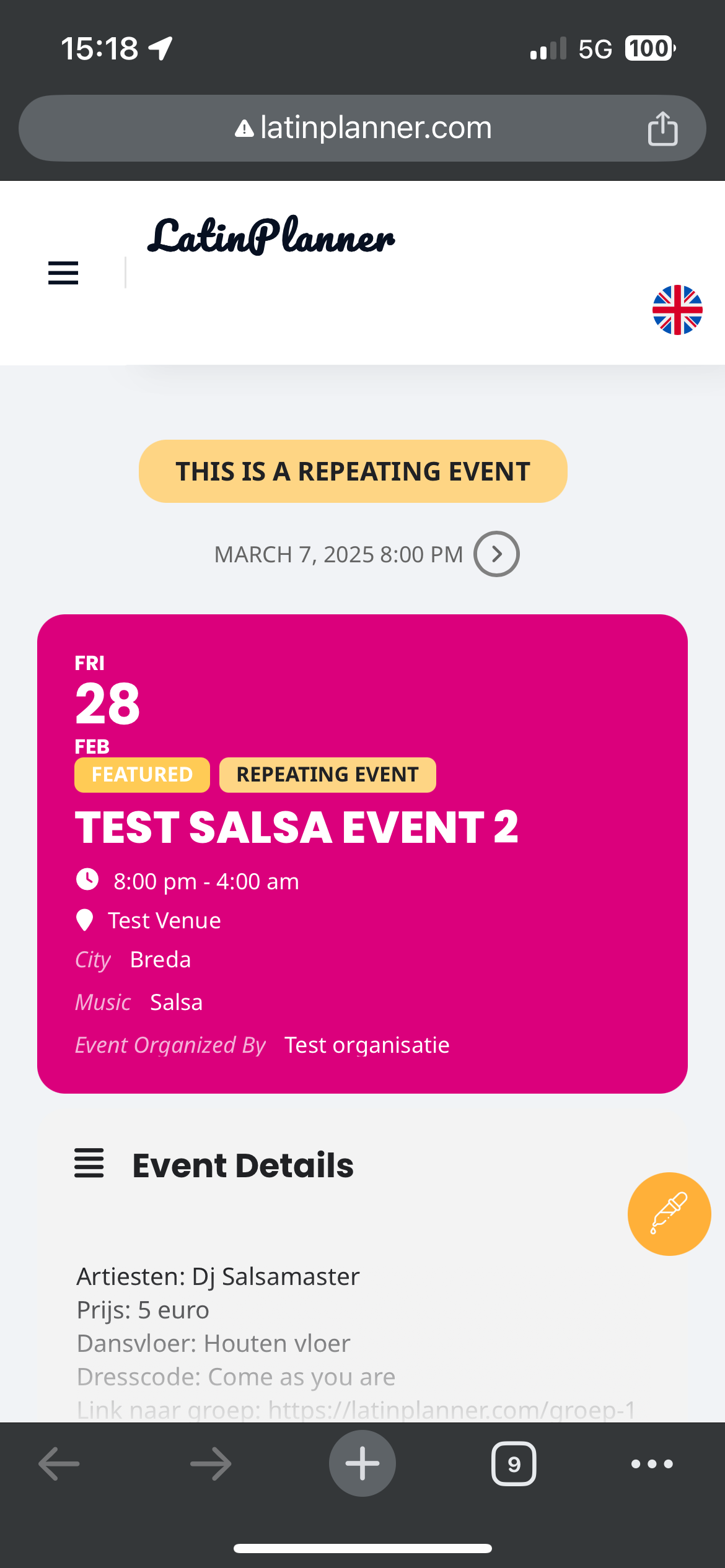
Hello Artem,
thanks for reaching out. It has to do with the mobile view of the header. I’ve included a screenshot.
All other pages are correct, it’s only on the single event page that it does not align well.
Kind regards,
Jamel
Reply to: tickets(379298)
The used shot code is for English:
[add_eventon tiles=”yes” tile_bg=”1″ tile_style=”1″ event_past_future=”future” lang=”L1″ ]
For German:
[add_eventon tiles=”yes” tile_bg=”1″ tile_style=”1″ event_past_future=”future” lang=”L2″ ]
Reply to: tickets(379298)
Thank you, I deactivated the plugin search-regex. And I have access to the Backend now.
But there is still a significant error.
I created a calendar page for events in English using the short code:
I created a corresponding page: https://golden-age-europe.org/de/veranstaltungsueberblick/ using the corresponding short code:
L2 is for German.
But on this page no events are shown for February. On the corresponding page, https://golden-age-europe.org/eventsoverview/ is shown for February 2 events. These events are maintained in German
language in the backend.
The links for these events are:
https://golden-age-europe.org/blog/event/personliche-ananda-liebe-oneness-ubertragung-dienstags-um-20-00-cest/
https://golden-age-europe.org/blog/event/kollektiven-ananda-state-transfer-event/
When you check https://golden-age-europe.org/de/veranstaltungsueberblick/ there is no event shown.
Thank you for checking what is going wrong. This happened in the past very often that events are not displayed.
Reply to: tickets(379499)
Woo works, I got orders, but Eventon doesn’t sent tickets to some customers (4 from 19 today, 15 sent)
Reply to: tickets(379421)
Thanks for your answer but obviously I can not deactivate de Mega Main Menu plugin because this is a really important part of the website.
On Feb 2 you sent me the answer that I copy below because the same problem with the arrows happend in an other view of Event On:
Hello,
There a lot of styles from the theme and other third-party plugins that affect FontAwesome icons. Please add this CSS code to EventON > Styles (If you don’t see any change, EventON > Scripts & Styling > turn off Write dynamic styles to header > save settings > turn on Write dynamic styles to header):
.ajde_evcal_calendar .calendar_header .evo_arrow i, .ajde_evcal_calendar .calendar_header .evcal_arrows i, .evo_footer_nav .evcal_arrows i { font-family: var(–fa-style-family, “evo_FontAwesome”) !important; font-weight: var(–fa-style, 900) !important; }
Can you send me a css or similar to fix this new arrow problema?
I wait for your answer.
Best regards,
Jimena
Reply to: tickets(379533)
After some testing I think I see what the issue is. If I change the event timezone to London and then connect from my location (Perth) the ‘View in my time” is correct. If I change the timezone to my timezone and then use VPN to connect to London, the calendar timezone is still showing my timezone. It does not change with the VPN location. I have changed the timezone on my PC to Sydney and the calendar timezone is still showing my timezone (Perth). How is your plugin determining the calendar timezone locaction? How can we test timezone changes if the timezone can’t be changed ie it defaults to my location?