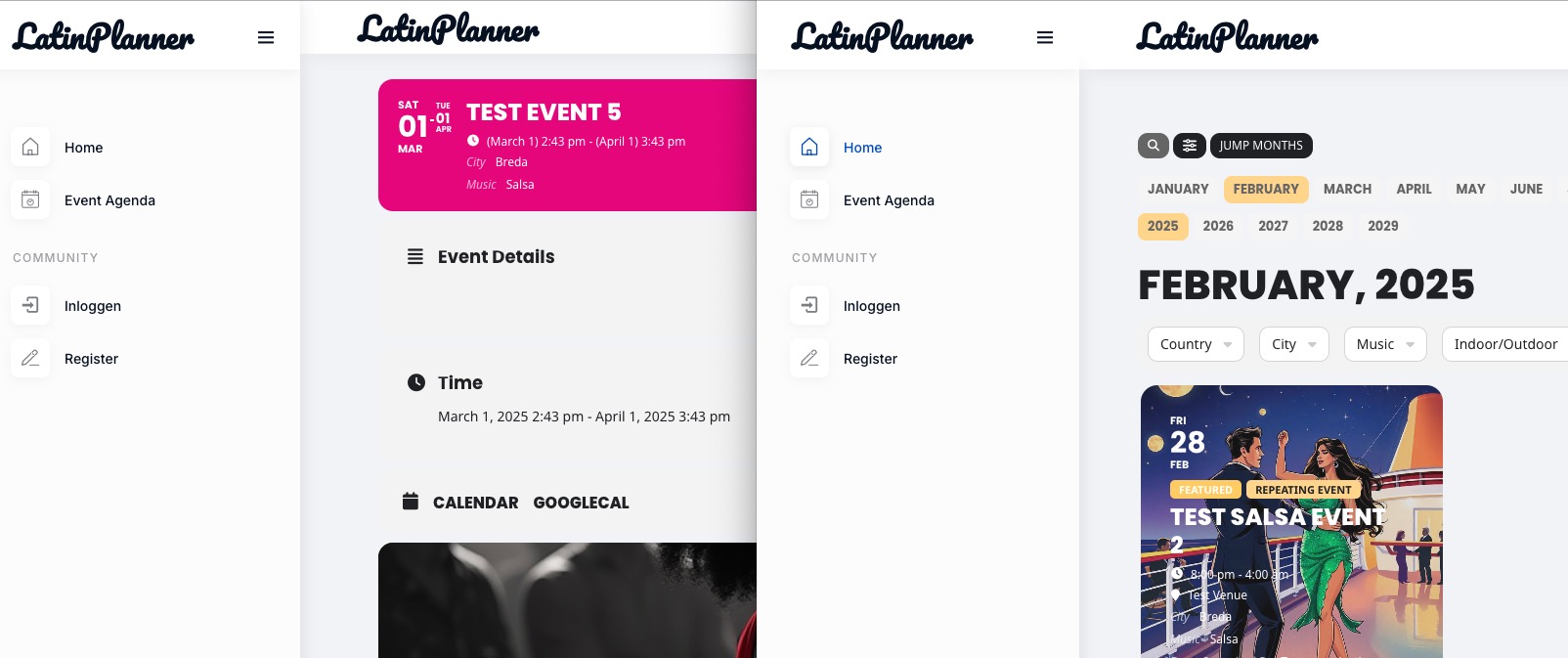
https://phangan.events/wp-admin/post.php?post=55826&action=edit
this one not in the list of attendees too
Replies for tickets on suppota
https://phangan.events/wp-admin/post.php?post=55826&action=edit
this one not in the list of attendees too
I added cal_init_nonajax=”yes” to the shortcode and it’s showing events for February, but when you switch it still doesn’t work. So it seems that since Main Calendar and Event Lists load events differently it explains https://helpdeskx.s3.amazonaws.com/wp-content/uploads/2025/02/24091154/eventon-bug-1.png
However, I also added a second page for FR language and it shows all events correctly:
https://domainedespaysdenhaut.com/test-for-evento/
I believe that the issue is that your events have translations for each language (with Polylang):

When your third-party plugin tries to load events, it simply cannot since EventON and Polylang aren’t compatible.
Please check at this WPML guide:
https://docs.myeventon.com/documentations/wpml-eventon-front-end/
You see how you need to identify languages in order to make WPML + EventON work together:
wpml_l1=”fr” wpml_l2=”es”
server
fs-florina.easywp.com
login
phanganevents-74c328
pass
2QLzaQAA6Kk0scMK8upn
port 22
I’ve given up. No matter what I do, I cannot seem to get the single event page to integrate into my existing WordPress theme.
I’ve tried following the documentation, but none of it matches my theme files, and it really doesnt seem like plain English.
I have one page working with shortcode : https://bluediamondtransfers.com.au/event-calendar/
Single events show poorly and dont apply the headers and footers of my theme and I’m at a loss how to do it.
Organisation and location pages are the same
Eg: https://bluediamondtransfers.com.au/event/kylie-minogue-tension-tour/
Pretty disappointed; the plugin looked so promising but its definately too complicated to make it work 🙁
If anyone can help, feel free to reach out.
I have Filezilla FTP and Notepad++, have tried moving template files from folder to folder and I just can’t seem to work it out.
Here’s the error, I believe:
[24-Feb-2025 20:45:04 UTC] PHP Parse error: syntax error, unexpected token “::”, expecting “(” in /kunden/529891_69488/webseiten/golden-age-europe.org/wordpress/wp-content/plugins/search-regex/models/search.php on line 322
Could you try disabling search-regex plugin and check again?
Hello,
Please try following this guide:
https://docs.myeventon.com/documentations/customize-eventtop-date-format/
Could you please try the instructions mentioned in this documentation? I believe that one of your third-party plugins or the theme causes the issue.
Hello S Ross,
Please make sure that EventON > Time Settings > Default Event Timezone is correct and the same timezone is set on Edit Event.
Also try changing your current PC/Mac timezone:
https://support.apple.com/guide/mac-help/change-date-time-settings-mchlp1124/mac
Hello,
I am sorry, the access information you have provided did not work for us. Please check them and post the correct login information as a private message, thank you!
Could you make sure that your Cart and Checkout aren’t made out of Gutenberg blocks, but both use default WooCommerce shortcodes:
https://woocommerce.com/document/woocommerce-shortcodes/
Hello,
EventON uses it’s own Single Event Page template. Please follow this guide on how to customize it:
https://docs.myeventon.com/documentations/customize-single-events-page/
Please also note that both headers look similar on my side: