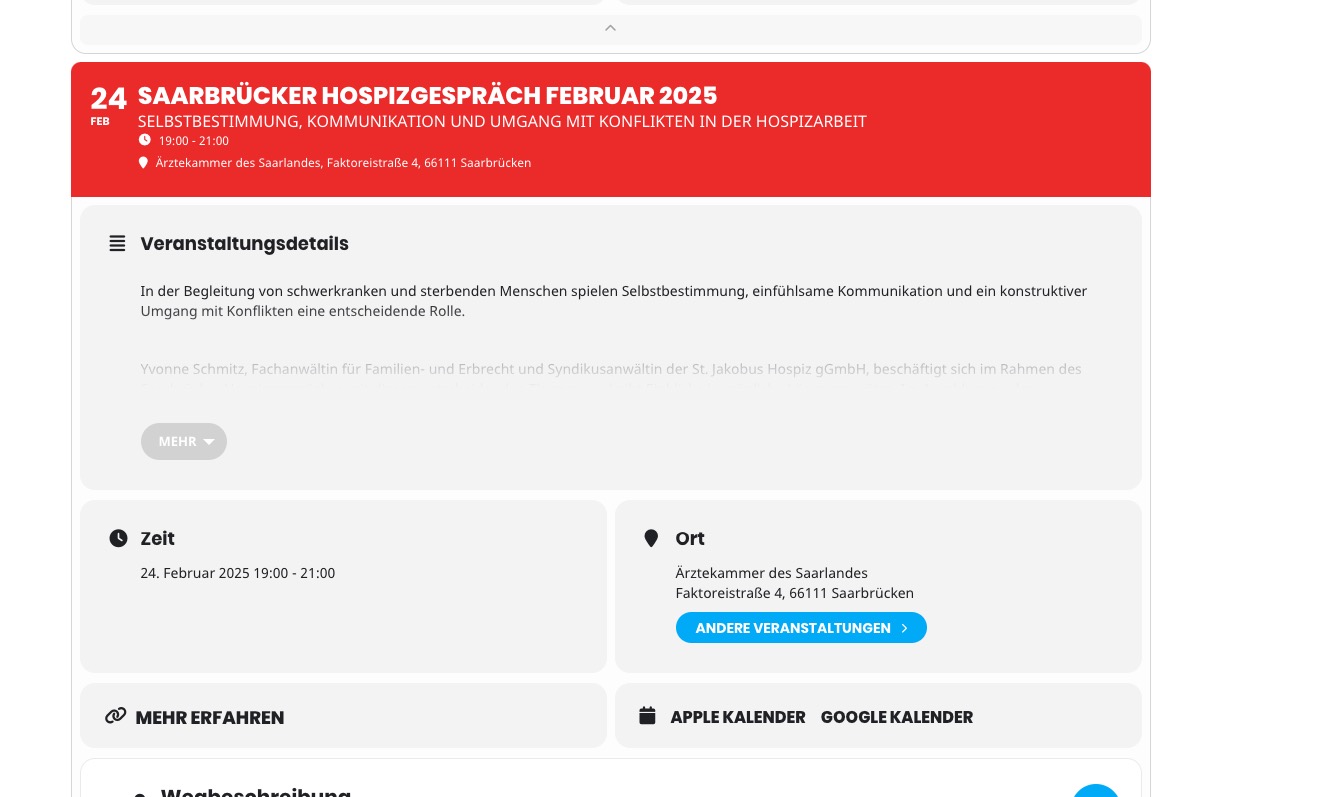
The date/title/subtitle is now showing both on the events page and the event details page (single event).
How can I get the title (24 to 22px) & subtitle (16 to 14px) font smaller on the events page (or both)?
Also, the padding/margin is too wide (.evo_pop_body .evoet_cx {
margin-right: 2px; + the title and subtitle padding is a little too large)
https://heartgiftdev.wpenginepowered.com/event-directory/
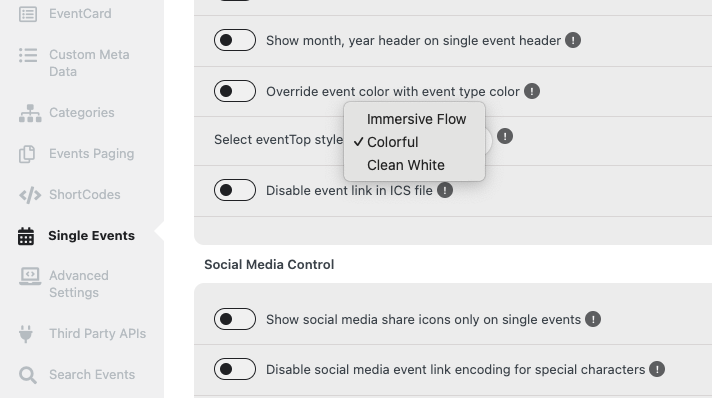
FYI – there was not an option for ‘show Title and Subtitle’, see screenshot.
Thank you!
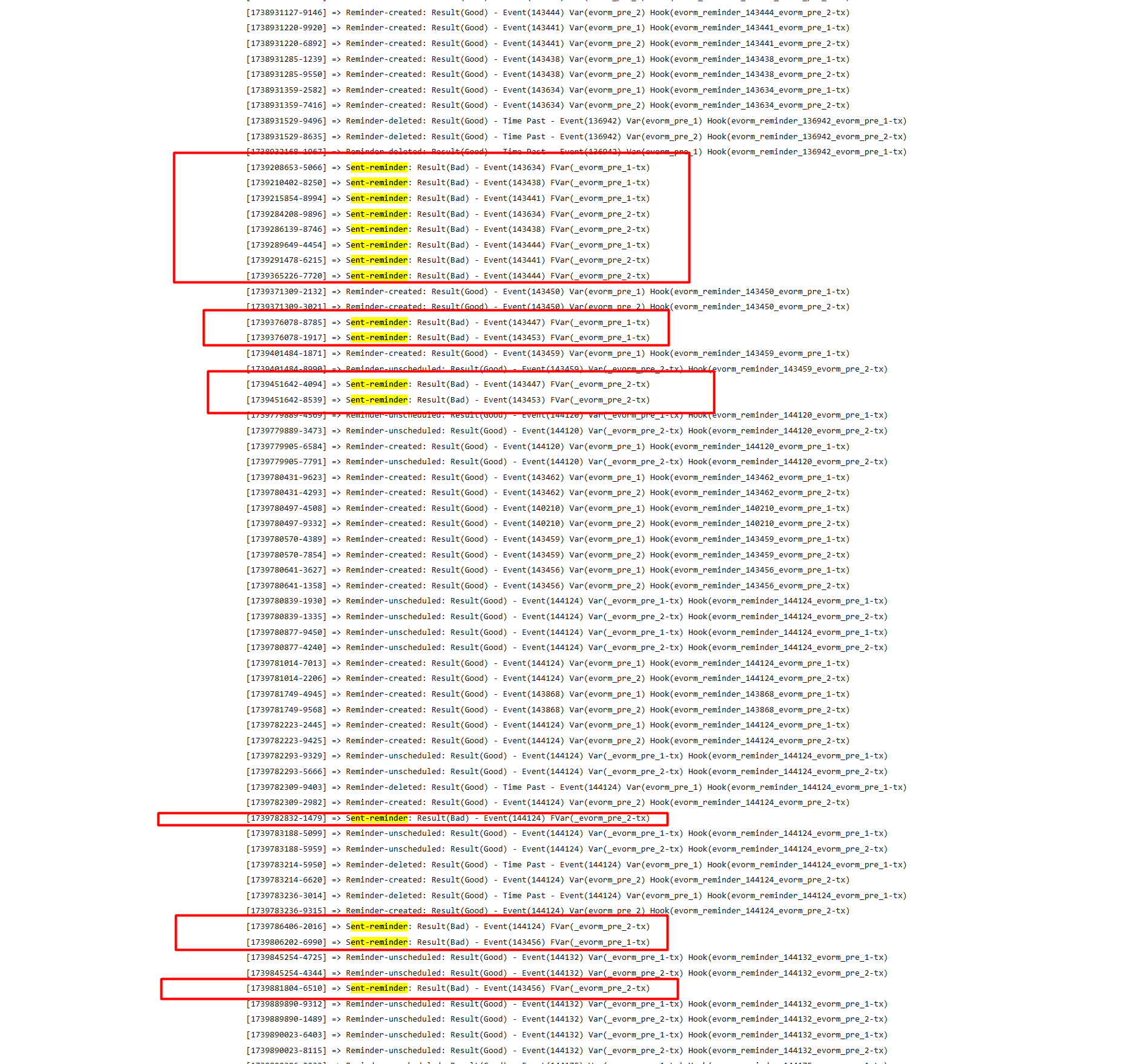
Hi, we installed the latest reminders plugin but the reminders are not being sent. Please see attached screenshot from the logs.
Hello,
Could you send us a screenshot?
Location colors look fine on my side:
Hello,
Please take a look at your custom snippet:
https://eventos.flad.pt/wp-admin/admin.php?page=wpcode-snippet-manager&snippet_id=596
Could you try disabling it?
Also please let us know more about “…more like your examples…”. Which example are you referring to?
Hello,
You can customize Single Event Page and add a link to the calendar page:
https://docs.myeventon.com/documentations/customize-single-events-page/
You can also add the link directly to EventCard:
https://docs.myeventon.com/documentations/show-additional-custom-data-eventcard/
Or use Custom Meta fields and add the link manually:
https://docs.myeventon.com/documentations/setup-use-custom-meta-fields-events/
Thanks Artern but I have three concerns.
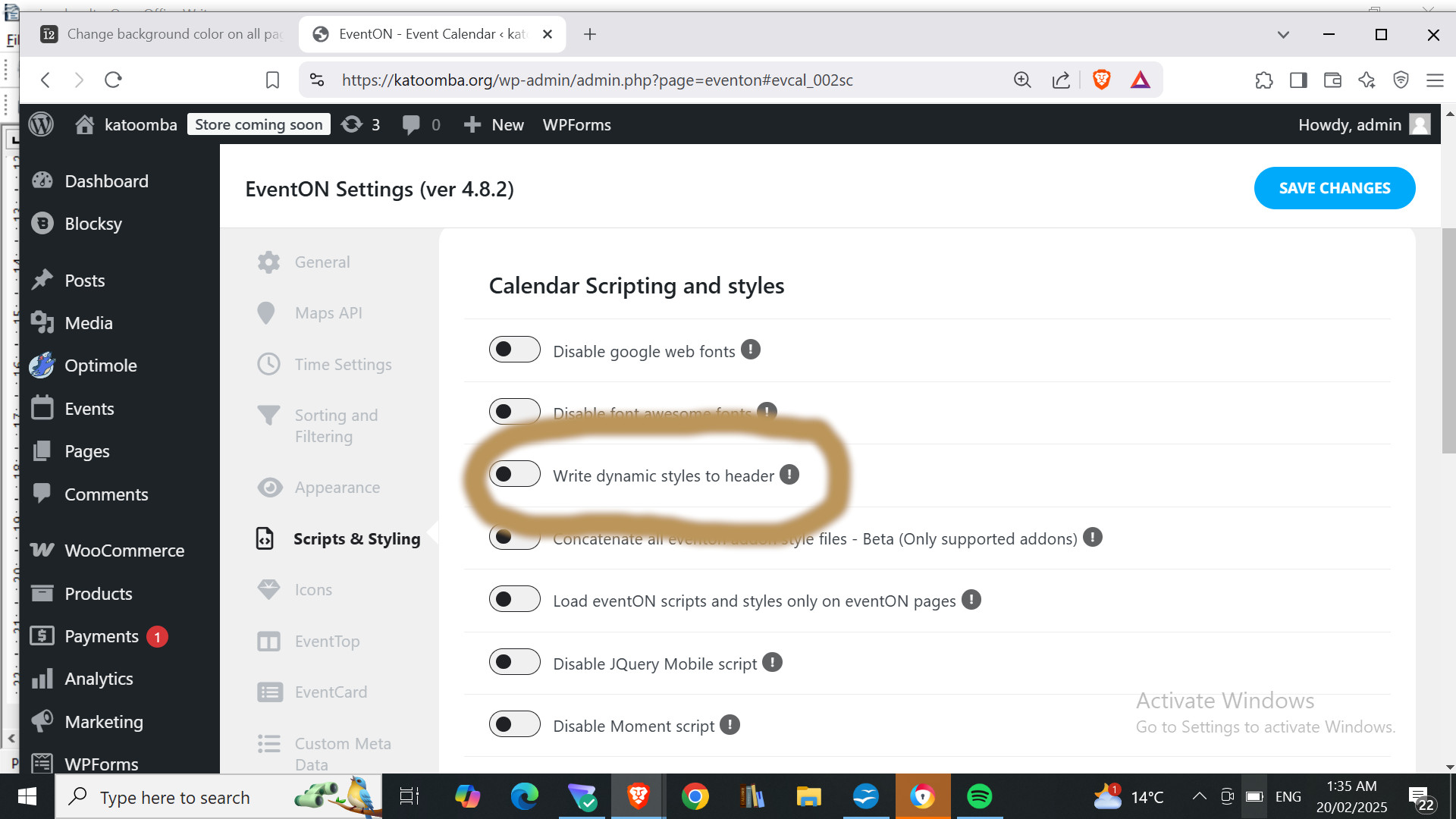
1. EventON > Scripts & Styling > turn off Write dynamic styles to header > save settings > turn on Write dynamic styles to header):
See image: Write dynamic styles to header appear to be already off.
2. I can turn it on again but where do I place this code. It is not clear where to put it.
body { background-color: white; } Is that related to Import / Export button below?
3. I only want to change the background for my Eventon Calendar pages. Won’t making the change you suggest under APPEARANCE / CUSTOMISE change the background for the whole site?
Hi Artem,
Thank you for looking into this. You can simply log in and check it yourself to see the issue in action.
Regarding the issue, it doesn’t seem to affect the frontend display, but the decimal separator problem does cause incorrect pricing for logged-in users.
Also, the test user I created for this ticket is still active, so you can use it to investigate the issue.
Looking forward to your update!
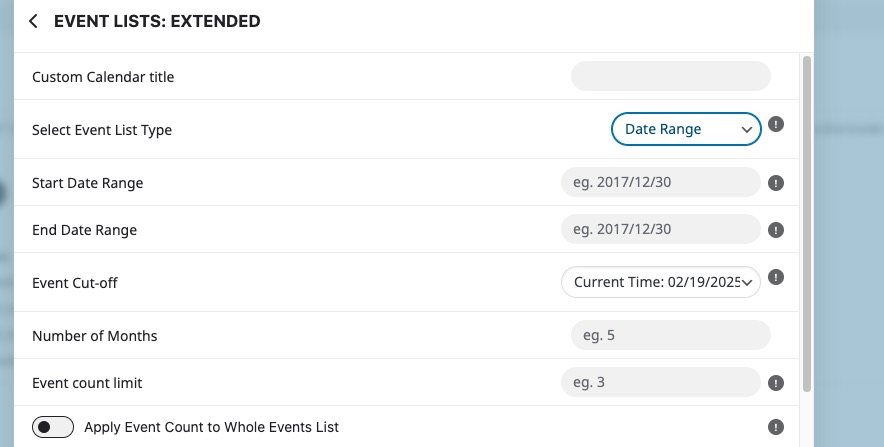
You can use “Select Event List Type: Date Range”:
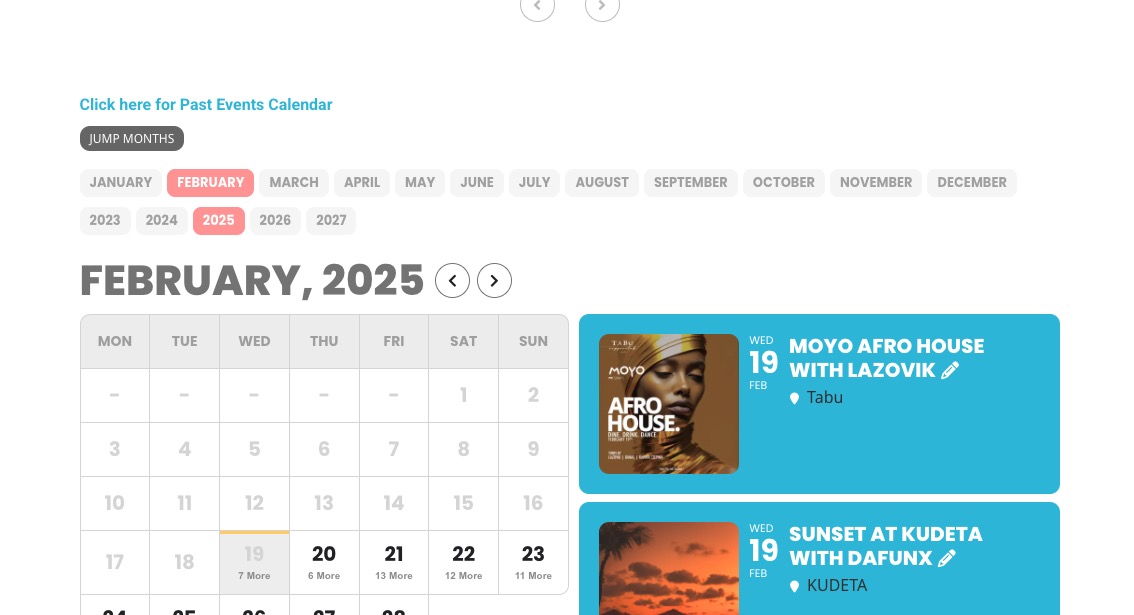
Jumper is visible now:
Please check and let me know.
Just to make all changes as simple as possible, please add any custom code to wp-admin > Appearance > Customize > Additional CSS.
The ticket in your original message is talking about Single Event Pages, but you are trying to change the background on
https://katoomba.org/?page_id=1317