Ok that is reassuring to know.
I cleaned the cache on all personal and office devices for the entire team, all used various private and non private browsers of 2 different makes (safari, chrome).
I cleared all WordPress, host/server and site specific caches too
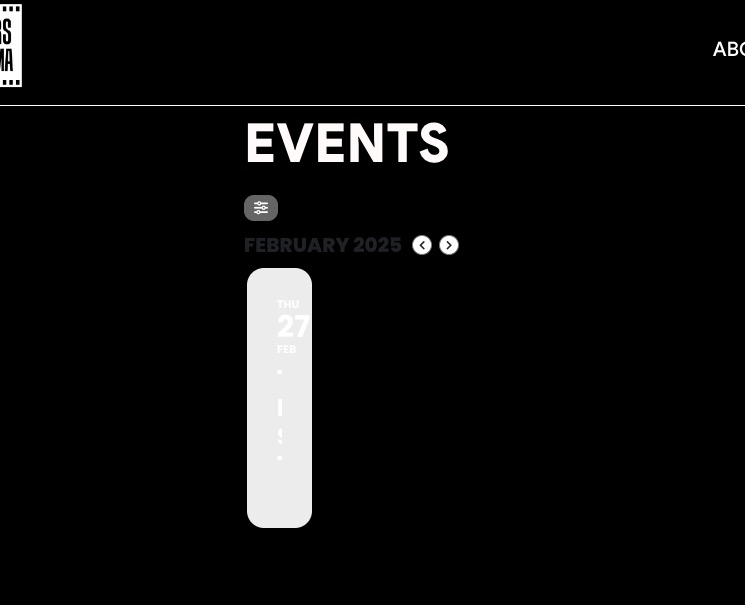
and STILL we have to reload the page on every single device to get it to load any dates in the map visually.
so we can’t duplicate what you are seeing and because this is on so many different types of devices and browsers, we can’t tell if ours are all somehow corrupt or if your more remote viewing is somehow caching a working version of the map
Hello
Thank you, I have removed event_list_count=”8″. I do not recall the reason for this choice. Can you please explain the purpose of this parameter for my reference?
Thanks.
Thank you. I appreciate the help. I am going to keep this ticket open as this seems to be a recurring issues. Thanks again.
Ashan,
After a while, they automatically disappear, showing the message: “You do not have any submission levels.”
Cannot confirm. It seems that some time must past first.
However, when a user submits a free event, they are still forced to go through WooCommerce checkout.
After completing the checkout, they get stuck on the checkout page and are not redirected to the event submission page.
The same on dev2:
https://dev2.myeventon.com/test-851/
Hello,
Thank you for your messages, I am going to assign this ticket to Ashan and he will be able to take it from here and find you a solution. Please allow some time for him to get back to you, we greatly appreciate your patience and thank you for being a eventon customer! Also please disable any IP blocking on your site if there are any.
Hello,
Thank you for your messages, I am going to assign this ticket to Ashan and he will be able to take it from here and find you a solution. Please allow some time for him to get back to you, we greatly appreciate your patience and thank you for being a eventon customer! Also please disable any IP blocking on your site if there are any.
Hello,
Managed to add and publish this event:
https://sistersincinema.org/wp-admin/post.php?post=7872&action=edit
And it’s showing on the front-end:
Could you check and let me know?
Hello,
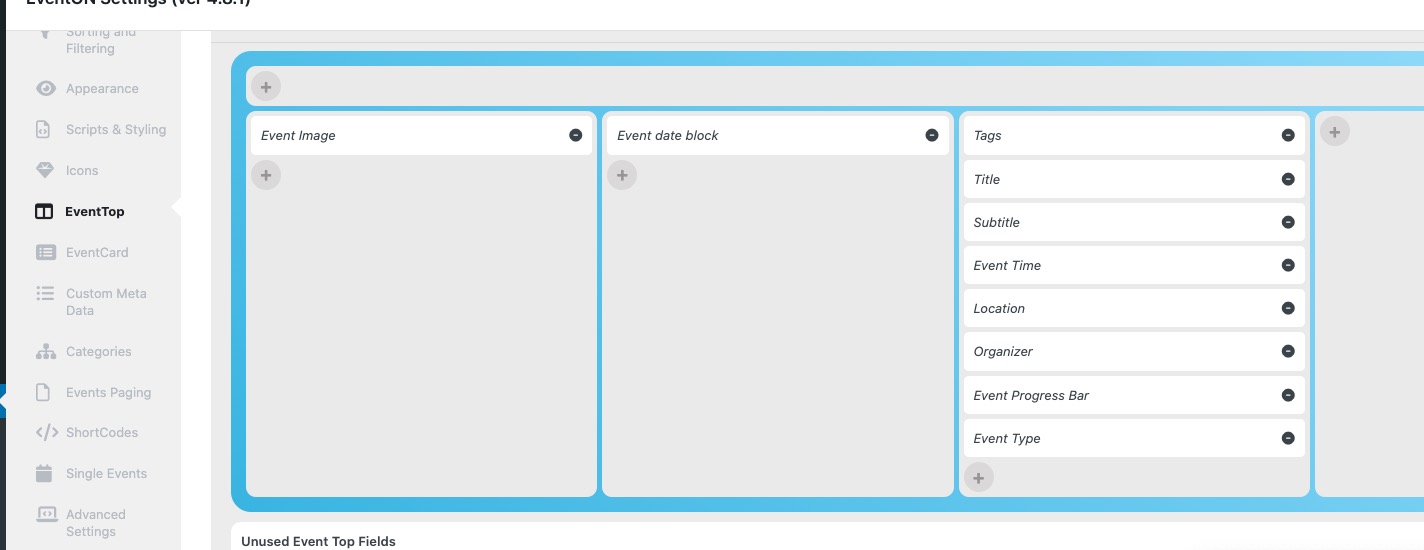
Please arrange EventTop this way:
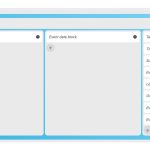
On the same page make sure to select “Select Default Calendar EventTop Style: Colorful with gap between events”.
Ashan,
The customer is referring to this ticket:
https://helpdesk.ashanjay.com/ticket/reminder-emails-not-displaying-info/
Hello,
Thank you for your messages, I am going to assign this ticket to Ashan and he will be able to take it from here and find you a solution. Please allow some time for him to get back to you, we greatly appreciate your patience and thank you for being a eventon customer! Also please disable any IP blocking on your site if there are any.