Regarding the missing icon you have a typo in your css :
.evoau_submission_form .row p.checkbox_row .evoau_cat_select_field span.selected:before {
content: “f058”;
font-family: ‘evo_FontAwesomeS‘; }
There shouldn’t be any S.
Regards,
Replies for tickets on suppota
Regarding the missing icon you have a typo in your css :
.evoau_submission_form .row p.checkbox_row .evoau_cat_select_field span.selected:before {
content: “f058”;
font-family: ‘evo_FontAwesomeS‘; }
There shouldn’t be any S.
Regards,
Hi,
hi
Following up on my request above.
Thank you
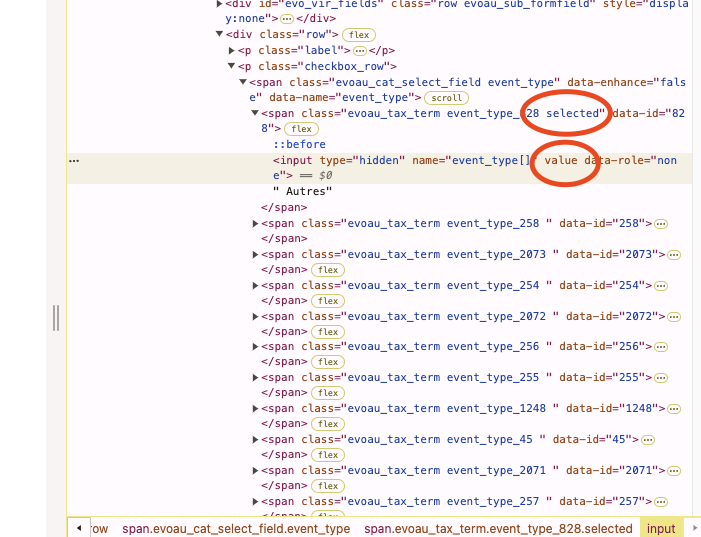
Hello and thank you for your quick response.
Unfortunately, if the field changes shape when checked, the values are not saved (also the font awesome icon doesn’t seems to load).
I also removed a patch I had tried without success, and now the checkbox doesn’t change when clicked. (the script can be found under Custom js & css > Checkbox fix Eventon).
I don’t know what is preventing the checkbox to work, there is some kind of conflict between bricks builder and your plugin.
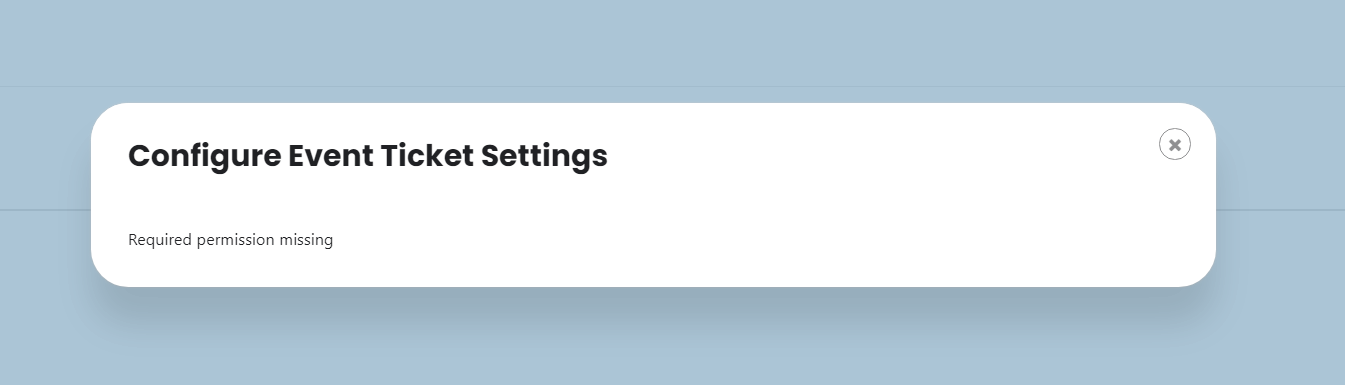
Here is an picture of the error message.
Ok, I’ve cancelled my subscription.
None of our add-ons work with EventON Lite. You need to use the full version of EventON.
That was not clear before downloading the add-on, sorry.
The order id is 203670 as attachment you’ll find the bill
Hey guys can I get an update on this issue? It’s been a week 🙂

I found the problem. The website automatically disables the snippet an says due to a fatal error. Thats why its not giving me the seat numbers last time. But when I enable it an download the CSV it now gives me the seat numbers. Does it mean the code snippet is not compatible?
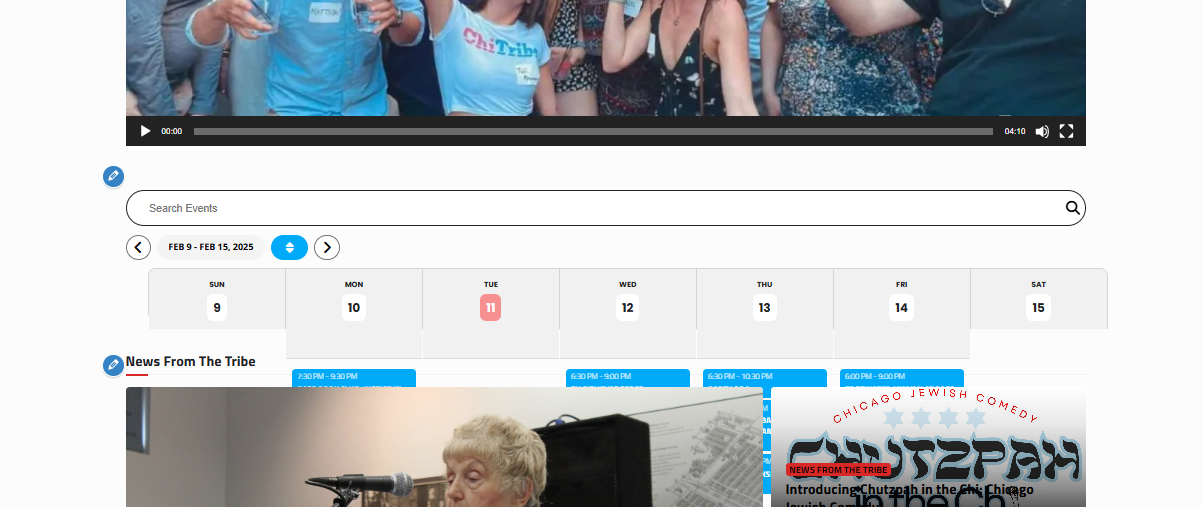
Here is a screenshot of the weekly view. Please advise on how to fix
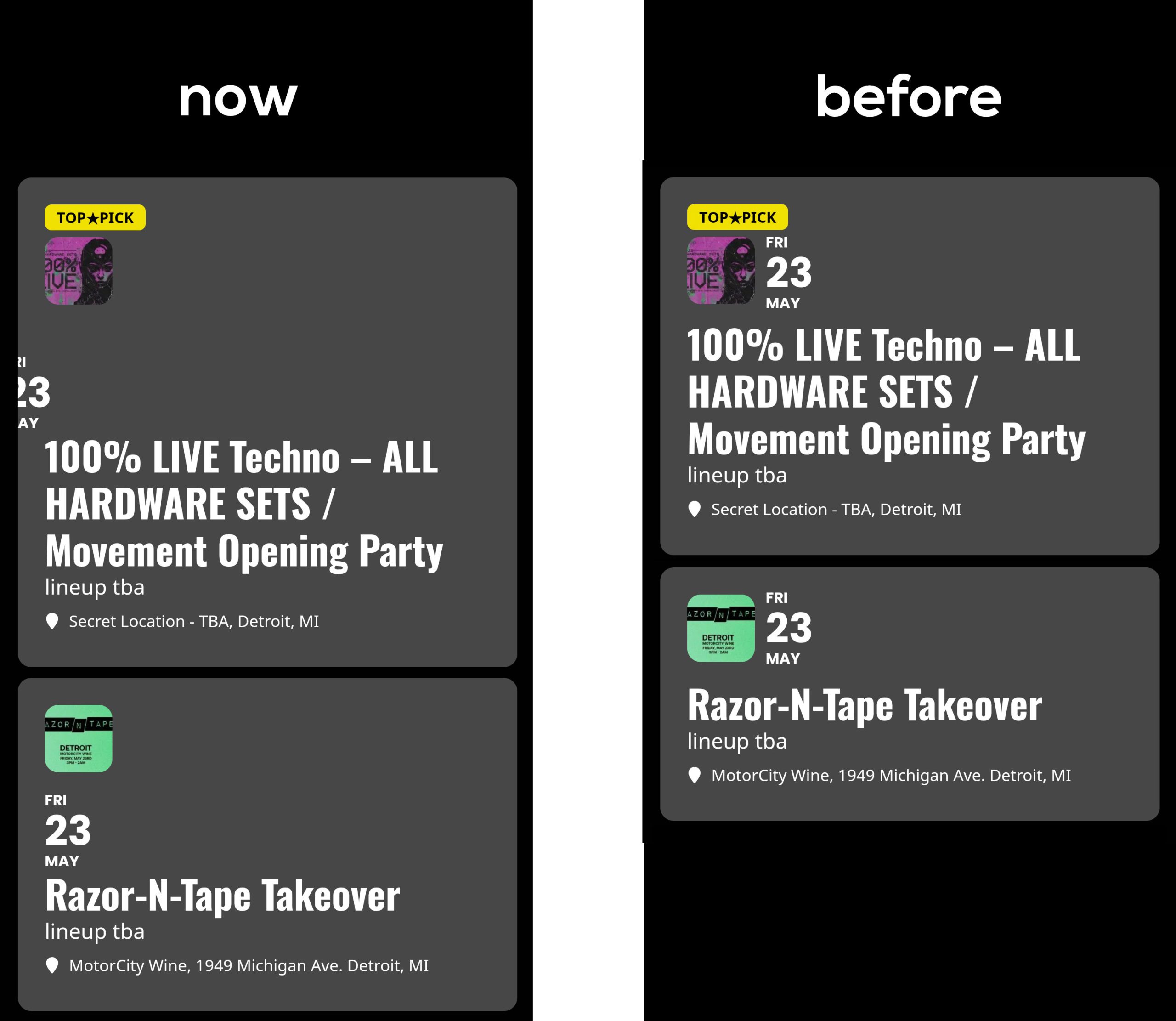
Also there is custome styles that you helped me with previously that got it to display how I wanted it, but maybe that code needs to be adjusted. Thank you for your help!