It works fine now, thank you. You can close the ticket.
Archives: Replies
Replies for tickets on suppota
Reply to: tickets(377344)
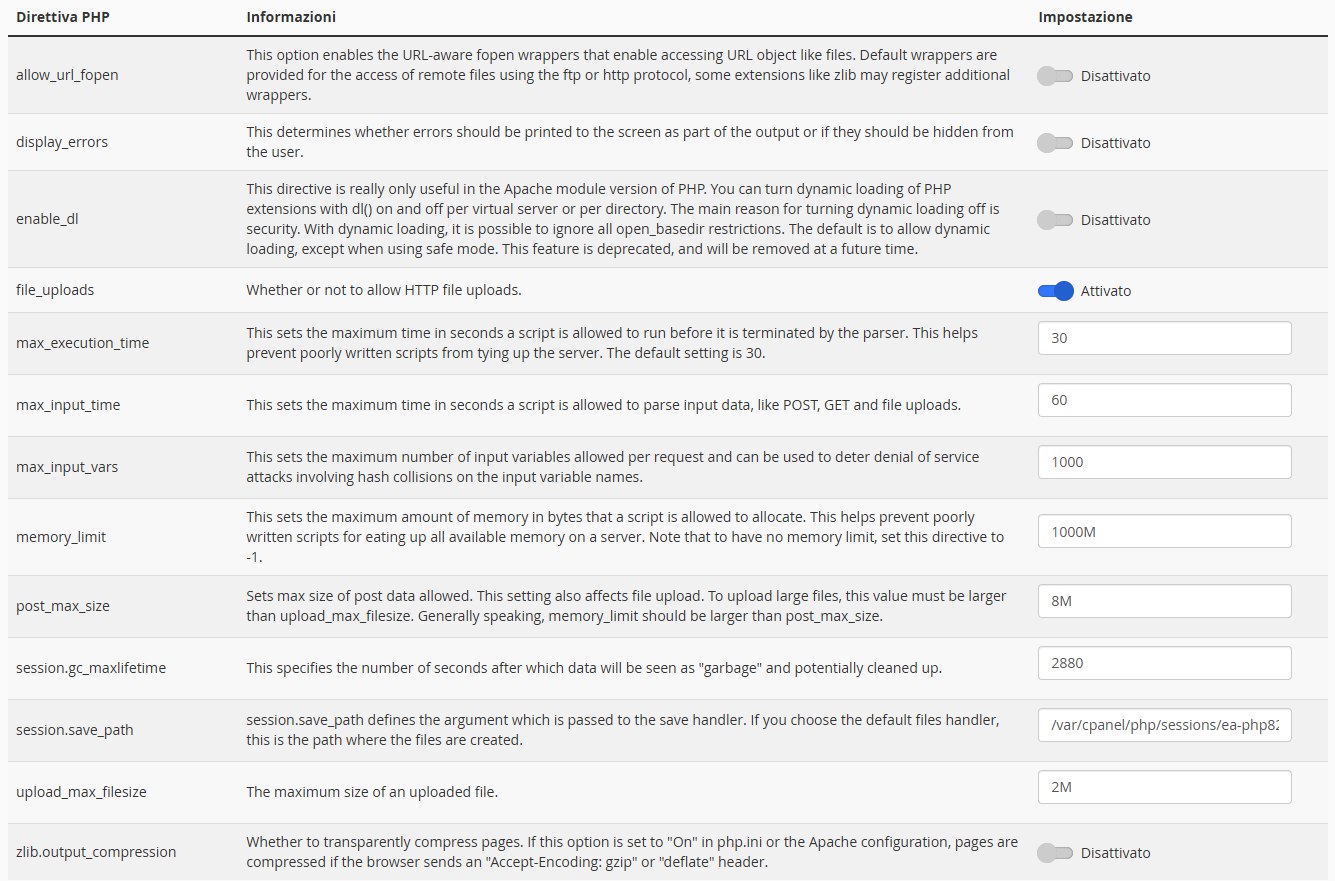
We changed the PHP Configuration and version to match yours.
Result is that we can’t even access the back-end now.
Fatal error: Allowed memory size of 1048576000 bytes exhausted (tried to allocate 67108888 bytes) in /home/filarmonicatrt/public_html/wp-includes/class-wpdb.php on line 2316
Reply to: tickets(377858)
Hello Artem,
I tried to add it under EventOn Styles and Customizer CSS, but nothing happens.
Is there a way to add them manually per svg file?!
Best regards
William
Reply to: tickets(378131)
generally weekly view is responsive unless the container the shortcode is installed on has been set to a width that will overlap
but we would really need to see a screenshot and in order to fix we might need to tweak the css which means we would need to view the site
Reply to: tickets(378131)
we would need to be able to view the site or at the very least see a screenshot of the weekly table and the action user form
what fields is the action user form missing? have you enabled them? have you given the user the rights to use them (or rather some fields are user specific)
Reply to: tickets(378040)
you may wish to try the virtual end times
https://docs.myeventon.com/documentations/how-to-use-virtual-visible-event-end-time-for-events-with-limited-visibility-but-extended-durations/
Reply to: tickets(375690)
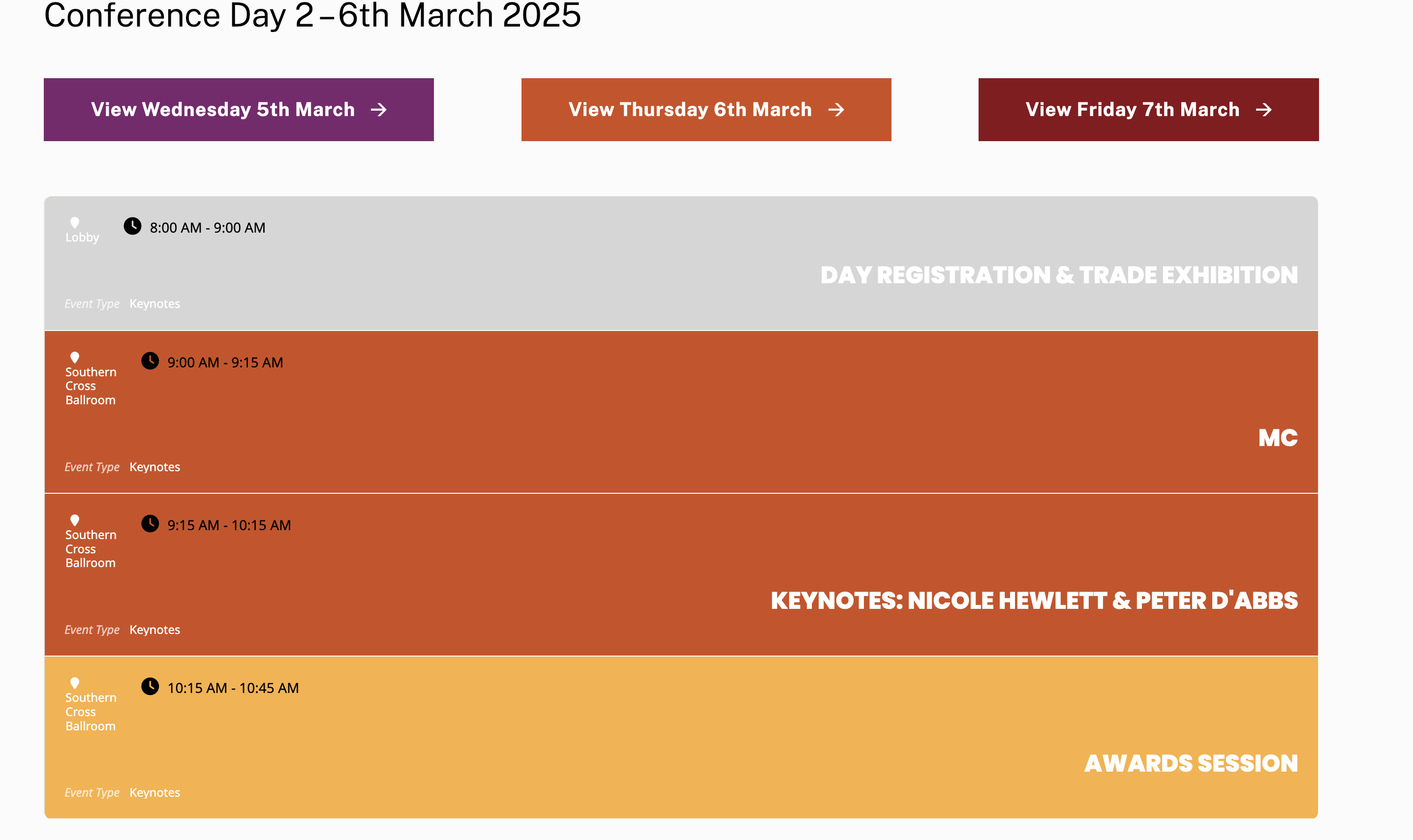
is there a way to wrap the location in a class or script the same as the time is? so it changes dynamically? We have devs here who could do it if we have some guidance.
Reply to: tickets(375690)
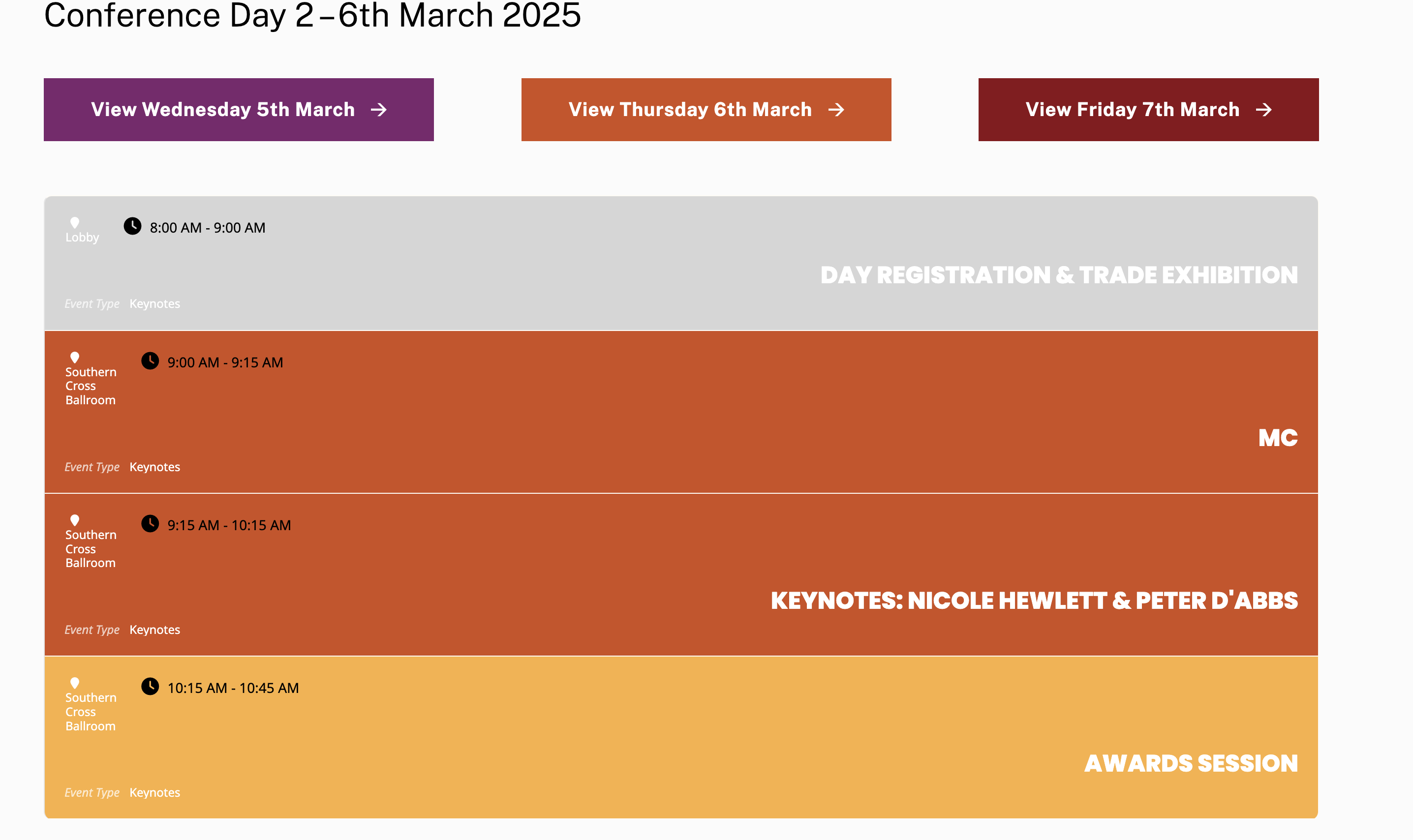
We tried that layout and changed the settings to Use custom colorful only content – but now everything is white always and the date was black only. We have reverted back, but a screen shot of this is attached
Reply to: tickets(378040)
Reply to: tickets(378040)

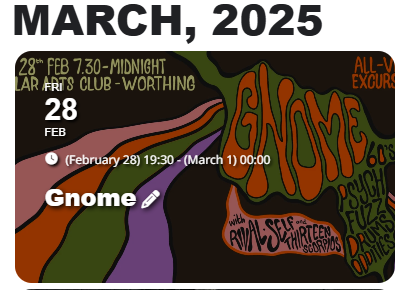
It’s not quite fixed the problem, The even still shows up on Feb and March and the end time is still showing as the next month / start time previous month.