
Reply to: tickets(377443)
Replies for tickets on suppota
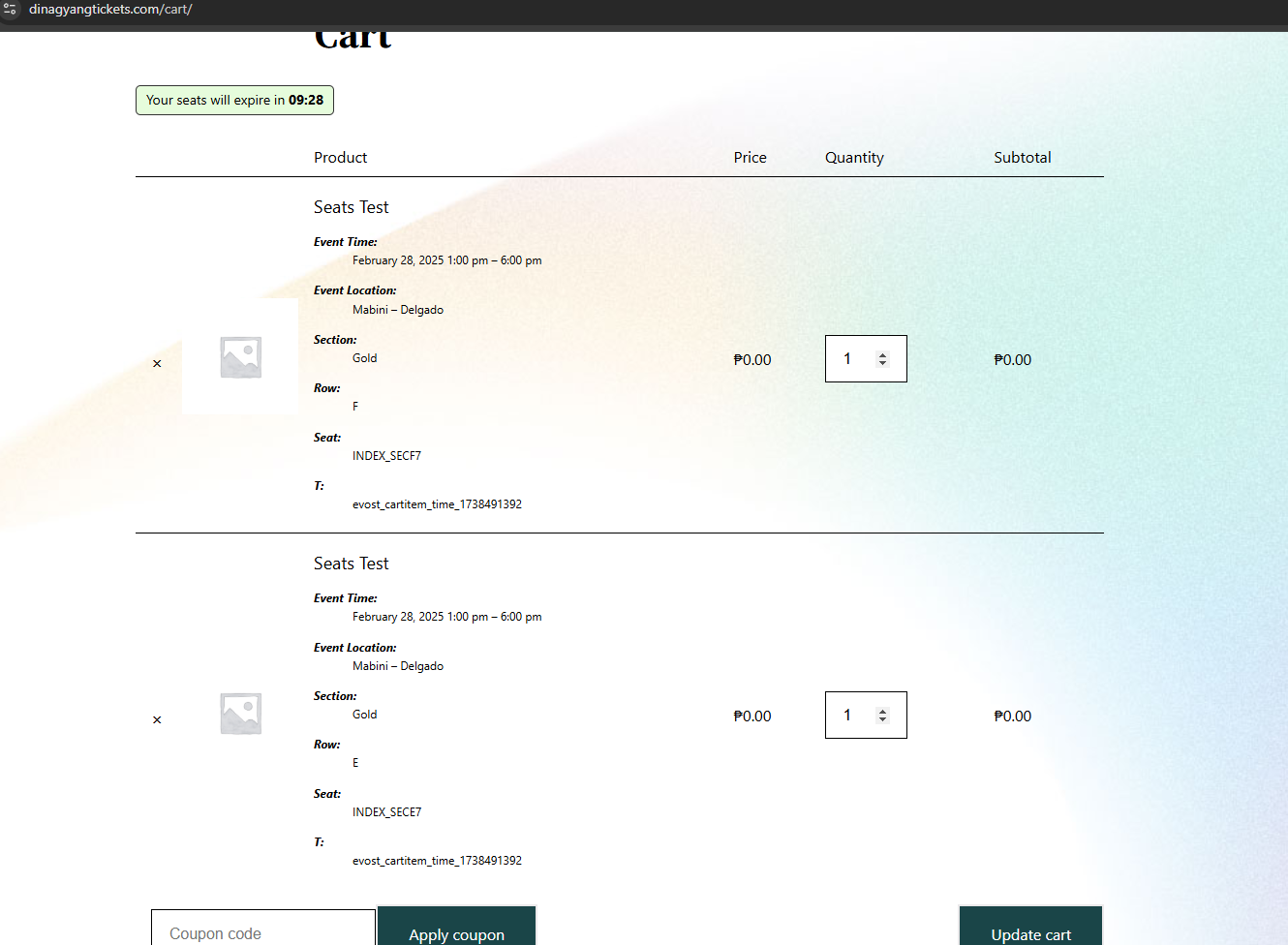
And another thing. When we scan the QR codes eventhough our internet is fast, eventhough we did a checkin for a certain guest, we can still check them in again. The database does not update instantly. When we checked the attendees, it still says the guest is not checked in. Is there a way where the database should update instantly? Because people can just copy the QR code and when we check them in it will still be successful and can cause problems again.
Hello,
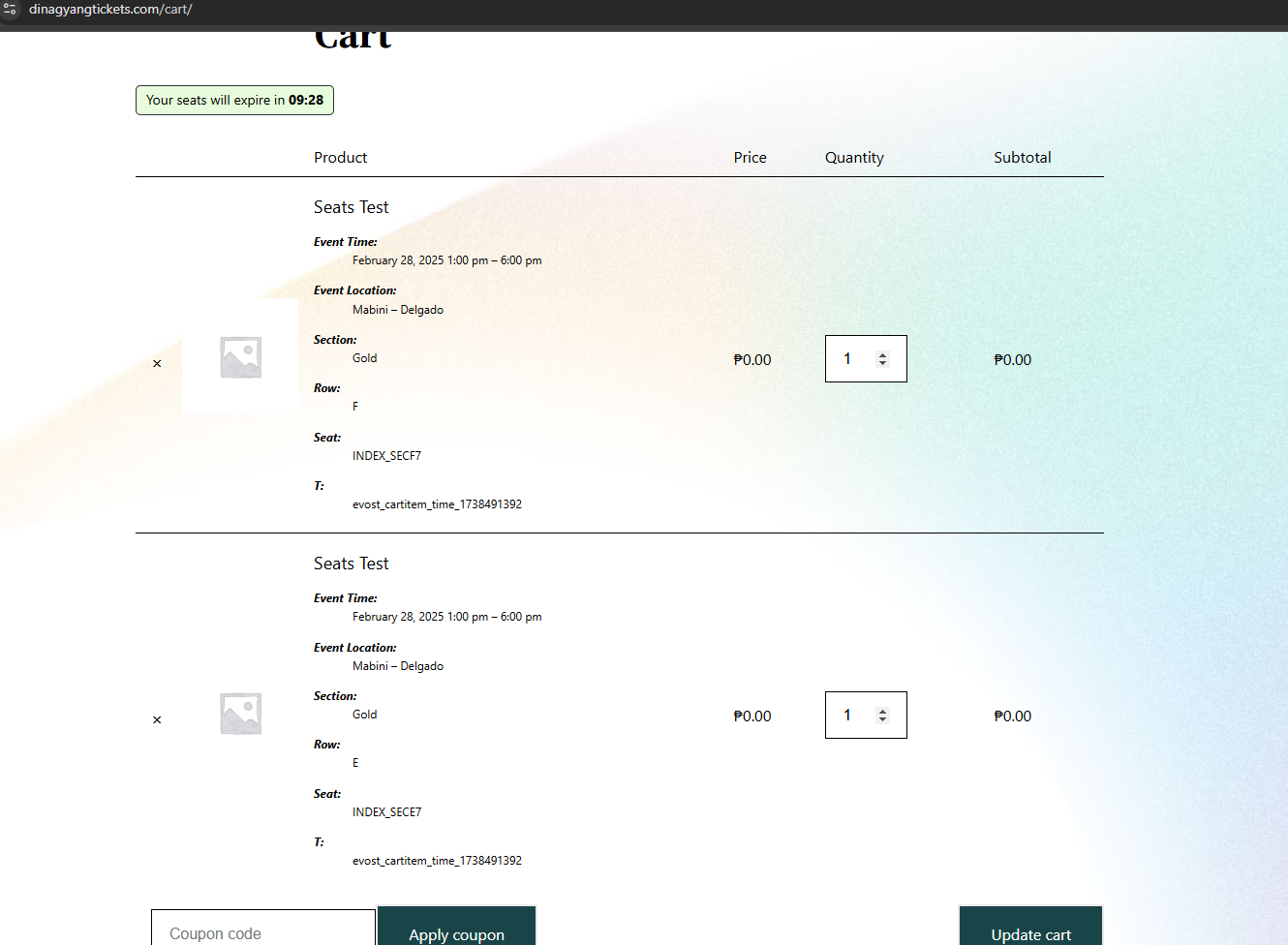
I followed the settings to “always redirect to frontend” I wasn’t able to do that I hope this ill help.
I also edited the cart to just have the woocommerce shortcode.
Is this a 100% solution that there will be no double booking anymore? Our event is an event that people even from outside our country is looking forward so when we say the tickets are for sale, there will be lots of bookings will happen at the same time possibly just an assumption but possible 100 people will book at the same time.
I am just afraid that it will happen on the next event and we won’t have extra seats to cover the double bookings and guests will get angry in case they book the same seat numbers.
Thanks,
I went back to version 4.7.2; everything works fine again
This happens to me as well… Artem, there seems to be a bug that ignores custom styling after the plugin is updated.
My custom styles are not honored after the plugin is updated, even though they’re still defined in the settings section. In order for them to work after the plugin is updated, I have to manually go into the EventON settings, save my custom styles, and then refresh the cache.
Expected results:
Custom styles should be retained after the plug-in is updated, and I shouldn’t have to manually save them again, or refresh the cache in order for them to be applied.
UPDATE. I fixed it. I just added this parameter to my shortcode
hide_mult_occur=”yes”
Contacted Elegant Themes / DIVI their message
Thanks for quick support. It actually works, but appeared a bit weird while activation.
I would expect it to behave as the other addons: Enter key and mail address, I get a green bar on the popup and the tile turns from yellow to blue.
This does not happen. No green bar on the bottom of the popup, the tile stays yellow. I had a look into the EventOn account and could see the new site has been added even though. Then refreshed the backend of the site manually and the tile turned blue, finally.
Just for your notice. As said I had just expected another behavior, but I can work as intended now…
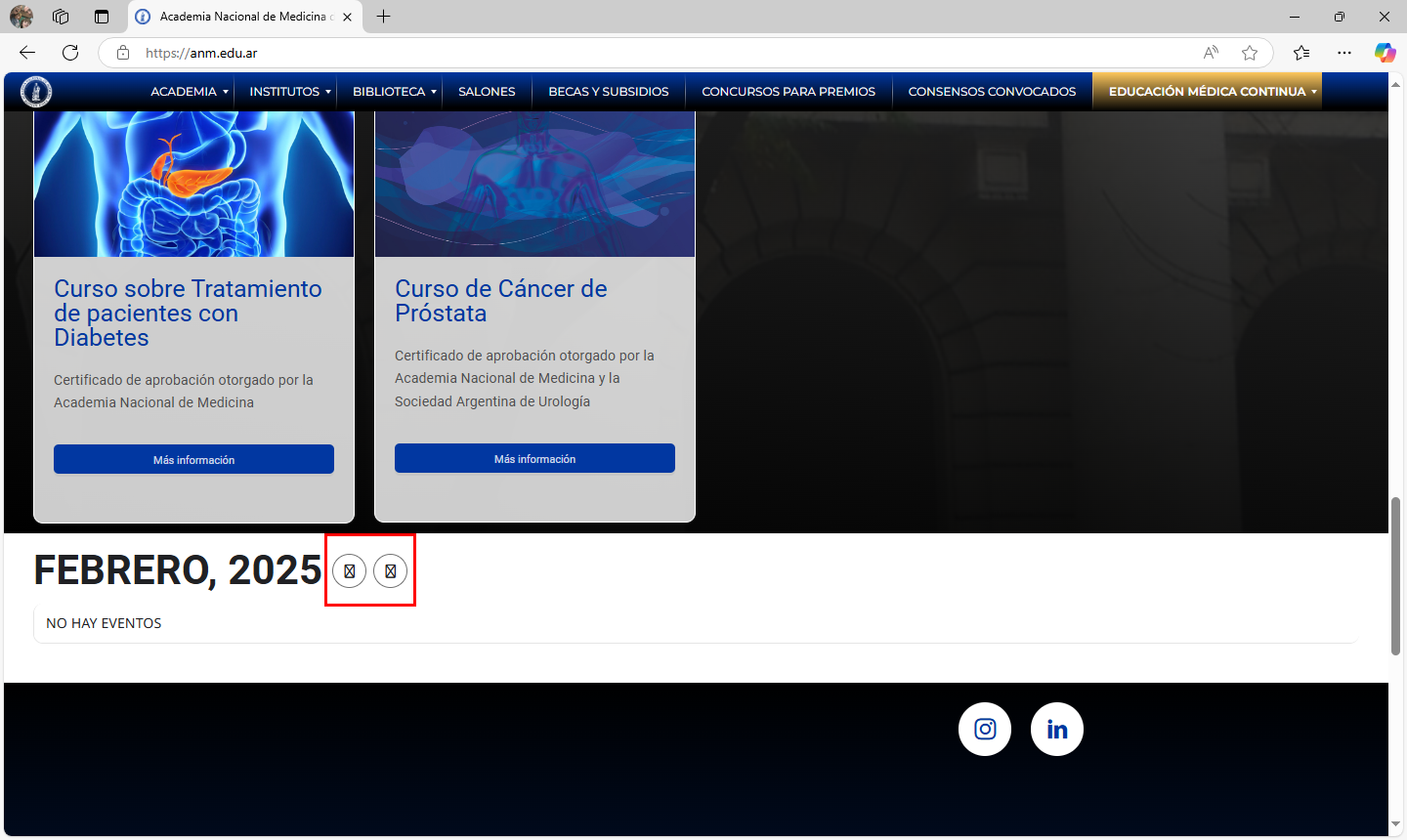
Addtional pages it is happening on: https://freestyleamerica.com/camp/trampoline-ramp-camp-campton-nh/ and https://freestyleamerica.com/camp/lake-placid-water-ramp/