Thank You!! looks like it worked…
Archives: Replies
Replies for tickets on suppota
Reply to: tickets(377404)
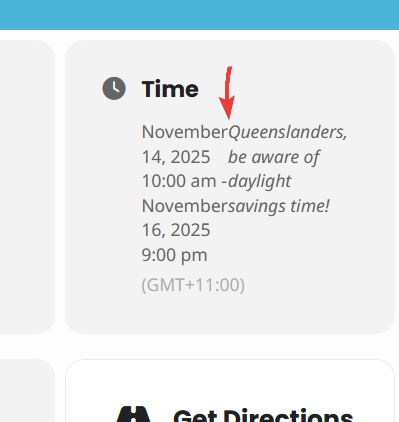
Reply to: tickets(375123)
I don’t currently have access to the FTP. I am working on getting it.
NEW ISSUE:
When someone fills out Event Submission form: https://visitpalatka.com/eventon-events/submit-an-event/, there is no place for them to enter there email address or phone number so we know who submitted it. How can I add the field without having to edit a config file(no access to FTP right now)? Honestly, this should be an option to add with a click out-of-the-box. This plugin is so good AND so bad at the same time.
Reply to: tickets(377366)
we tried this code but then it makes it so that January shows even though there are no events I don’t want it to show empty months AND I want it to have arrows to go to the next month. is that possible?
Reply to: tickets(376701)
RSS works now after I cleared Permalinks:
https://justpowermotors.com/evofeed
Reply to: tickets(377061)
In /wp-content/debug.log.
Could you try following
https://docs.myeventon.com/documentations/why-my-site-and-eventon-page-loading-slow/
Reply to: tickets(376968)
No issues on my side: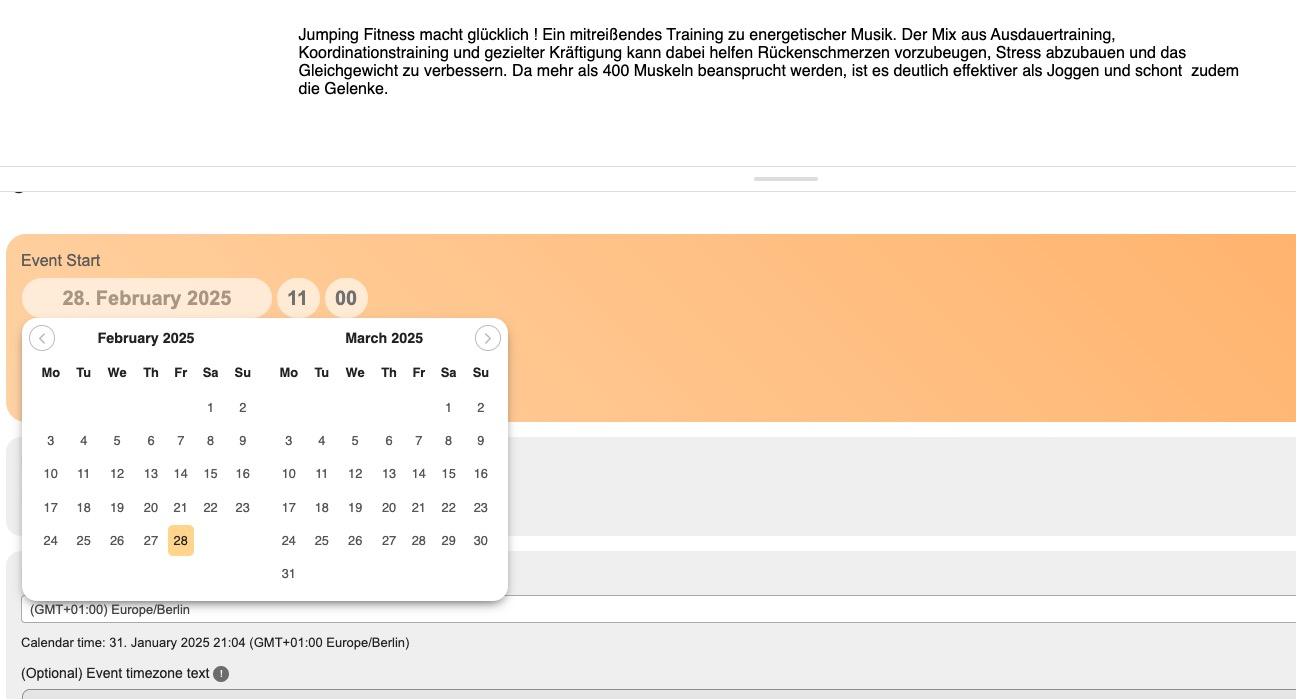
Could you try manually clearing your browser cache? Also please try the instructions mentioned in this documentation.
Reply to: tickets(377225)
It seems that EventON > Appearance > EventTop Styles > Event Title Text Color is white. Or “EventTop All Text Color for only colorful and image backgrounds” is white.
So you can either change it or, the best, is to go to Edit Event > change Event Color.
Reply to: tickets(164796)
hello again, we are going to restart to use the same plugins in our website, is there a lifetime purchase?
let me know if there is a bundle we can buy, to show a monthly agenda and also all events by day or monthly. and how much and which addons do we need
regards
allan
Reply to: tickets(377352)
Hello,
There is no need to activate it on your temporary website. Just move your events or clone your website and then do tests and so on without activating the plugin.