Hello there Christian. We just released a new version of the speakers and schedule addon.
Changelog for this update
ADDED: Speaker company name in eventcard
ADDED: option to have schedule item already expanded on load
ADDED: Support for category for schedule item
FIXED: speaker details not loading from schedule
FIXED: speaker description text size
FIXED: schedule time format to match that of wordpress settings
UPDATED: schedule UI design
We have lot of ideas we want to implement for this addon and thank you very much for continuing to support this addon 🙂
Thank you .
I sent them and they started the refund
any update about the refund here !
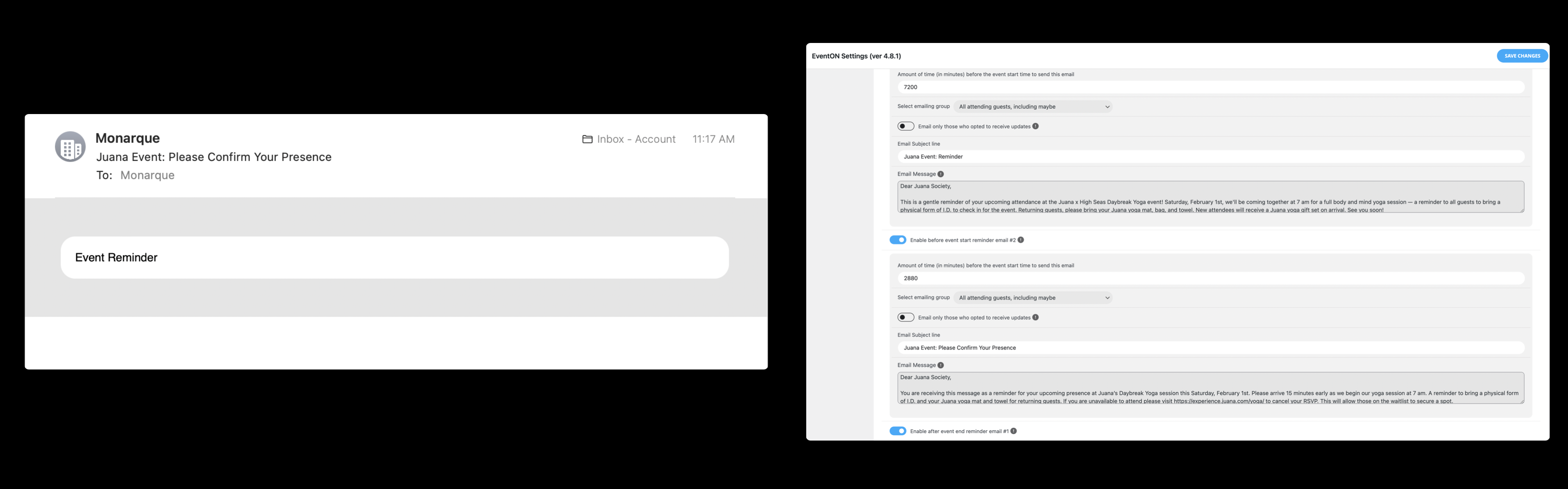
Hi, with further tests, we are currently experiencing a problem with the reminder email.
a) We have verified that the reminder settings for RSVP is properly set.
b) The cron job is also properly set and does send out the email.
c) However, the email we received is blank without any message. Please find attached the visual.
Can you please advise? Thank you!
I have update to latest version and then I get this error ( break the website):
Se ha producido un error del tipo E_PARSE en la línea 249 del archivo /var/www/vhosts/baeza.net/httpdocs/wp-content/plugins/eventON/includes/calendar/class-calendar_gen.php. Mensaje de error: syntax error, unexpected ‘public’ (T_PUBLIC), expecting end of file
I have reversed the change
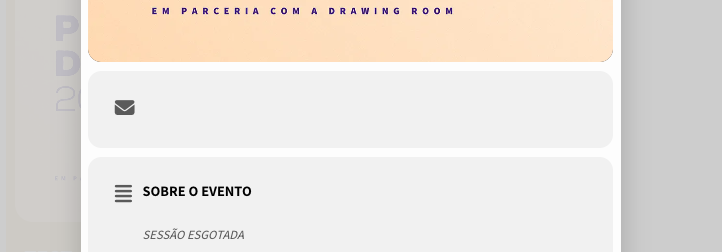
weird. it doesn’t show on my side or clients side too. I’ve tried different browsers and nothing.
I have submitted 2 tickets in the past 2 months for someone to look into this for me. Can you assist?
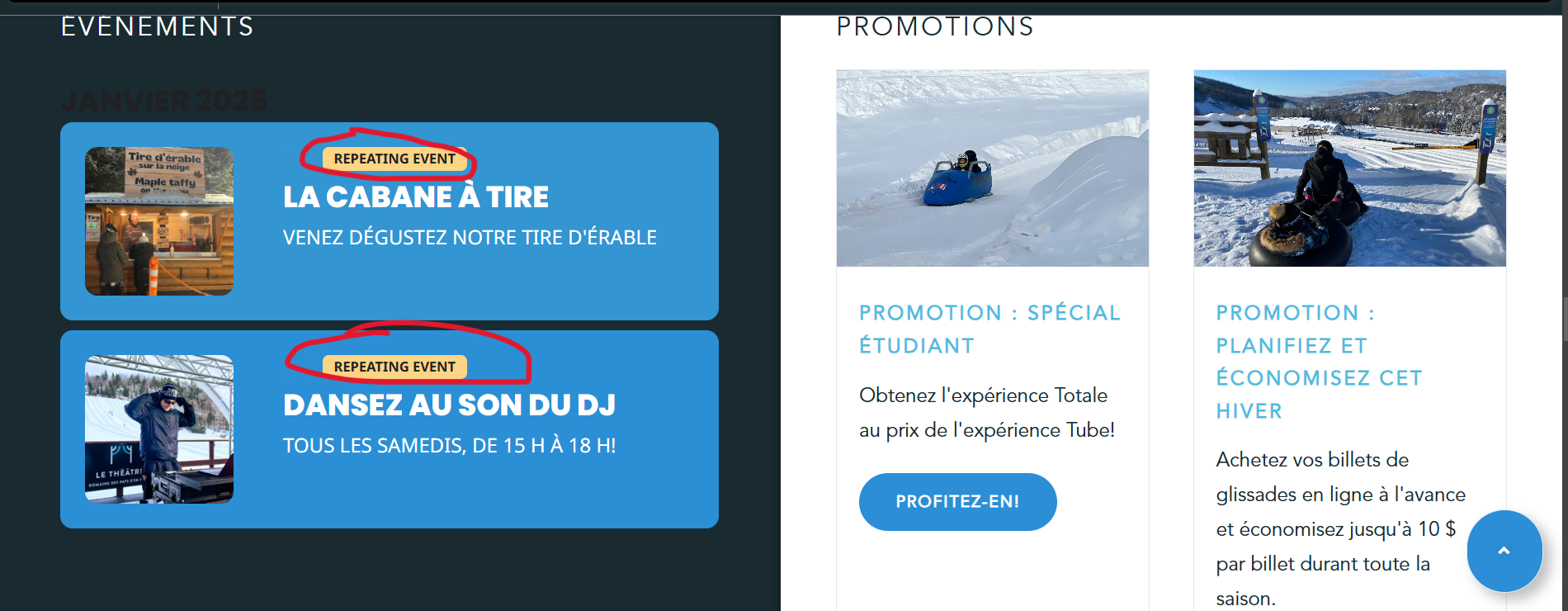
Do your customers switch between translations or they found them on Google or move from the main page with translated calendar to Single Event Pages?
A bit of all three, but we want to make sure that no matter how visitors access the page, everything is properly translated.
Hide location other events worked, thanks!
Another quick question, where can I translate this string “Repeating Event”, I cannot see it in the Languages string lists in Eventon.
I mean the company name at the overview. there is the company name missing
And there are two different views. One is the view if you click on the picture at the overview part.
Inside this detail view the company name is visible.
The second view is if you click in the schedule, at the name. There the company name is missing.
Yes, it looks different its 2.0.3 again (rolled back) because of many issues like the time 24hr. option missing.
And it’s different because of css changes. Looks better than the old 2.0.3 look.
At the new look in 2.1 there is no translation option in eventon, please fix that also in addition to the mentioned ones.
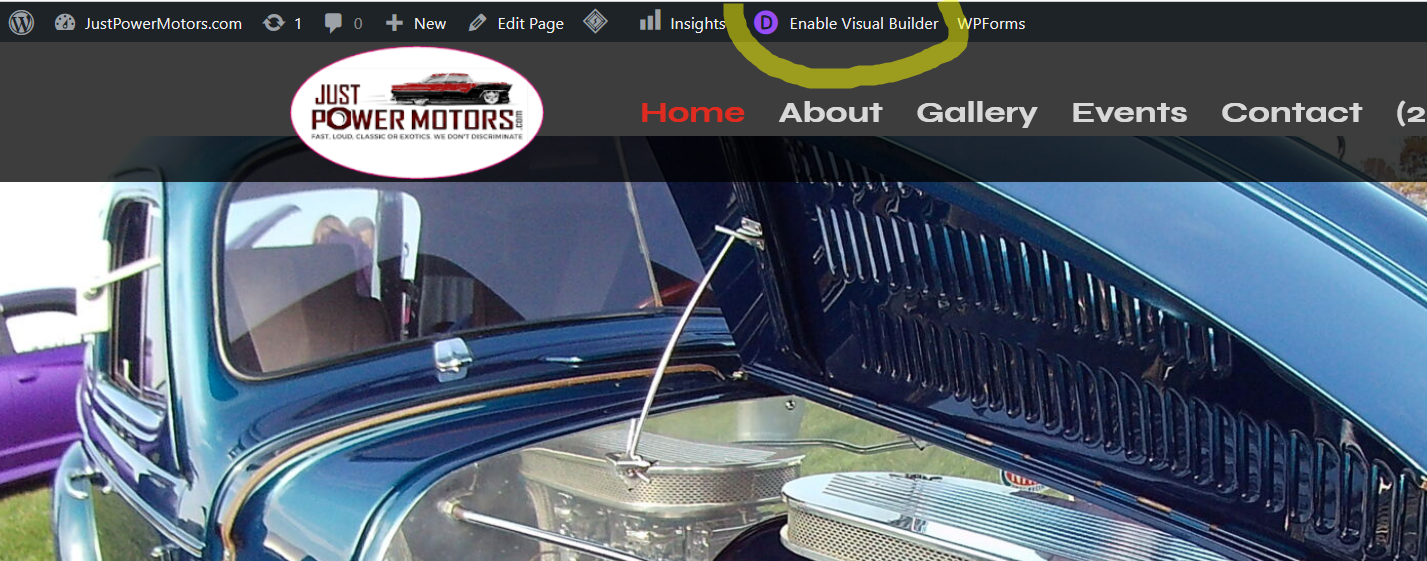
Eventon is enabled if you go to any page an enable the Divi Editor the issue will happen.