Closed as duplicate.
Archives: Replies
Replies for tickets on suppota
Reply to: tickets(376325)
Quotes are wrong, I think. Please take a look at:
https://pastebin.com/wLZabuwM
If the issue still continues, please send us wp-admin access to your site as a private message for us to further assist your situation.
Reply to: tickets(376071)
Because your version is 4.7.3, Event Type 2, 3 and so on are all hidden on Tile Design, so I added custom code here and it works now:
https://cmcm.qc.ca/wp-admin/admin.php?page=eventon&tab=evcal_3
Please check and let me know.
Reply to: tickets(376374)
Also take a look at this suggestion:
PROTIP: If the /events page does not work due to theme/plugin conflicts, create a new page, call it “Events Directory” Insert eventon shortcode and use that as your main events page which will have a URL ending like /events-directory. This would be a perfect solution if you have conflicts with /events slug.
Reply to: tickets(376374)
Hello,
Please follow this guide:
https://docs.myeventon.com/documentations/change-events-slug/
Reply to: tickets(376151)
Thank you for your great suggestion, at the moment it is not supported. However please create a new ticket and select Feature Request as category so others can vote on your idea and get it moved into development faster.
Reply to: tickets(375719)
We are glad your issue is resolved, if you have any further questions or concerns please create a new ticket.
Reply to: tickets(376377)
Ashan,
All these links throw 500 error when Google tries to check them:
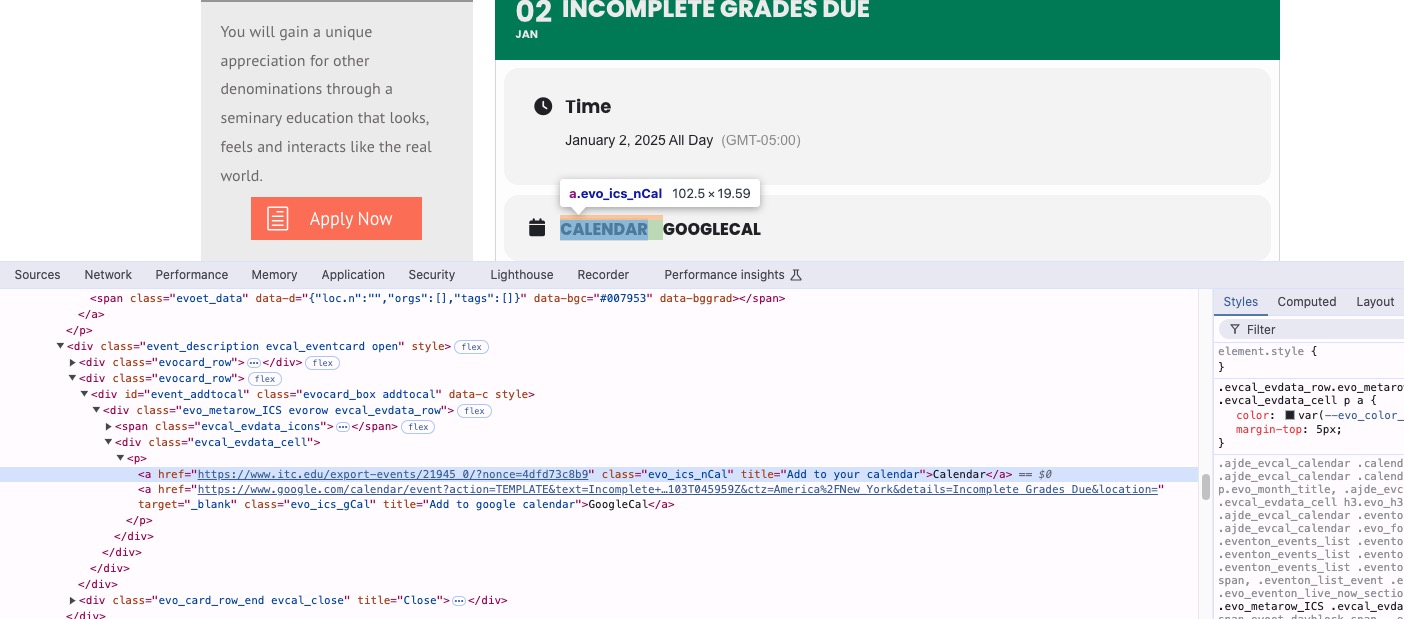
Could you check?
Reply to: tickets(376377)
Hello,
Thank you for your messages, I am going to assign this ticket to Ashan and he will be able to take it from here and find you a solution. Please allow some time for him to get back to you, we greatly appreciate your patience and thank you for being a eventon customer! Also please disable any IP blocking on your site if there are any.
Reply to: tickets(376379)
Hello,
On my side it’s white:
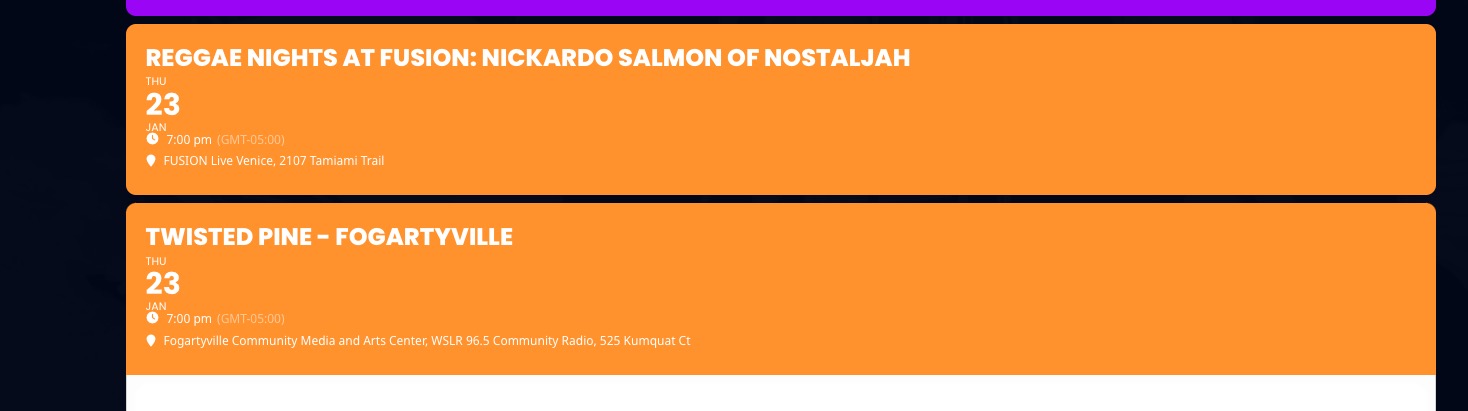
Because you selected this: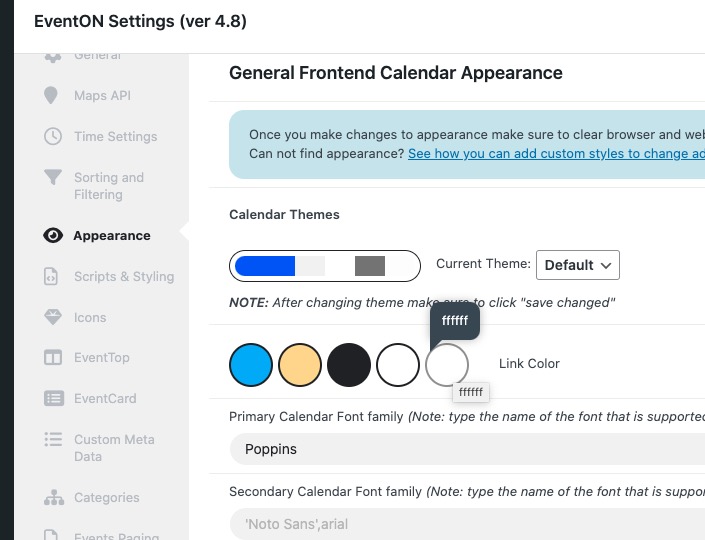
Could you check and let me know?
Please also update EventON to 4.8.1. To update eventon to latest version: If you are unable to do autoupdate, you can go to codecanyon your account > download and get the latest eventon version as zip file. Then you can go to your website > make sure “Delete eventon settings & data when EventON is uninstalled” is Deslected from eventon settings, delete old eventon, install new one and activate. This link will further explain the process it. Also you can follow us on twitter to get real-time announcements on updates!