We are glad your issue is resolved, if you have any further questions or concerns please create a new ticket.
If you have a moment, we would greatly appreciate if you could kindly leave us a review at Codecanyon. By going to your account > Downloads. We are very grateful for your kind review!
The button is correct on Single Event Page:
https://lejazzetal.com/events/viper-club-jazz-forever/
Could you try make sure to clear your cache plugin or disable it for a test?
Hello,
Which demo are you referring to? Could you send us a screenshot?
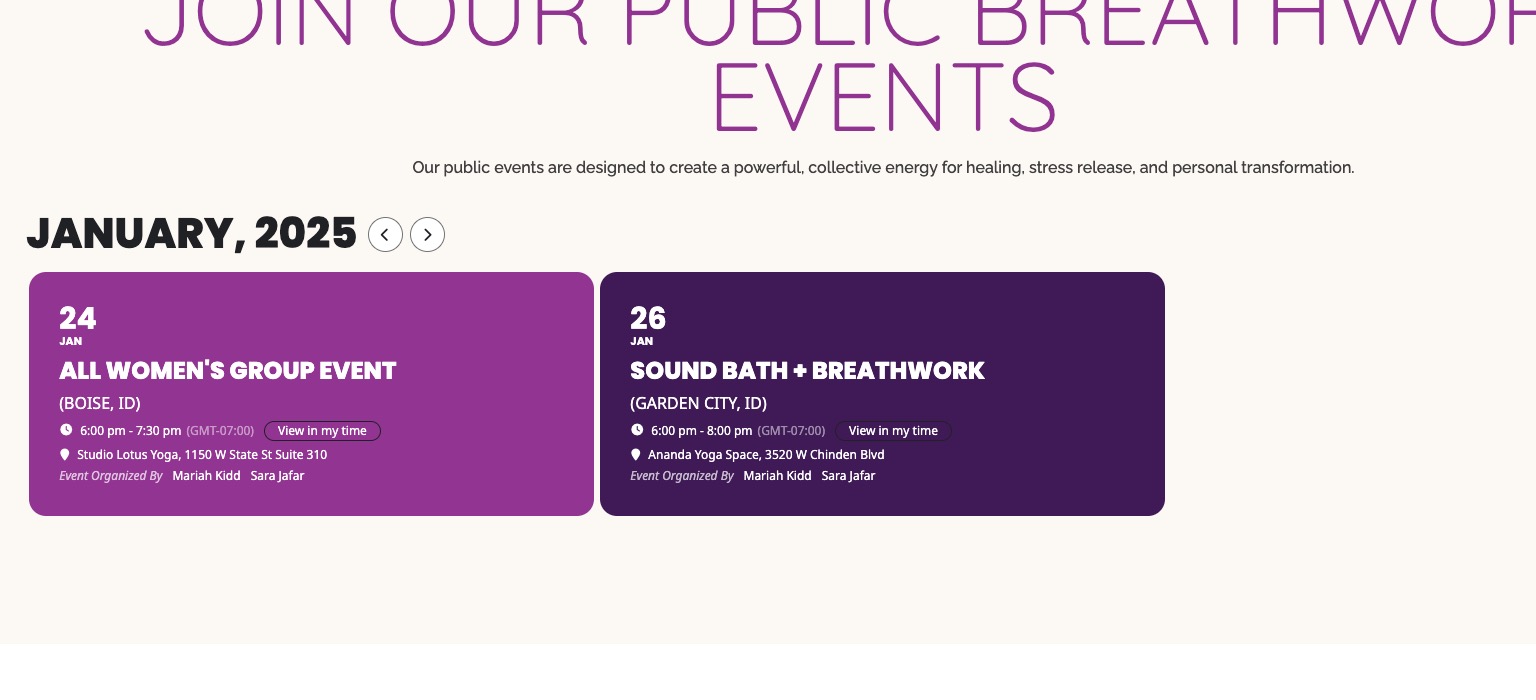
How I see the calendar on your website:
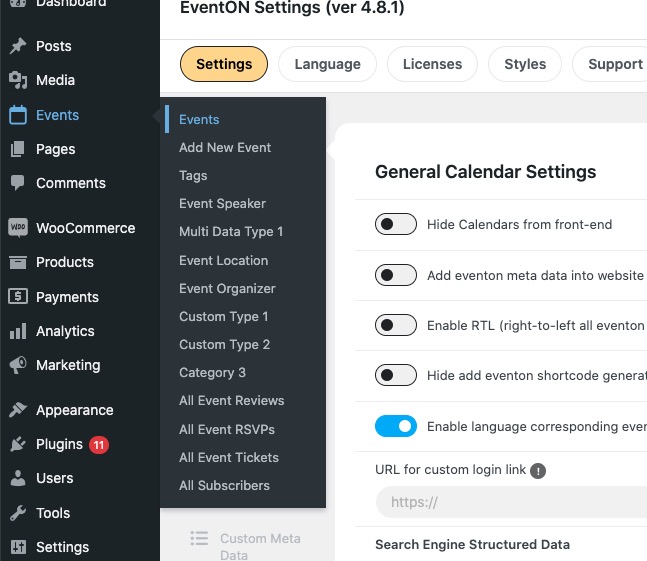
Please add this CSS code to EventON > Styles (If you don’t see any change, EventON > Scripts & Styling > turn off Write dynamic styles to header > save settings > turn on Write dynamic styles to header):
p.evo_vSW.evoD { display: none !important; }
Could you tell us more about your issues during the set up process?
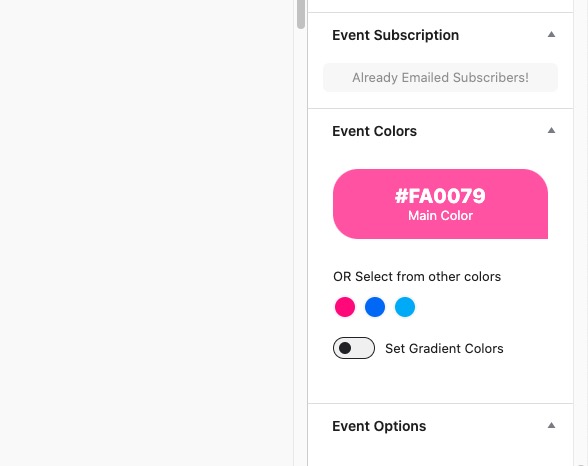
Please go to Edit Event > check Event Colors: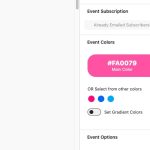
Bass Master should have “Set Gradient Colors” enabled. That’s why it’s background is different.
Hello,
Please try adding the code before $styles, like this:
echo “code goes here”.$styles[‘007’];
Hello,
Please send us wp-admin access to your site as a private message for us to further assist your situation.
Also let us know which events aren’t visible.
Hello,
What you are referring to isn’t available by default.
Here’s our test server:
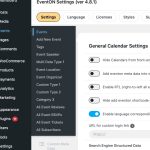
Please make sure that they have access to page=order-post-types-ajde_events. Are you using some kind of member plugin?
Please send us wp-admin access to your site as a private message for us to further assist your situation.
Thank you very much !!
Very happy with the Addon
Best,
Karin