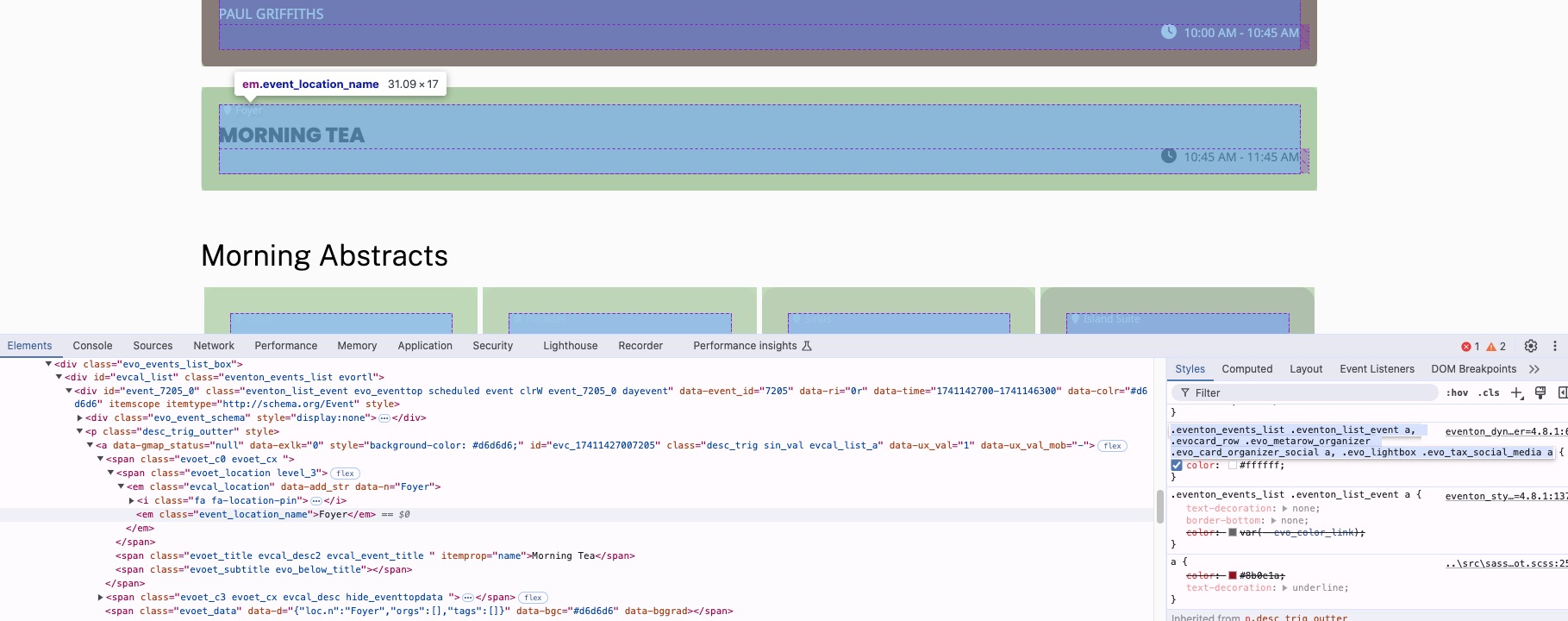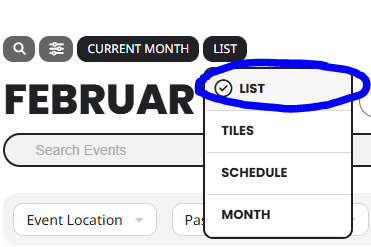
How do I remove just the LIST item in the attached image? The colors are bad in list view and I can’t figure out how to change colors for only list.
This plugin is awesome, but it’s way to complex to setup. Ya’ll should make things clearer in the wording of things and have better more updated video tutorials that walk you through every step. The ones currently on youtube are outdated and not descriptive enough.
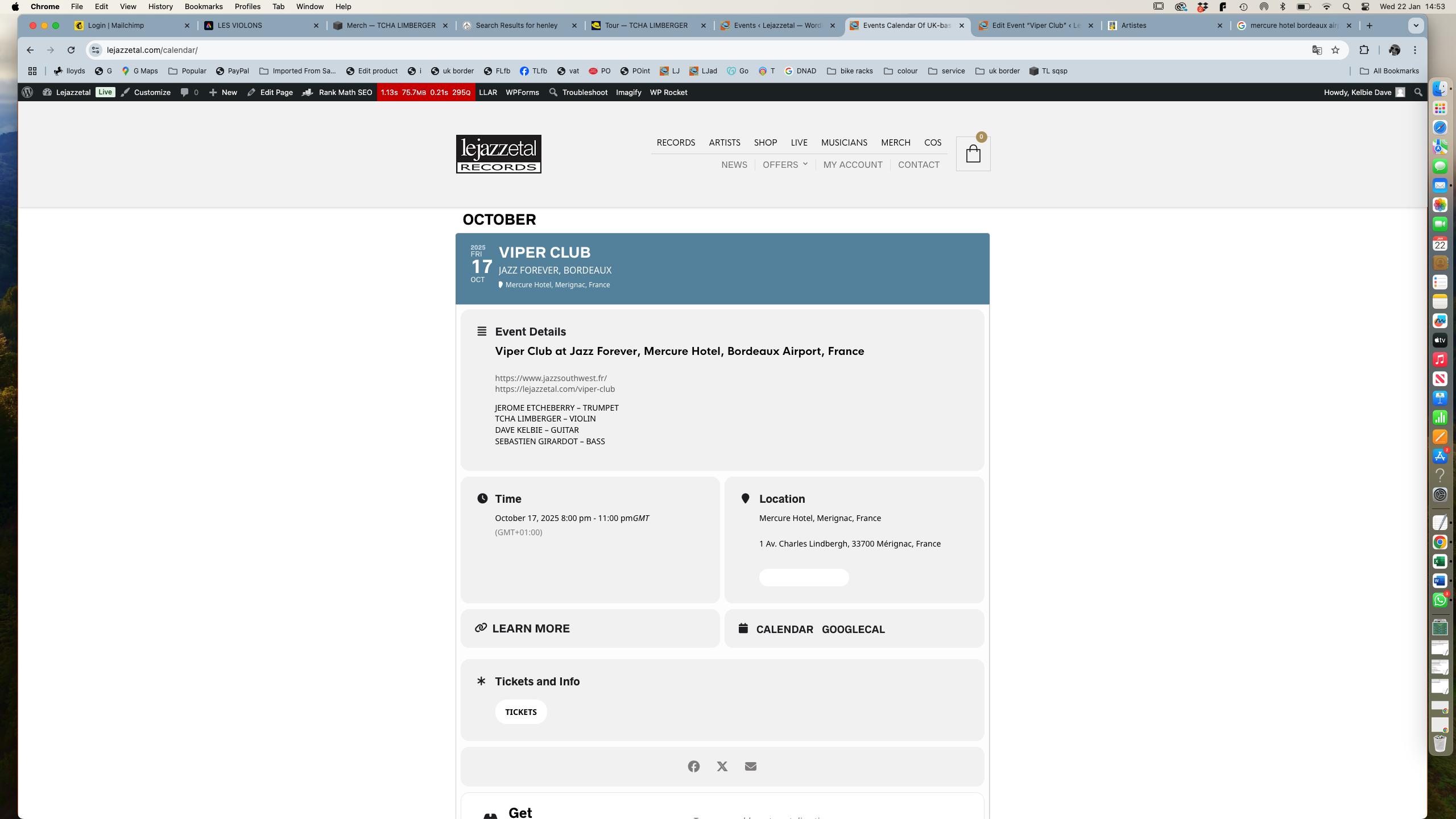
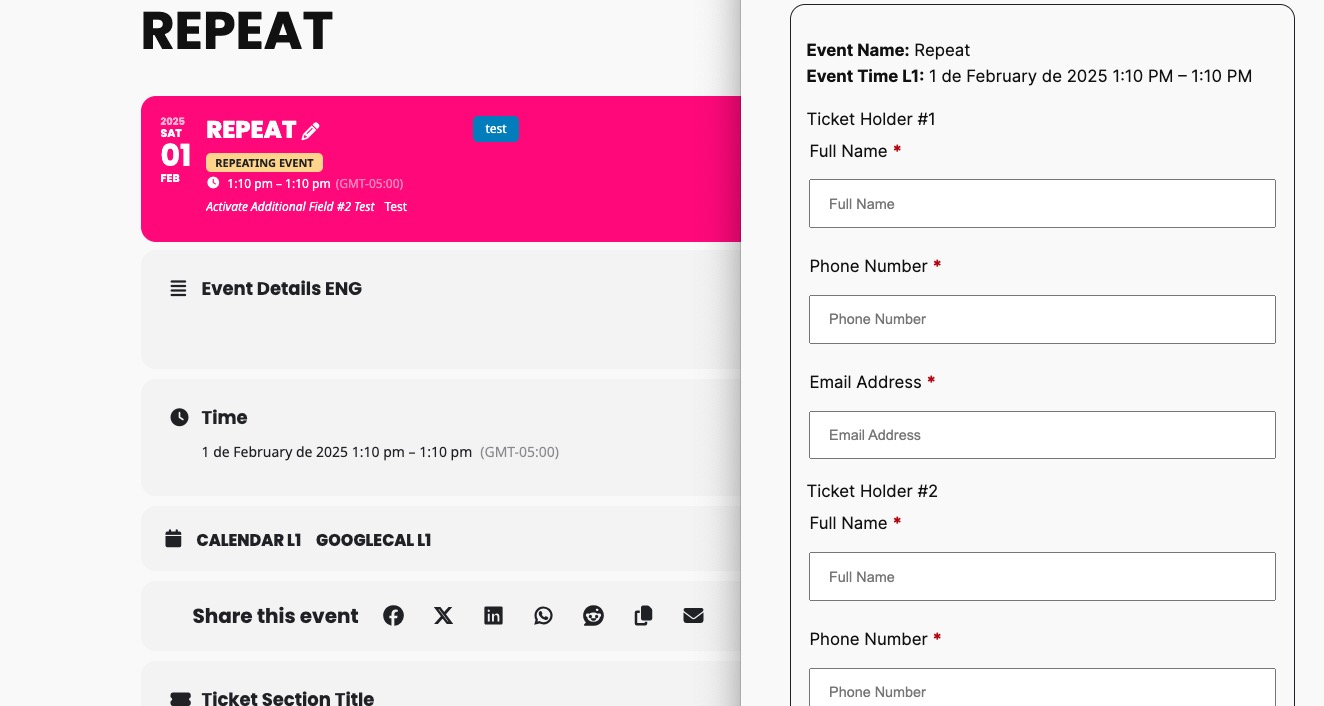
The attached image is an event I’ve just added. It’s a duplicate of another event. The ticket info button you can see has nothing to do with what I did as in the back end it doesn’t exist any more. So this ticket info refers to the original event I duplicated.
Thanks
Thanks you.
Done that and I see what has happened but this is different to what I want.
I won’t be selling tickets. The venues will and I wanted a ticket link button like there was before direct to the page of the venue that is selling tickets.
Thank you
Dave
Hi, I’ve managed to resolve the issues I’ve been having as outlined in my previous messages:
googlemaps clash – I’ve disabled the api in eventon. As all events are at the same place it’s not really necessary for the map to appear on every event.
icons – I’ve reset the problem icons by selecting new ones from the available list.
colour of sub title on event page – I’ve targeted this with some css in the styles pane to change the colour from white to black.
I’ll set the ticket to resolved.
Thanks
thank you for your assisstance its solved . have a nice day
Hello,
Seems to be working correctly on our test site:
https://dev2.myeventon.com/events/repeat-7/var/ri-1.l-L1/
Please send us wp-admin access to your site as a private message for us to further assist your situation.
Hello,
Unfortunately, it’s still the same:
Ah sorry, I misread your question and thought you were referring to Event Type filters. Unfortunately, at the moment it is not supported. However please create a new ticket and select Feature Request as category so others can vote on your idea and get it moved into development faster.
Hello,
Could you try updating Tickets add-on to the latest version and let us know?
To update eventon addons: You can download latest eventon addons from myeventon > my account. Then you can go to your website, deactivate old addon and install new one and activate then delete the old addon. This link will further explain the process. Also you can follow us on twitter to get real-time announcements on updates!
Ashan,
Strange issue on customer’s website. The same shortcode doesn’t produce the same issue on dev2:
https://dev2.myeventon.com/test-815/
https://wanada.org.au/2025-conference-5th-march-2025/
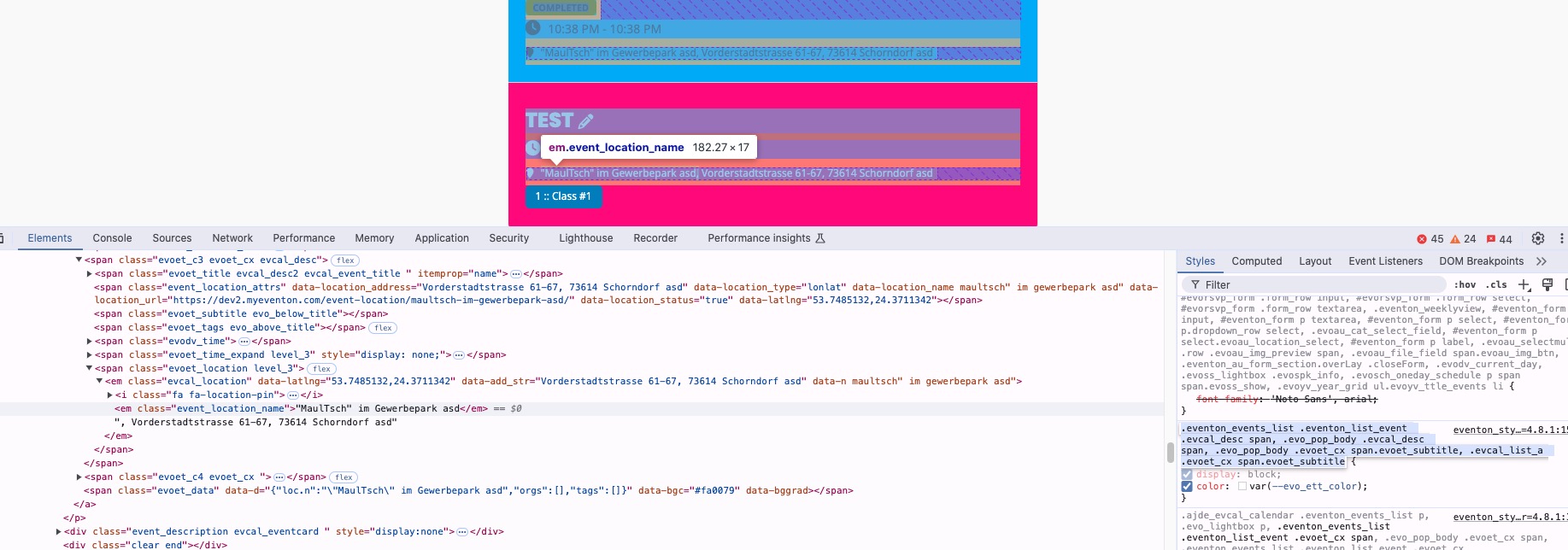
On dev2 (check Jan 31st) this style applies to all locations and makes their color correct:
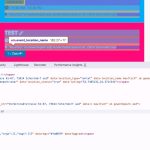
But on customer’s website it doesn’t and this is the only style that is being applied: