Could you try going to EventON > Scripts & Styling > enable Write dynamic styles to header? If it’s enabled, try disable it, save, enable it again, save.
We selected Purple as “EventTop All Text Color for only colorful and image backgrounds” and the color is correct:
https://dev2.myeventon.com/events/single-event-test/
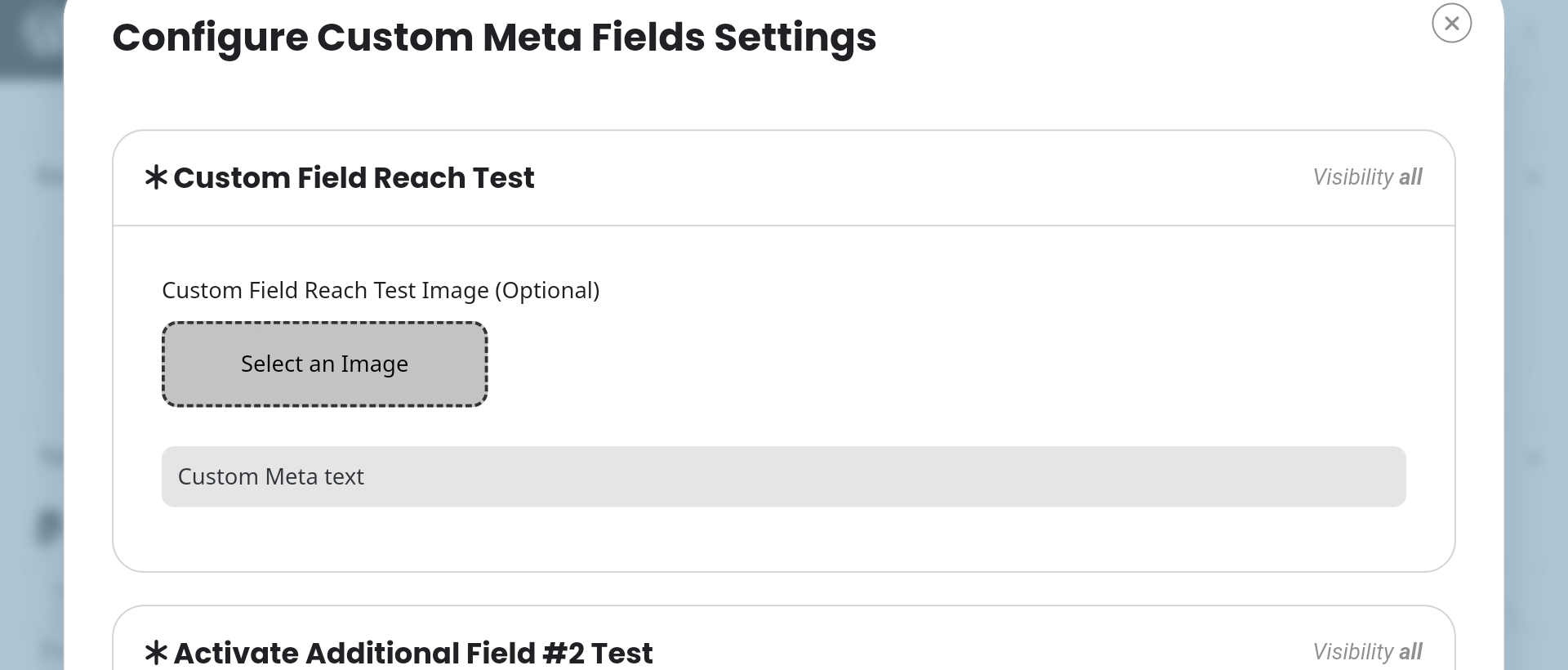
Could you send us a screnshot of how you add the text to your custom meta field? Similar to this one:
On our test site it’s white, but I need to fully recreate this.
This ticket is private.
Please take a look at Time Format: https://cmcm.qc.ca/wp-admin/options-general.php
It doesn’t have spaces. Can I or could you try adding them?
It seems that Checkout uses Settings > Time Format and not EventON > Time Settings.
Hello,
On my side:

By main header color are you referring to the text or background?
EventCard can also be opened.
Could you check and let me know?
We are glad your issue is resolved, if you have any further questions or concerns please create a new ticket.
Hello,
In order to enable Jumper please add jumper=”yes” to the shortcode:
[add_eventon jumper=”yes”]
And if you want to expand it by default please also add exp_jumper=”yes”.
Please check and let me know.
Ashan,
Start of the ticket:
https://helpdesk.ashanjay.com/ticket/hello-event-repeat-type-custom-error-message/
Ashan,
Their other ticket with the full error:
https://helpdesk.ashanjay.com/ticket/fatal-error-uncaught-error-call-to-a-member-function-format/
Hello,
Ah, it seems that in your other ticket you are referring to Repeat: Custom.
Do you see this error in debug.log file or on the page itself?
Could you also let us know about your version of EventON?