That’s ok, Thanks !
Archives: Replies
Replies for tickets on suppota
Reply to: tickets(406686)
I did found it form the site bar of EventOn site. My First EventOn I Bought from an usplier so I am not use to work here.
No it is opening, but not showing the page info, only the header, it only opens to editorial mode, not for user.

Reply to: tickets(406686)
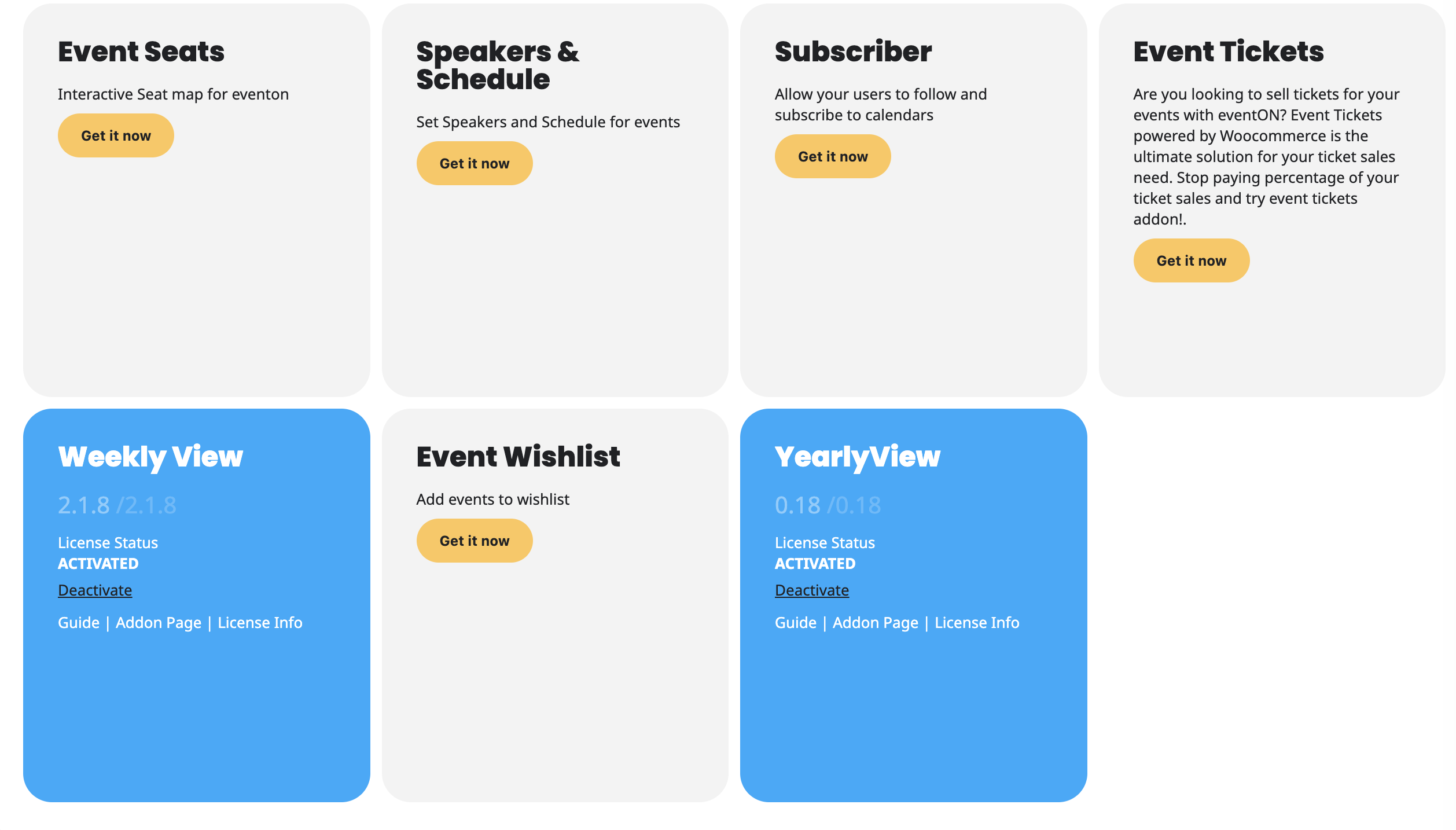
Hi there, I can’t find this version to download… I
have been able to update to version 0.18, straight from the wordpress.
Can you please guide me where to find this version. Can’t find it…
-Mari
Reply to: tickets(406932)
Please send us wp-admin access to your site from ”Access Info” box on right side menu, to further assist your situation.
I would like to check the event with ”con/sin copa”.
Reply to: tickets(406991)
Perfect! The update will be available very soon.
Reply to: tickets(407388)
Hello,
If possible, please send us wp-admin access to your site from ”Access Info” box on right side menu, to further assist your situation.
I want to copy some of your events as well as installed plugin to see if I’ll be able to recreate the issue on our own website.
Reply to: tickets(407142)
Hello,
Yes, the expected behavior is that the selected Event Type 2 child category should display in the calendar even if the parent category is not selected.
For the past 8 years, it has been enough for us to select only the child category, and the category label appeared correctly in the calendar. Only in the past approximately 1 month have these category labels “disappeared” when marked this way.
We have more than 1,200 events in our calendar, so we would like to restore the previous behavior: selecting the child category alone should be sufficient. Otherwise, we would need to manually modify all previous events one by one.
Could you please check why Event Type 2 child categories no longer display unless the parent is also selected, and restore the previous behavior?
Thank you,
Ádám
Reply to: tickets(407022)
would you be able to share us the complete error? because the error you shared comes after an error message was printed on the page. without admin access (which we completely understand) we would need to see the full error message to help you guide resolve it. thank you so much for your understanding! and please reply with as much information you can about this error, screenshots if possible. this ticket is indeed private at the moment.
Reply to: tickets(407367)
Hello Steve, our auto update process should work as the updates are hosted on our server and sent out to activated copies of eventON with valid license subscription.
If you would like to kindly share wp-admin to a site where you have updating issues via ACCESS INFO on right side we can look deeply into your site and see if there is any issue in there that is not allowing for updating auto.
Reply to: tickets(407326)
thank you very much for sharing this information. Not sure why you were not able to reply to our other ticket.
In the other ticket we shared the code fix, were you able to apply that?
Did the orders go straight into complete even after the code fix?