Hi Artem, thank you for the quick answer. I just realized it is working only in incognito/private mode.
I have cleaned cache on Safari and Chrome. If I am in incognito the popup works, if I am not it doesn’t…
Any idea?
Thanks
Replies for tickets on suppota
Hi Artem, thank you for the quick answer. I just realized it is working only in incognito/private mode.
I have cleaned cache on Safari and Chrome. If I am in incognito the popup works, if I am not it doesn’t…
Any idea?
Thanks
Hello,
Could you please try the instructions mentioned in this documentation to make sure your issue is indeed coming from eventon.
I believe that one of your third-party plugins or the theme apply their own styling to EventON’s backend.
Hello,
Thank you for your great suggestion, at the moment it is not supported. However please create a new ticket and select Feature Request as category so others can vote on your idea and get it moved into development faster.
Hello,
What’s your current version of EventON? Please make sure to update to 4.8.1.
About the issue. Could you go to EventON > EventCard > try a different Feature image display style?
Hello,
Seems to be working on my side:
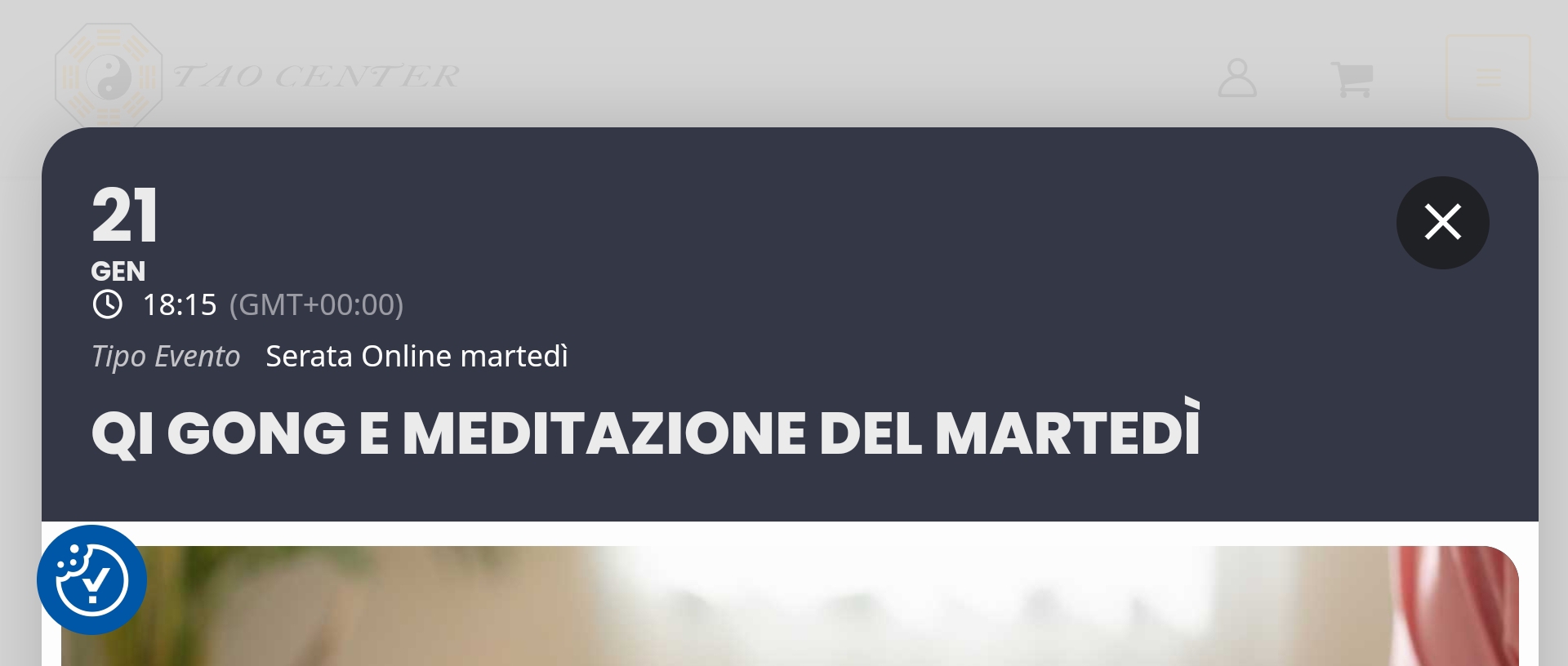
Could you check and let me know?
the left bar should be different colors but just gray.
Hello,
Could you go to https://lejazzetal.com/wp-admin/admin.php?page=eventon#evcal_003 and enable Paypal?
The section will appear after you’ll enable the functionality.
2. Remove Google Maps link – Done!
3. Text left aligned – Done!
1. Button “Tickets Online” to center – need HELP!
After manual Update on 4.8.1 the button “Write dynamic styles to header” works.
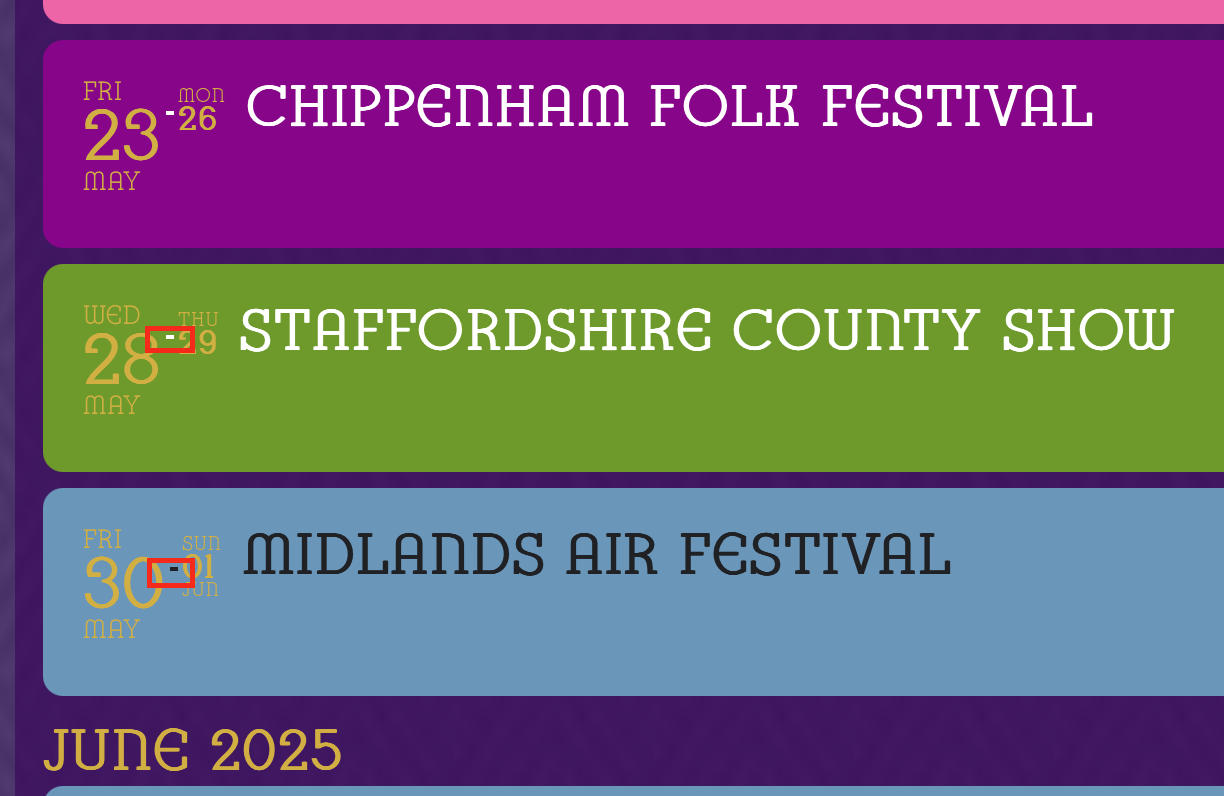
Issue 3: I’ve just noticed that on a multi-day event the hyphen between the two dates still shows the correct colour swap behaviour it is just the date information that no longer shows the correct behaviour.