
https://helpdeskx.s3.amazonaws.com/wp-content/uploads/2026/01/26161245/php-error-1.png
Replies for tickets on suppota
Here is the error image again.
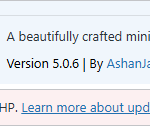
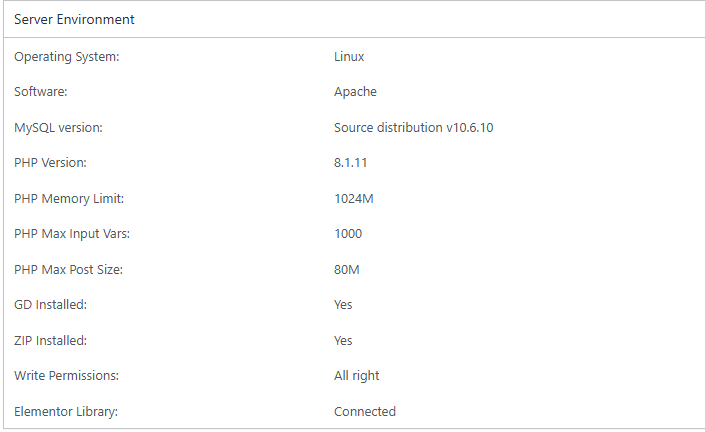
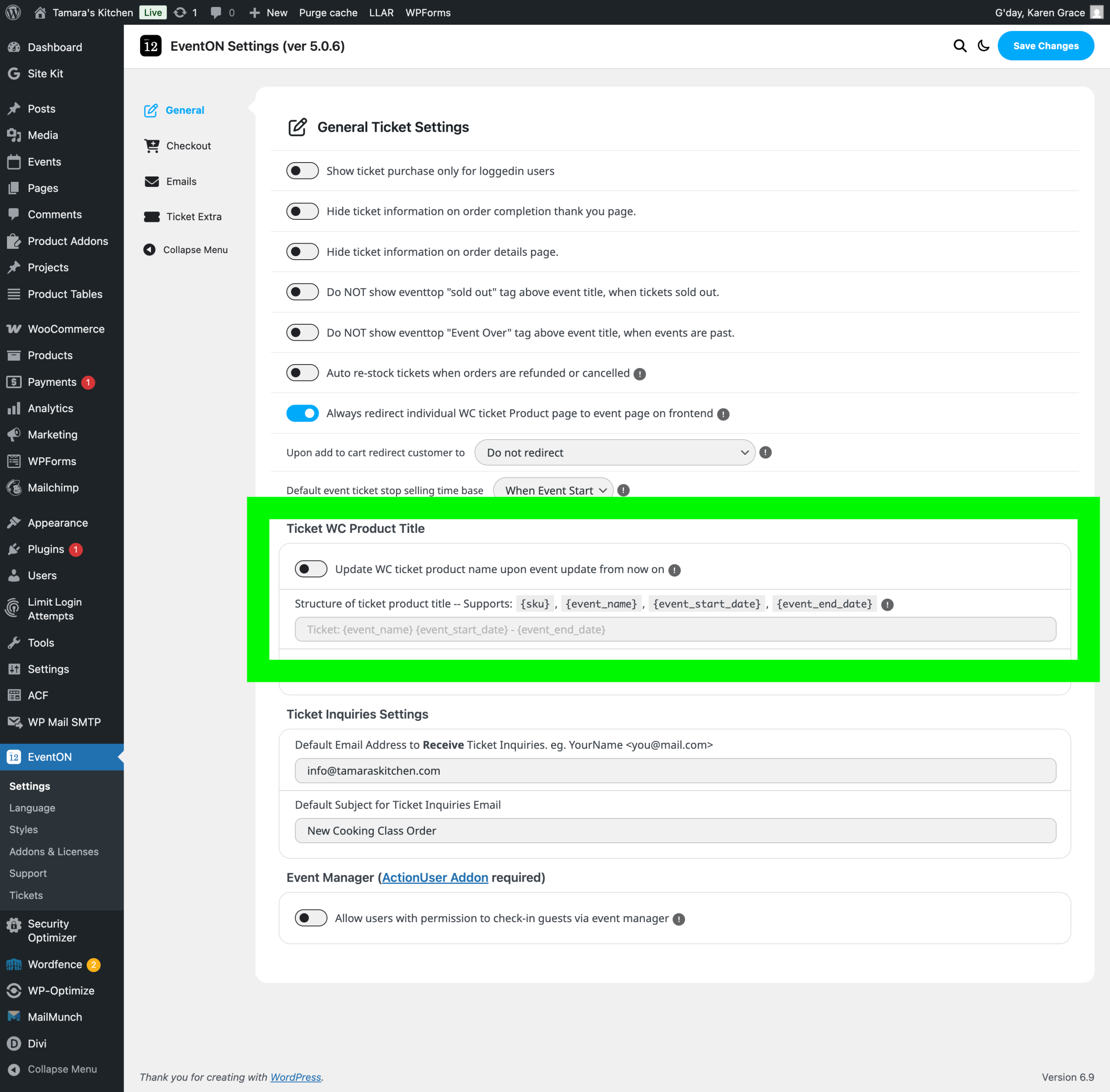
I am travelling and am unable to work on the backend of my site currently. Attached is a screenshot I took of the plugin error that my WordPress dashboard displayed along with a screenshot of some of my settings currently.
Please update EventON itself and not Event Tickets add-on. Here’s the guide on how to update it:
To update eventon to latest version: If you are unable to do autoupdate, you can go to codecanyon your account > download and get the latest eventon version as zip file. Then you can go to your website > make sure ”Delete eventon settings & data when EventON is uninstalled” is Deslected from eventon settings, delete old eventon, install new one and activate. This link will further explain the process it. Also you can follow us on twitter to get real-time announcements on updates!
Can you also try upgrading PHP to 8.2+?
We have 8.2 on our test server with no issues for now.
Hello,
5.0.6 isn’t compatible with PHP 8.1.1?
Could you let us know about the error?
Please follow the instructions in this documentation to activate debug in your site to see any PHP errors recorded that can provide insight on to whats going on. Please reply with a link to debug.log file. If you are not able to do this please send us FTP access to your site so we can do this for you.
Do you think I should activate this?
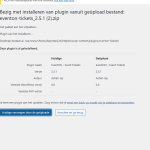
I’ve downloaded the latest versions 2.5.1. from my EventON account twice now and uploaded it to my website. But it doesn’t work appearently. WordPress (see screenshot) tells me that the current version allready is 2.5.1. And when I succesfully replace the plugin with the newly downloaded ZIP file, it stays at 5.0.2.
If you want, feel free to upload the new plugin version yourself.
Will this work if setup a staging environment rather than doing this on the production site?
We are glad your issue is resolved, if you have any further questions or concerns please create a new ticket.