Hello,
Please refer to your #375337 ticket. I’ve replied there.
Replies for tickets on suppota
Hello,
Please refer to your #375337 ticket. I’ve replied there.
Hello,
Could you please update Tickets add-on? The latest version fixes the issue.
To update eventon addons: You can download latest eventon addons from myeventon > my account. Then you can go to your website, deactivate old addon and install new one and activate then delete the old addon. This link will further explain the process. Also you can follow us on twitter to get real-time announcements on updates!
As for the shortcode generator issue, we’ve fixed the issue so it shouldn’t happen again.
But as for the styling issue, you must save your settings after every update, because after every update we change things that should be applied.
You can also simply put your custom styles to wp-admin > Appearance > Customize > Additional CSS.
I checked your debug.log file and there is nothing related to EventON, I am afraid.
If there were any errors we could try fixing them from our side, but at this moment not sure how we can help. Please wait for a reply from the other developer.
Ashan,
The customer uses EventON Lite.
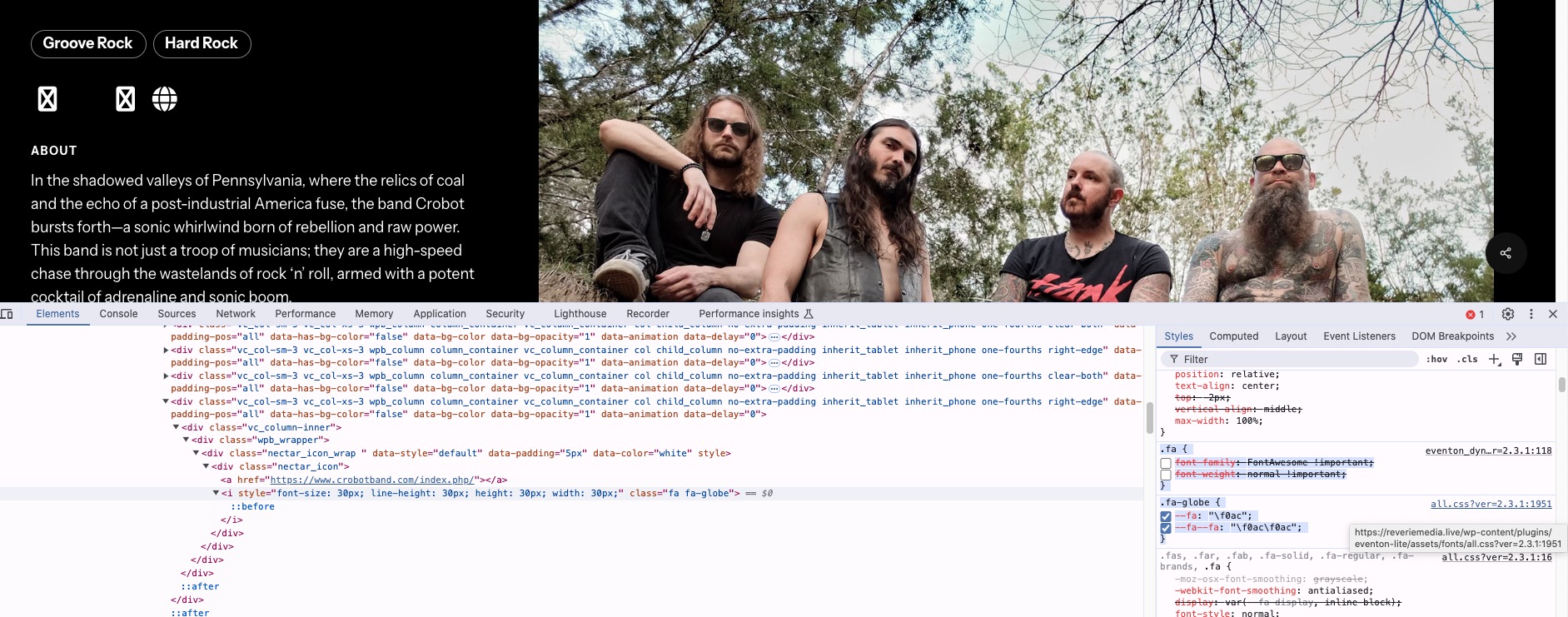
Here’s the style (I disabled customer’s fix so you can see how EventON’s font awesome affects their website):
Hello,
Thank you for your messages, I am going to assign this ticket to Ashan and he will be able to take it from here and find you a solution. Please allow some time for him to get back to you, we greatly appreciate your patience and thank you for being a eventon customer!
Please also note that since you are using EventON Lite could use our separate forum:
https://wordpress.org/support/plugin/eventon-lite/
Could you try adding the code to wp-admin > Appearance > Customize > Additional CSS?
Hello. Thanks for the quick reply.
The onclick event that makes the listed event reveal the Event Card is working now. I saw that you had a recent update to the plug in so I installed it. It fixed the issue that I was having.
Regarding the icon fix. I added the code below and toggled the “Write dynamic styles to header” toggle “ON”, SAVED, and then “OFF” and saved and there was no changes to the website the icon still did not appear.
I noticed that when you “toggled” the button and save, it reverts back to being “un-toggled”.
Please make sure to click on this to show your shortcode: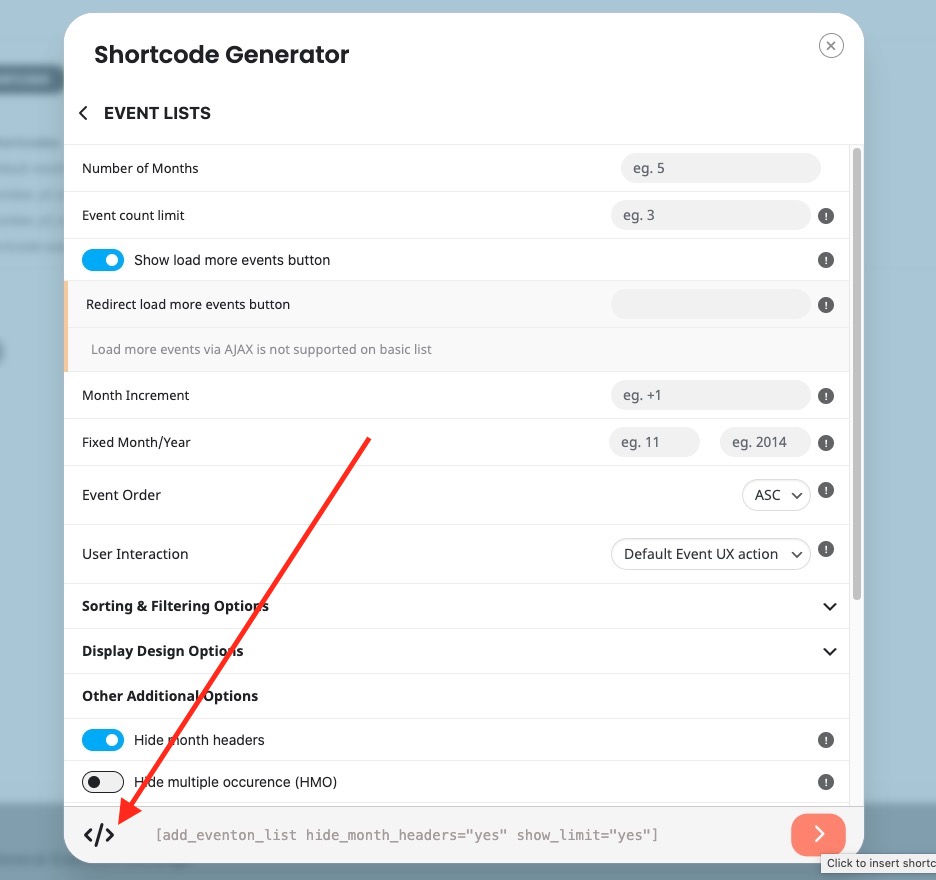
It seems that you need to customize WP Event Aggregator. Unfortunately, we don’t know how the plugin works, so couldn’t help.
If you have any further questions or concerns please create a new ticket.