Thank you for your messages!
I am going to escalate this ticket to development to help in here. Please allow us some time to address this, and we truly appreciate your patience. Thank you for being a valued EventON customer!
Replies for tickets on suppota
Thank you for your messages!
I am going to escalate this ticket to development to help in here. Please allow us some time to address this, and we truly appreciate your patience. Thank you for being a valued EventON customer!
In your original message you asked us on how to update add-ons, I believe? Or are you trying to update the main plugin?
Please check this on how to update EventON itself:
To update eventon to latest version: If you are unable to do autoupdate, you can go to codecanyon your account > download and get the latest eventon version as zip file. Then you can go to your website > make sure ”Delete eventon settings & data when EventON is uninstalled” is Deslected from eventon settings, delete old eventon, install new one and activate. This link will further explain the process it. Also you can follow us on twitter to get real-time announcements on updates!
j’ai acheter la licence sur code canyon et les identifiants ne fonctionne pas sur le site
Merci
Sorry I disactivated that possibility you can now go and install it
Hello,
You can use Event Type to show a filtered list:
https://docs.myeventon.com/documentations/how-to-use-event-types-to-do-more/
With basic shortcodes you can use Fixed Month/Year:
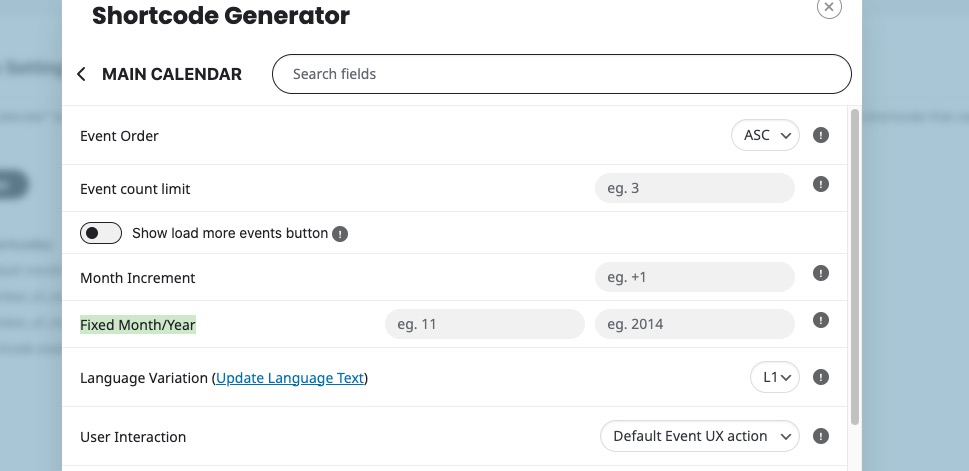
With DailyView add-on you can set Fixed Day/Month/Year:
And with Weekly – Fixed Week/Month/Year:
https://www.myeventon.com/addons/weekly-view/
Try on
https://dev.myeventon.com/wp-admin/
Perfect! We are going to include this fix in the next version.
Hello,
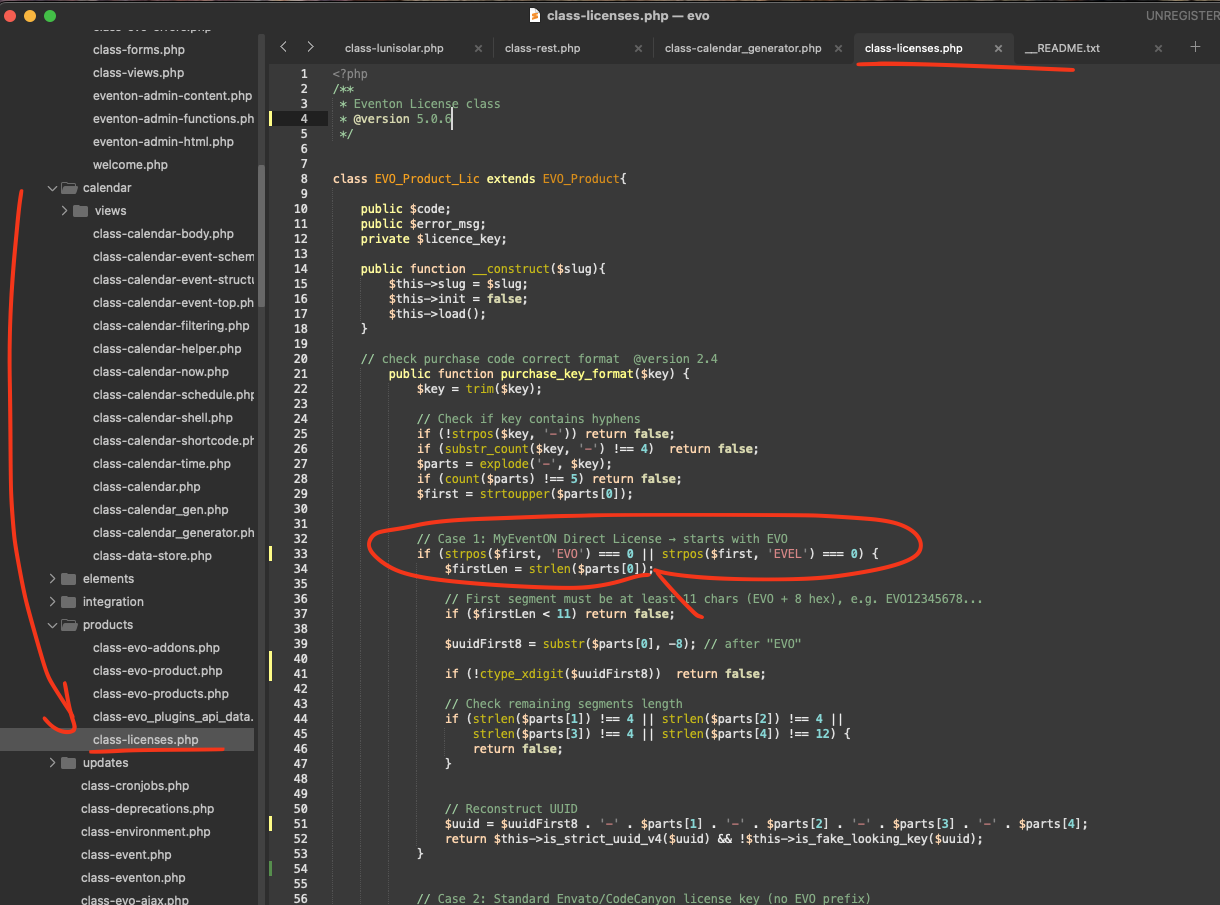
Please try implementing this code change in your website.
code:
https://dev2.myeventon.com/codeshare/7QEBJf3jeRpA
Ashan,
I cannot re-create the issue on dev2, but could you check the code that the customer provided?
Hello,
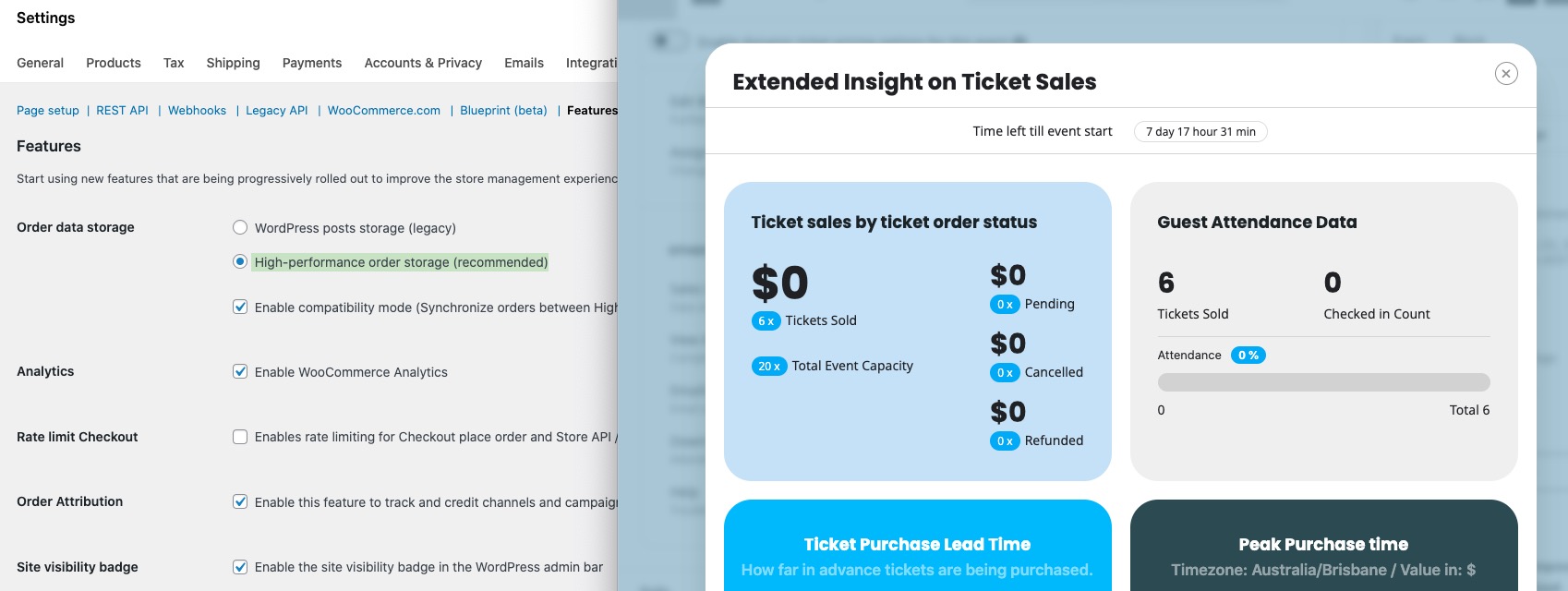
I cannot re-create the issue on our test site, I am afraid:
Thank you for your messages!
I am going to escalate this ticket to development to help in here. Please allow us some time to address this, and we truly appreciate your patience. Thank you for being a valued EventON customer!
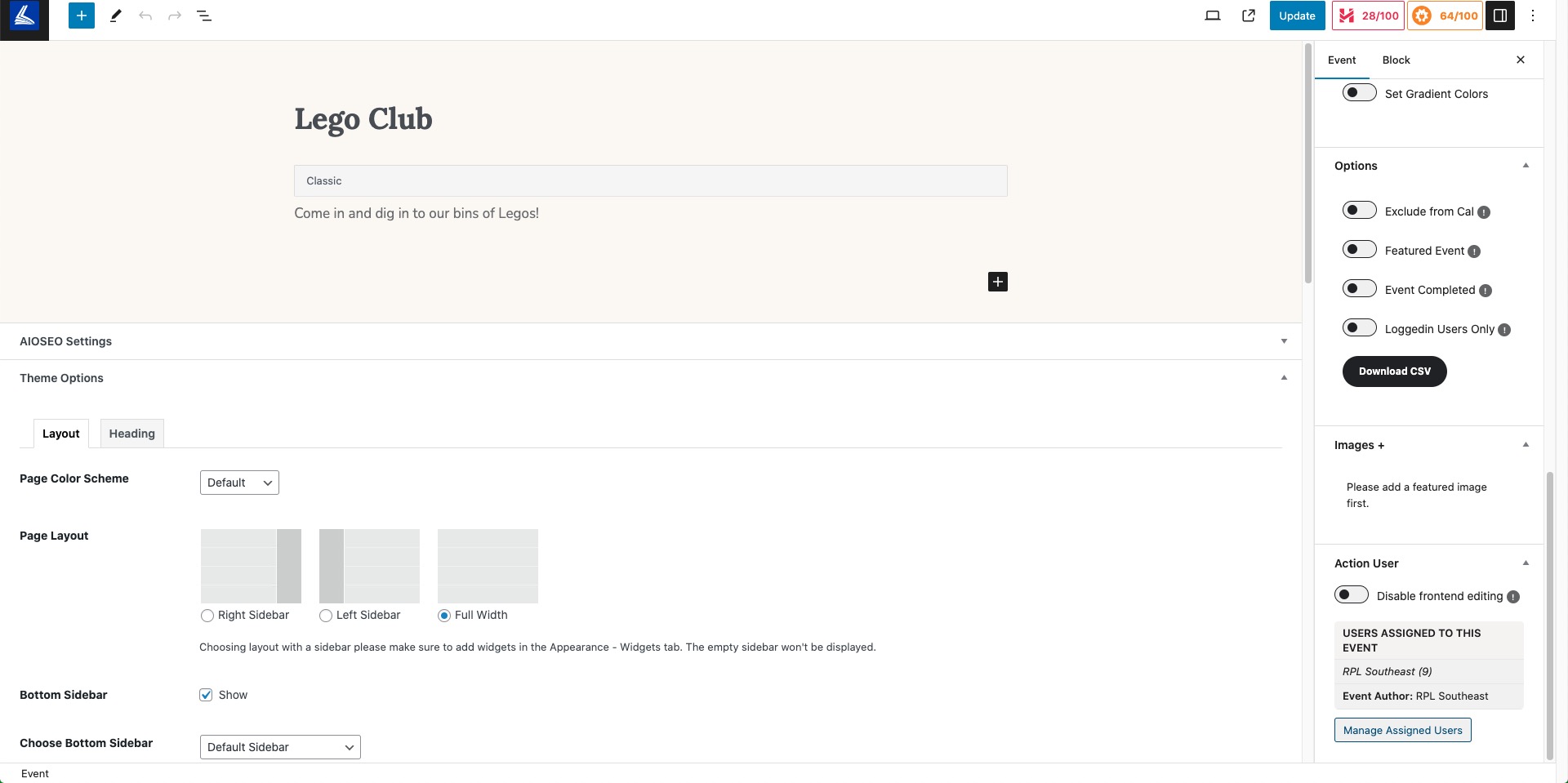
Please check the right bottom of Edit Event page: