Hello,
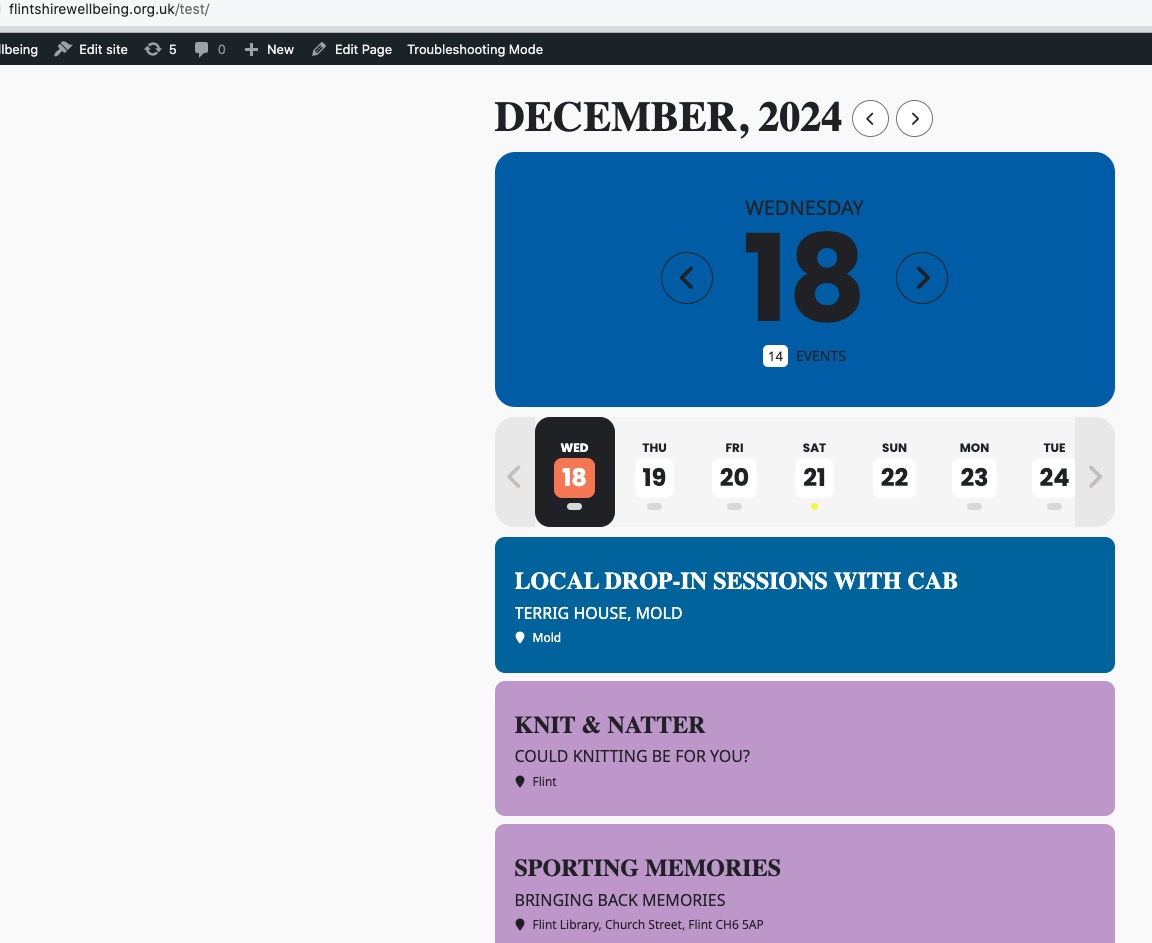
Seems to be working in Troubleshooting Mode:
https://flintshirewellbeing.org.uk/wp-admin/site-health.php?tab=troubleshoot
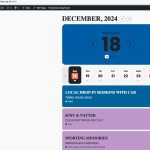
Could you please try the instructions mentioned in this documentation to make sure your issue is indeed coming from eventon.
This ticket is private.
Hello,
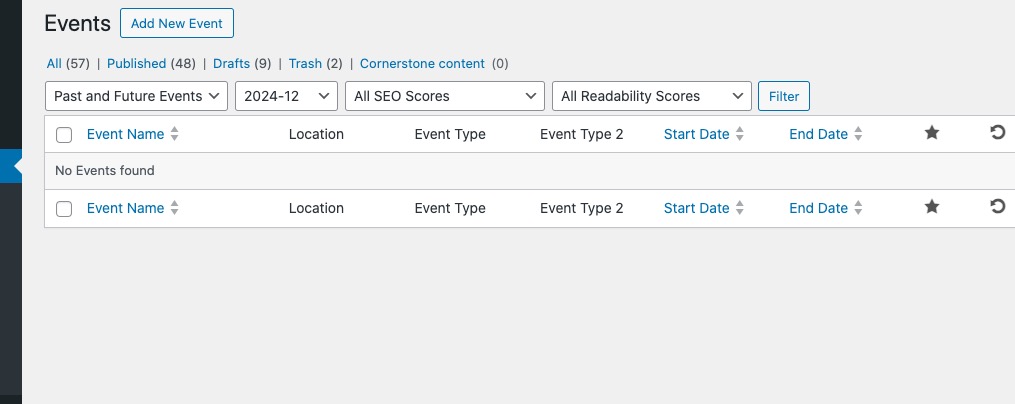
There are no events in December:
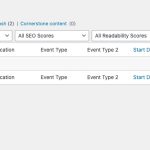
And this page shows events for February:
https://snoflinga.org/schedule/
Could you add more events in December or try replacing the shortcode with Event Lists? You can also add month_incre=”+1″ to the current shortcode to switch to January.
Dang this is bananas Bryan 🙂 I spent a lot of time and I can not figure it out. When the repeats are saved as event post meta field ‘repeat_intervals’ some where it is changing the value. The calculations of unix from new repeat works great. But some where it is changing the final saved value.
This does not happen on our end.
Is it possible for you to clone your website? so we can disable all other plugns and your theme remove any other influences from 3rd party softwares and see if it still happen?
Unfortunately it won’t let me attach it, but if you login with the details provided you’ll see the instructor ID card module showing on the homepage. If you then activate your plugin, you’ll see it disappear. The same applies to the basket page (woo commerce)?
Please send us FTP access to your site as a private message, I will apply the patch.
Hello,
Could you also try going to EventON > enable Remove schema data from calendar and also Remove JSON-LD data for events: Everywhere except single event pages?
woo was updated 1 day ago- so they may have changed “something” https://en-gb.wordpress.org/plugins/woocommerce/
woo doesn’t give developers a heads up when they update – we learn of issues when you do. that being said- all our dev testing sites have no issue with the woocomerce update
I am getting some console errors on your edit event page tho
I have activated woo and when you edit an event you get some errors on the console
(in chrome- right click the edit page and click “inspect”
and then hit the console tab)
theres some minification issues which can effect the backend loading
you could try https://wordpress.org/plugins/wp-rollback/ to rollback woocemrce to a previous version that worked while we diagnose
Ashan,
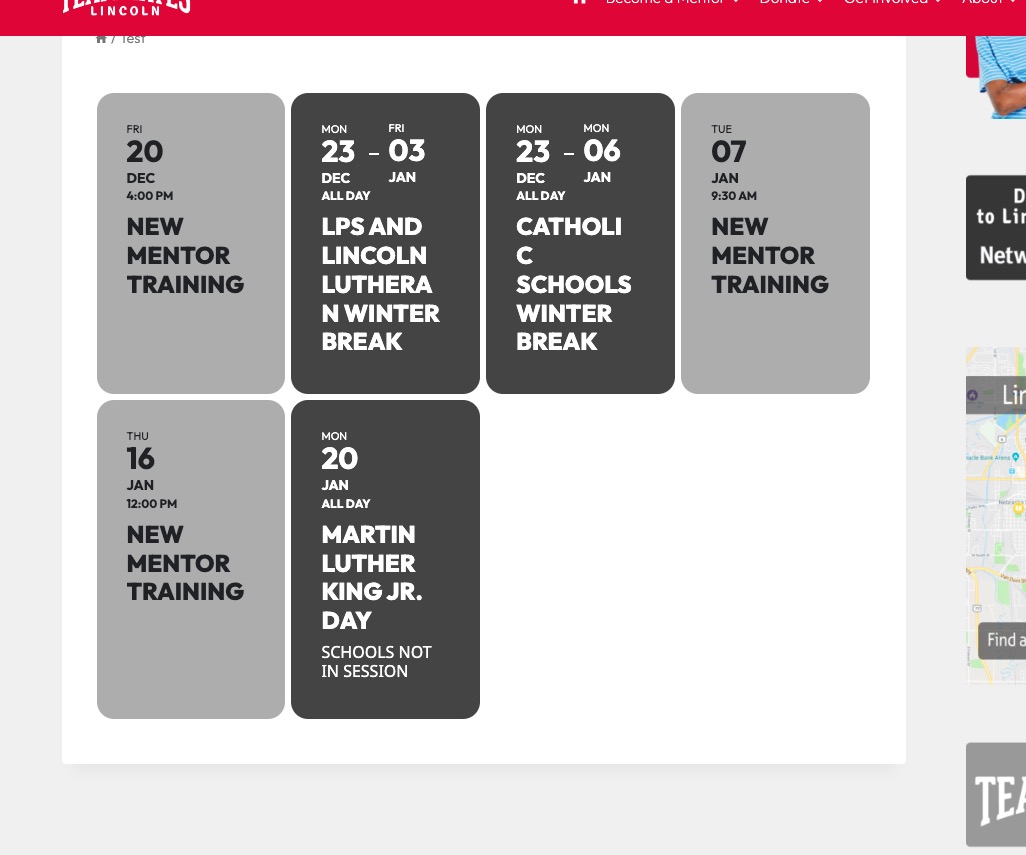
When I remove event_count=”4″ from the shortcode:
https://lincolnteammates.org/test/

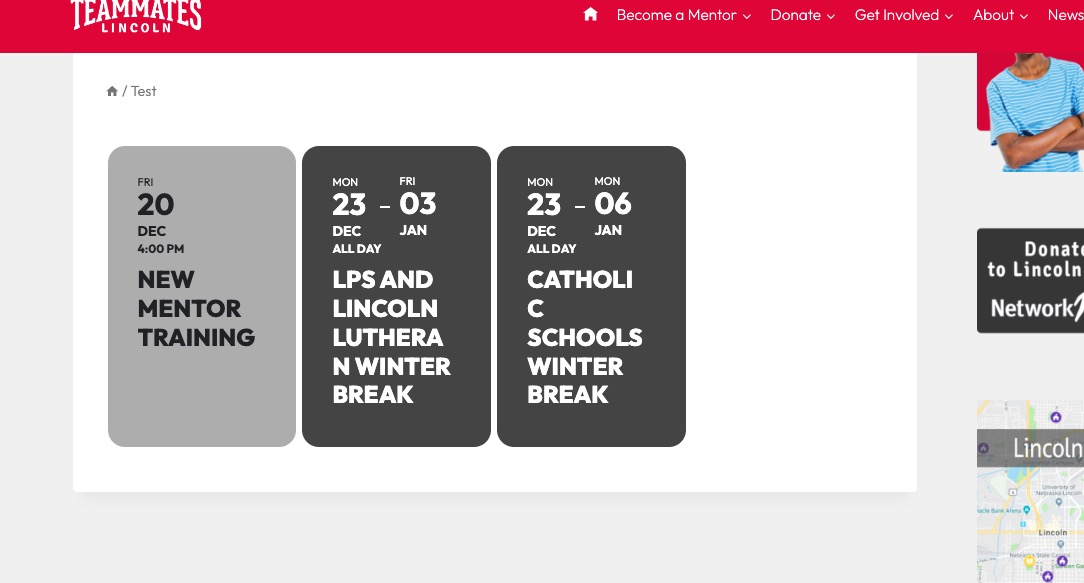
With added parameter:
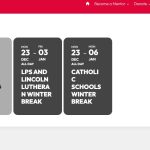
No issues on dev2, but on customer’s website even in Troubleshooting Mode the issue exists.
Hello,
Thank you for your messages, I am going to assign this ticket to Ashan and he will be able to take it from here and find you a solution. Please allow some time for him to get back to you, we greatly appreciate your patience and thank you for being a eventon customer! Also please disable any IP blocking on your site if there are any.
Please send us wp-admin access to your site as a private message for us to further assist your situation.
when you tap on the 23rd and 24th code appears above the events list
“,”location”:[{“@type”:”Place”,”name”:”Juanitos Prime Meats”,”address”:{“@type”: “PostalAddress”,”streetAddress”:”4812 W Clearwater Ave.”}}]}
now this can very very very easily stuff up the calendar- it could be code within the event description or within the location- which is adding some HTML that stuffs up the calendar
so iether let us see the admin side so we can check it out but if you don’t want to do that check out events on those dates and also the clearwater address to see if theres extra code in there