Since you use Avada you need to go to EventON > Diagnose > enable Disable saving all Fusion/Avada related data into events.
I did, but, for example, ”ESCUELAS PÍAS / ENTRADA GENERAL Y REDUCIDA (VISITA LIBRE)” still has the issue.
In my newly created event variations do work:
https://arsmagna.live/events/test/
It seems that because of Avada your old events aren’t saving correctly, so that’s why they don’t work.
I also cannot enable Troubleshooting Mode:
https://arsmagna.live/wp-admin/site-health.php?tab=troubleshoot
Could you please try the instructions mentioned in this documentation?
I am also going to escalate this ticket to development to help in here. Please allow us some time to address this, and we truly appreciate your patience. Thank you for being a valued EventON customer!
Also EventOn Bookings 1.4.8
Hello,
I wanted to send you an update on the issue we have been experiencing, as we have now been able to isolate the problem more precisely.
We had a critical issue on our website affecting EventON ticket sales with seating maps. The main symptoms were:
- The seating map was not loading correctly.
- The ticket selection area remained blank or stuck.
- The cart was sometimes empty after selecting seats.
- EventON popups and galleries/images were also affected.
- In Safari console, we saw the following error:
TypeError: undefined is not an object (evaluating 'BUS.templ[OPT.part]')
The error pointed to:
eventon_functions.js
Specifically around the line where EventON tries to compile an internal template:
template = Handlebars.compile( BUS.templ[ OPT.part ] );
During troubleshooting, we tested several possible causes:
- WP Fastest Cache disabled
- AIOS / All In One WP Security disabled
- EventON Bookings disabled
- EventON QR Code disabled
- EventON Event Photos Plus disabled
- Avada performance optimizations disabled
- jQuery Migrate enabled
- Load jQuery in footer disabled
- Avada cache reset
- Browser cache cleared
- Backup restored from earlier the same night
After restoring the backup, the problem persisted as long as the latest version of EventON Ticket Variations & Optionswas active.
We then tested by deactivating EventON Ticket Variations & Options, and the seating map loaded correctly again.
Since this addon is essential for us — we need customers to select a seat and then choose between ticket types such as General and Reduced — we could not leave it disabled.
We then reverted EventON Ticket Variations & Options from version 1.1.16 to version 1.1.12.
After reverting to 1.1.12, everything started working again:
- Seating map loads correctly
- Seat selection works
- General / Reduced ticket variation selection works
- Tickets are added to cart correctly
- Cart and checkout work
- EventON image gallery also works again
So the issue appears to be specifically related to EventON Ticket Variations & Options 1.1.16 in combination with our current EventON / Tickets / Seats setup.
Our current working setup is:
- EventON: 5.0.9
- EventON Tickets: 2.5.6
- EventON Seats: 1.2.9
- EventON Ticket Variations & Options: 1.1.12 — working
- EventON Ticket Variations & Options: 1.1.16 — causes the issue
Could you please check whether there is a compatibility issue or bug in Ticket Variations & Options 1.1.16, especially related to seating maps and the internal BUS.templ[OPT.part] template handling?
Thank you for your help
Best regards
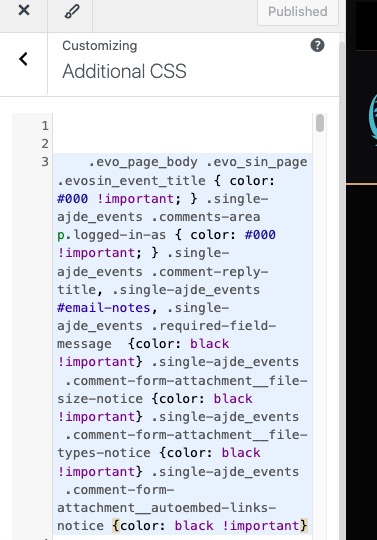
I added the code to Additional CSS:
https://carsoncarclub.com/wp-admin/customize.php?return=%2Fwp-admin%2Fadmin.php%3Fpage%3Deventon
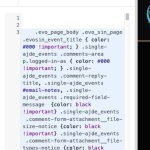
Also added one line to change ”Logged in as…” text.
Please check and let me know.
Please send us updated screenshot of
https://helpdeskx.s3.amazonaws.com/wp-content/uploads/2026/04/22062315/screencapture-console-cloud-google-apis-credentials-key-3b361569-f675-4fff-a4f8-661e15cc507a-2026-04-22-14_22_44.png
I am still cannot access wp-admin. Could you check?
Please also go to EventON > Location > make sure that ”Google maps API Key (Required)” isn’t empty.
Nevermind, I found the additional codes and got this to work. Thank you.
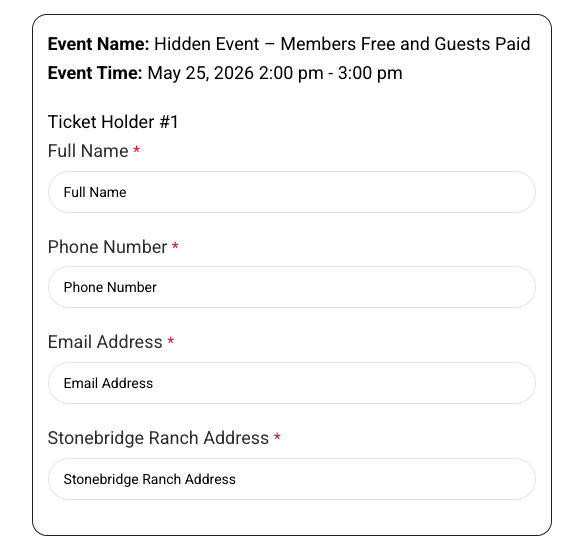
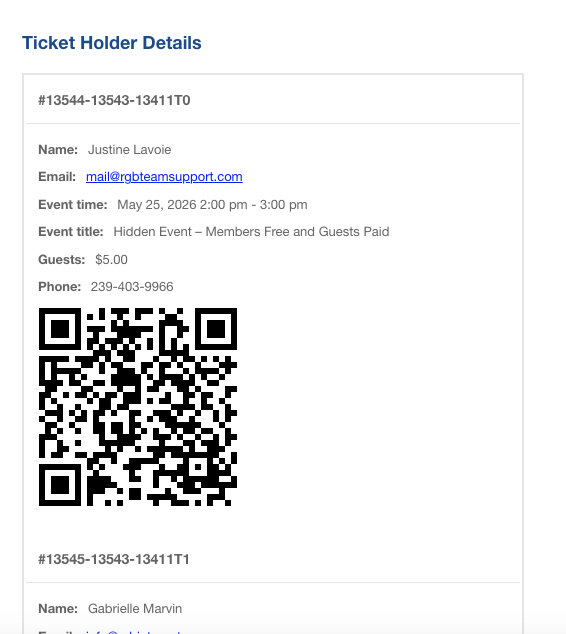
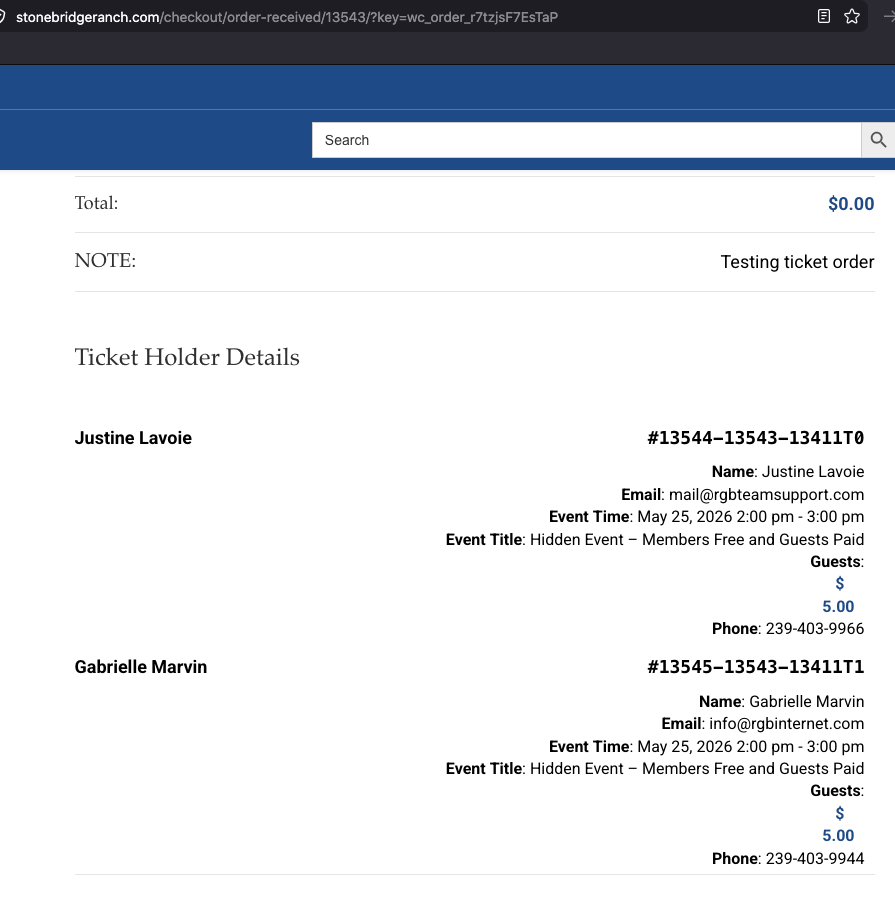
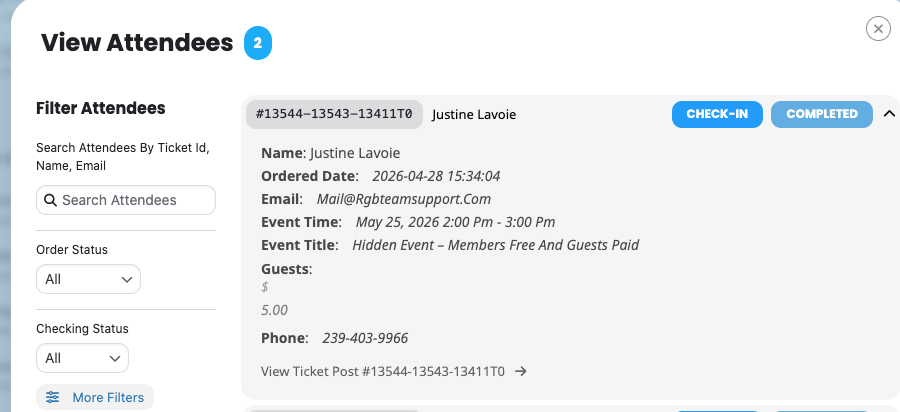
Here are some screenshots. We’re not seeing the new address field on any location after entering it on the ticket.
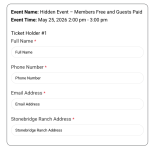
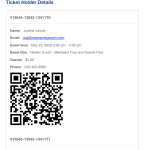
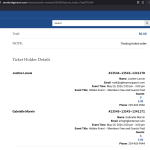
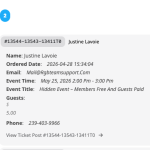
is this correct
.evoau_submission_form .evoau_table .row .trumbowyg-editor-box p { color: black !important; } .evo_page_body .evo_sin_page .evosin_event_title { color: #000 !important; }
.single-ajde_events .comment-reply-title, .single-ajde_events #email-notes, .single-ajde_events .required-field-message {color: black !important} .single-ajde_events .comment-form-attachment__file-size-notice {color: black !important} .single-ajde_events .comment-form-attachment__file-types-notice {color: black !important} .single-ajde_events .comment-form-attachment__autoembed-links-notice {color: black !important}
Please ignore the last one with the custom meta fields. I forgot that the additional checkout fields come from the functions.php and not automatically from the custom meta fields.
Thank you, this looks good. Closing ticket. We will let you know if we need anything else.