Perfect! Please wait for the next version to be released.
If you have any further questions or concerns please create a new ticket.
Replies for tickets on suppota
Perfect! Please wait for the next version to be released.
If you have any further questions or concerns please create a new ticket.
Please update EventON and RSVP add-on. Also update Tickets add-on.
To update eventon to latest version: If you are unable to do autoupdate, you can go to codecanyon your account > download and get the latest eventon version as zip file. Then you can go to your website > make sure “Delete eventon settings & data when EventON is uninstalled” is Deslected from eventon settings, delete old eventon, install new one and activate. This link will further explain the process it. Also you can follow us on twitter to get real-time announcements on updates!
To update eventon addons: You can download latest eventon addons from myeventon > my account. Then you can go to your website, deactivate old addon and install new one and activate then delete the old addon. This link will further explain the process. Also you can follow us on twitter to get real-time announcements on updates!
Can we take a look at the shortcode on your website?
Hello,
Please add this CSS code to EventON > Styles (If you don’t see any change, EventON > Scripts & Styling > turn off Write dynamic styles to header > save settings > turn on Write dynamic styles to header):
.eventon_events_list .eventon_list_event .evoet_cx span.evo_above_title span.eventover, .evo_pop_body .evoet_cx span.evo_above_title span.eventover {color: white !important;}
Please send us wp-admin access to your site as a private message for us to further assist your situation.
Since you are using WPML, please follow this guide:
https://docs.myeventon.com/documentations/wpml-eventon-front-end/
It seems that WPML translations of events aren’t loading.
Hello,
You can just test things out on your temporary website without activating our products.
Here you are the wp-admin access:
https://www.chemstage.com/wp-admin
User: eventon
Pass: Eventon
For FTP I don’t know how to do that becuase I didn’t used FTP before, if nesseccery please explain how to do that.
Thanks,,,
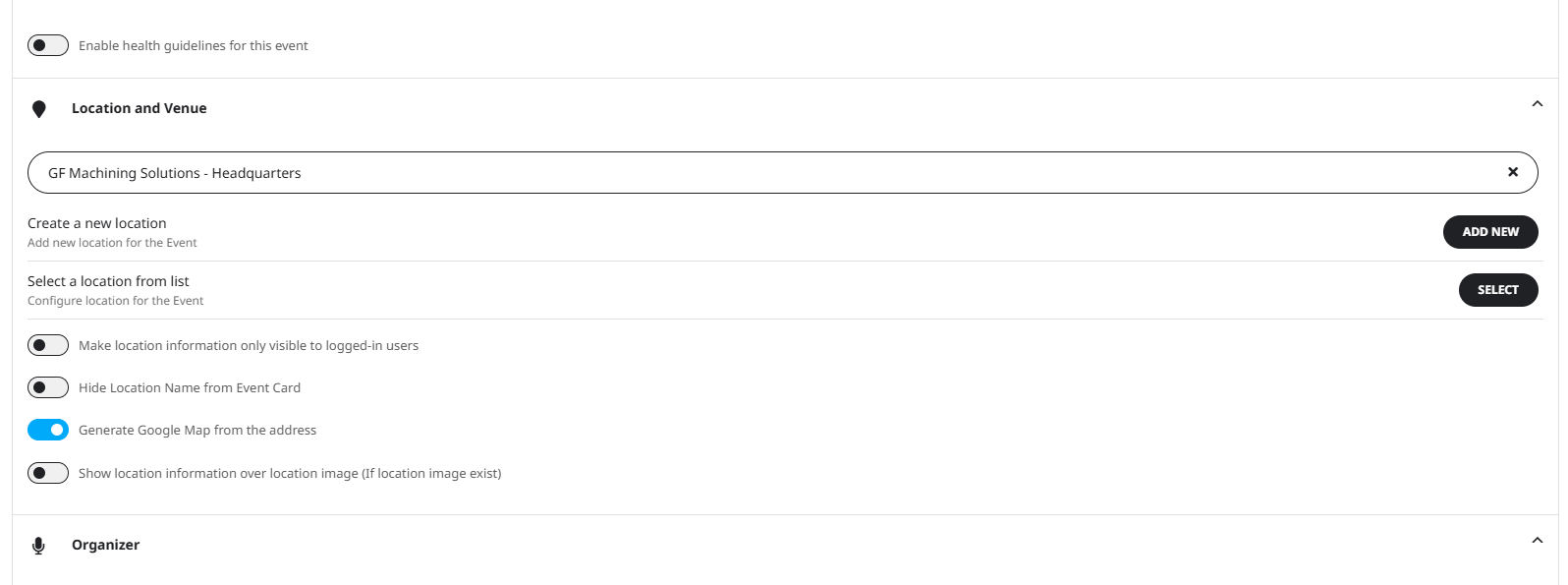
After updating the plugin, my interface doesnt look the same as your screenshot:
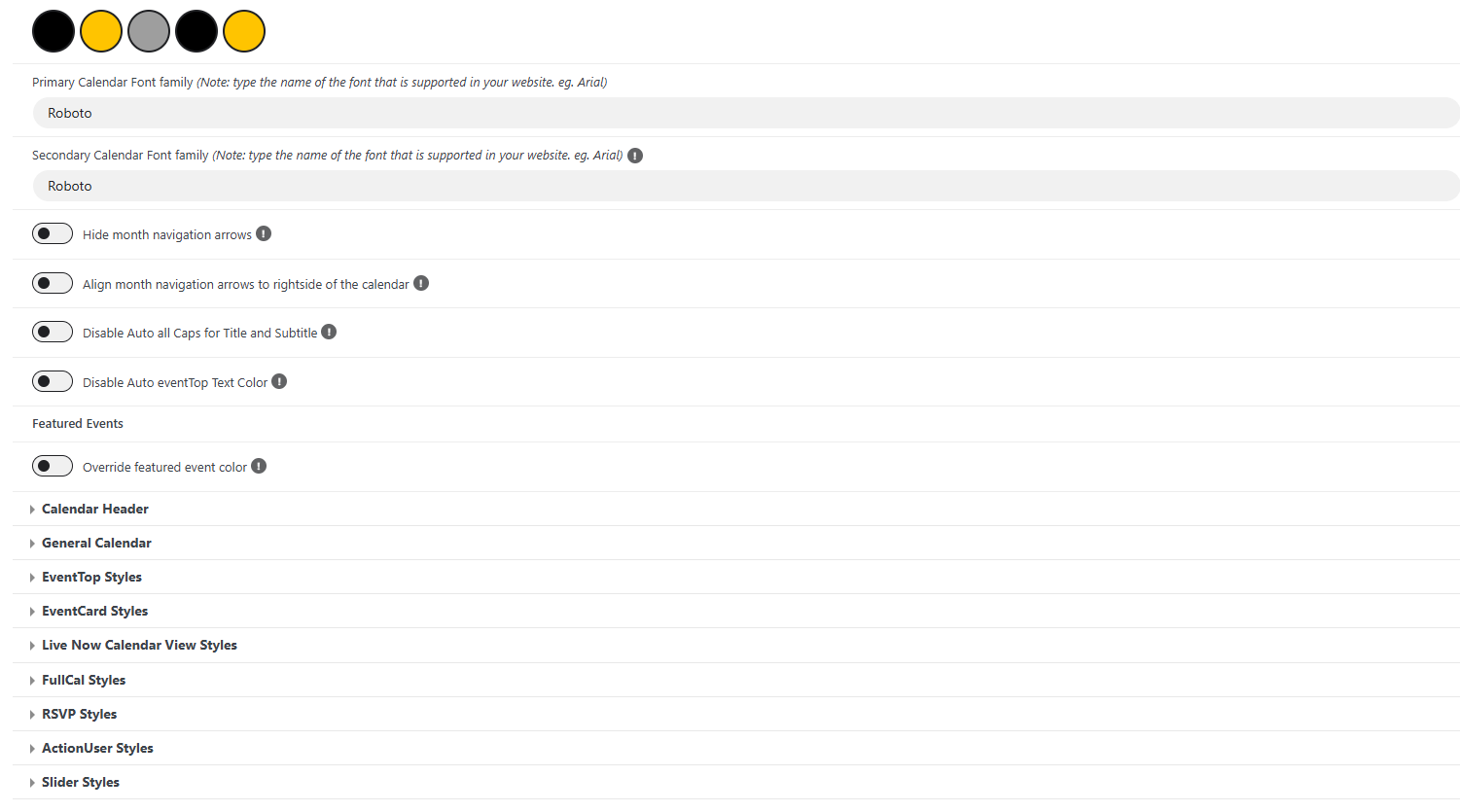
These are the options for color changing i have available. I cant seem to find the one that changes that tag.