Hello,
There is a new version of RSVP available. Could you update and check again?
To update eventon addons: You can download latest eventon addons from myeventon > my account. Then you can go to your website, deactivate old addon and install new one and activate then delete the old addon. This link will further explain the process. Also you can follow us on twitter to get real-time announcements on updates!
Also could you disable the cache plugin completely and check as well?
Hello,
You also need to purchase and install the main plugin:
https://codecanyon.net/item/eventon-wordpress-event-calendar-plugin/1211017
Please check and let me know.
Hello,
Please go to EventON > EventCard > open Designer and save > now save EventON Settings.
Your staging site is not longer working for me. Let me know where you are trying to get the new version for API addon and wp-admin access and I can take a look and see whats going on 🙂
THank you Johnny for supporting our software! I have added yearly view addon into your account at myeventon.com Just so you know your subscription will be renewed in an year and this addon will also be charged then unless you choose to remove it from your subscription at any point before renewal 🙂
Thank you, I’ll let you know if I have any problems with that. I also need to update the license for the API plugin but got stuck here.
We have managed to get it working slightly better by using a different shortcode. The shortcode in use is below:
[add_eventon show_et_ft_img=’yes’ show_limit=”yes” show_limit_ajax=”yes”]
Is there a way to limit the number of events shown? For example limit to 7 days, or a number value?
We tried to use the shortcode generator but this does work when the arrow is clicked on to generate the shortcode after the settings have been set.
Hi there,
Almost one year, and still when I try to upgrade the version the second language (L2) will not appeare. Then I downgrade the plugin.
Can you fix the issue!
Thanks,,,
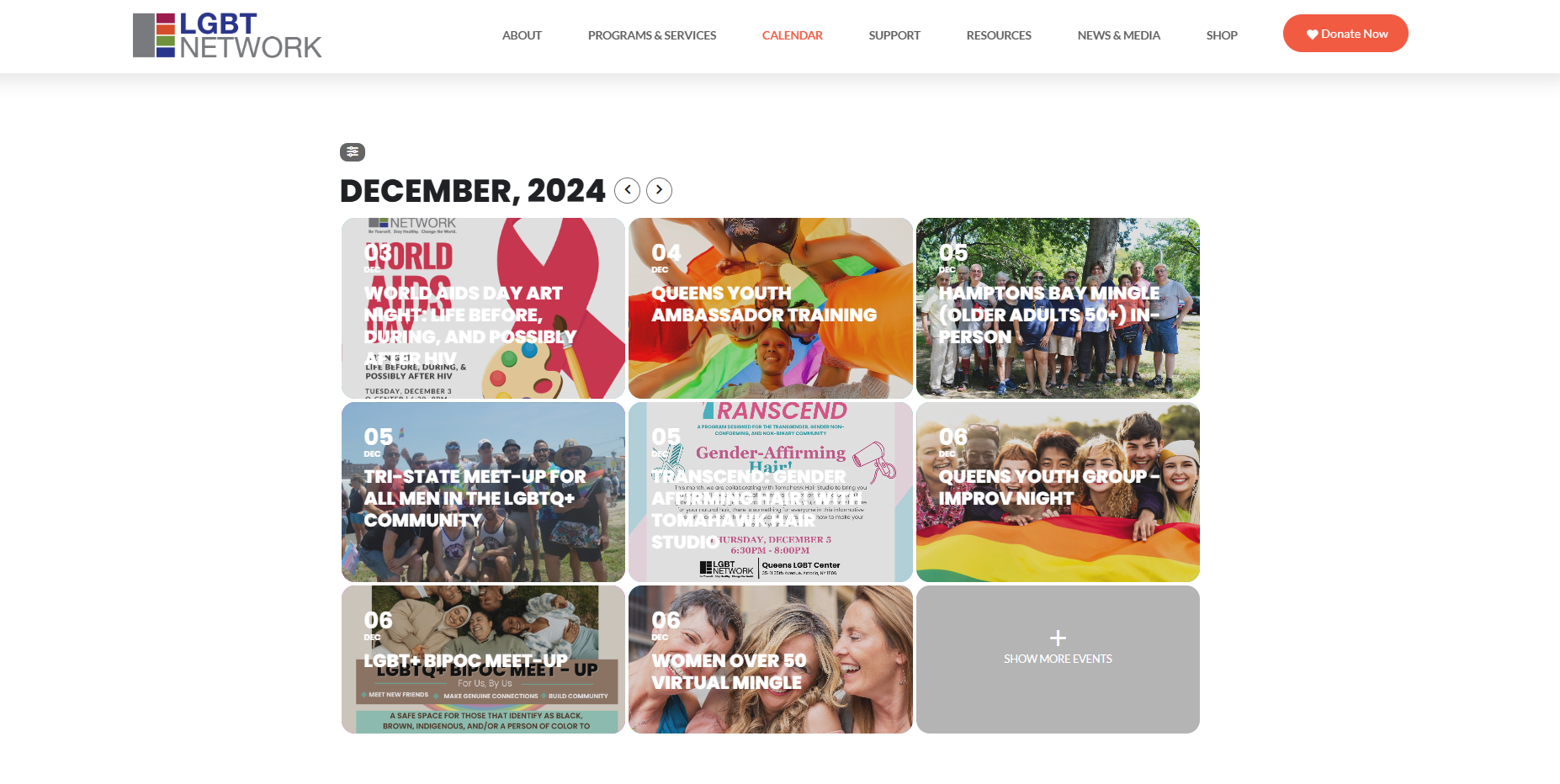
I have applied all of the changes, but the EventTop color is still not updating as expected. It seems that when I enable the “Write dynamic styles to header” option, the EventTop text color remains white. Conversely, when I disable it, the text appears black. Just a few minutes ago, I changed the EventTop title text color to blue, but it still isn’t reflecting on the front end of the calendar.
Additionally, is there a way to set the calendar tiles to have a solid background instead of displaying the event image? We would like the event image to still be visible when users click to open an event, but not when they are previewing the full calendar.
I tried to query only the last 12 months and only the last 3 months, but both result in the same error. The amount of memory that it tries to allocate isn’t any lower.
[04-Dec-2024 15:33:28 UTC] PHP Fatal error: Out of memory (allocated 415236096 bytes) (tried to allocate 400556064 bytes) in /mnt/web017/b3/94/57554094/htdocs/WordPress_SecureMode_01/wp-content/plugins/eventON/includes/calendar/class-calendar-body.php on line 349