We are glad your issue is resolved, if you have any further questions or concerns please create a new ticket.
If you have a moment, we would greatly appreciate if you could kindly leave us a review at EventON WordPress Page OR EventON > My Account > Downloads. Your review helps us a lot in continuing EventON improvements!
Hi, your suggestion fixed the problem, thank you!
Ashan,
The same on dev2.
Before the order:
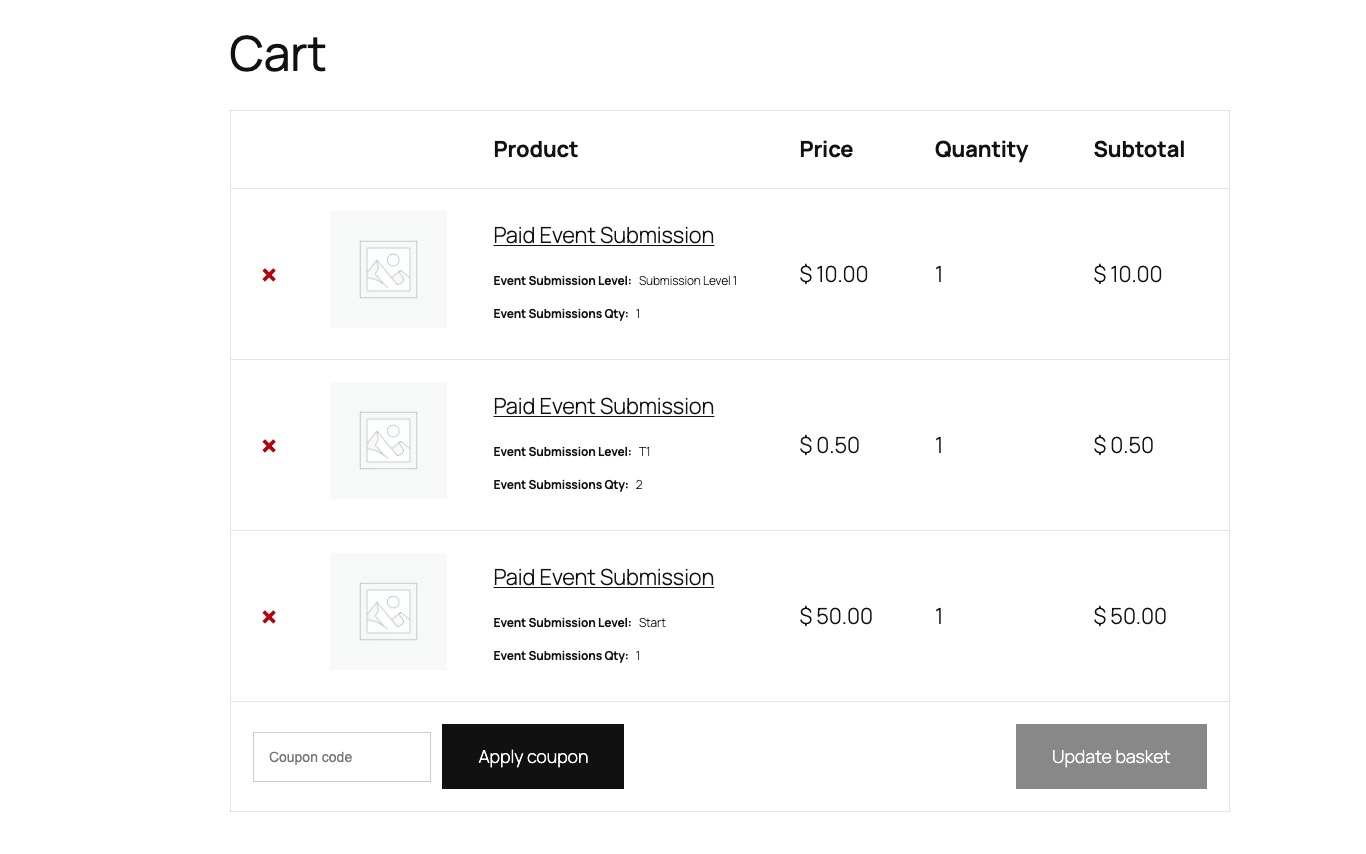
Cart:
Completed Order:
https://dev2.myeventon.com/wp-admin/post.php?post=74429&action=edit
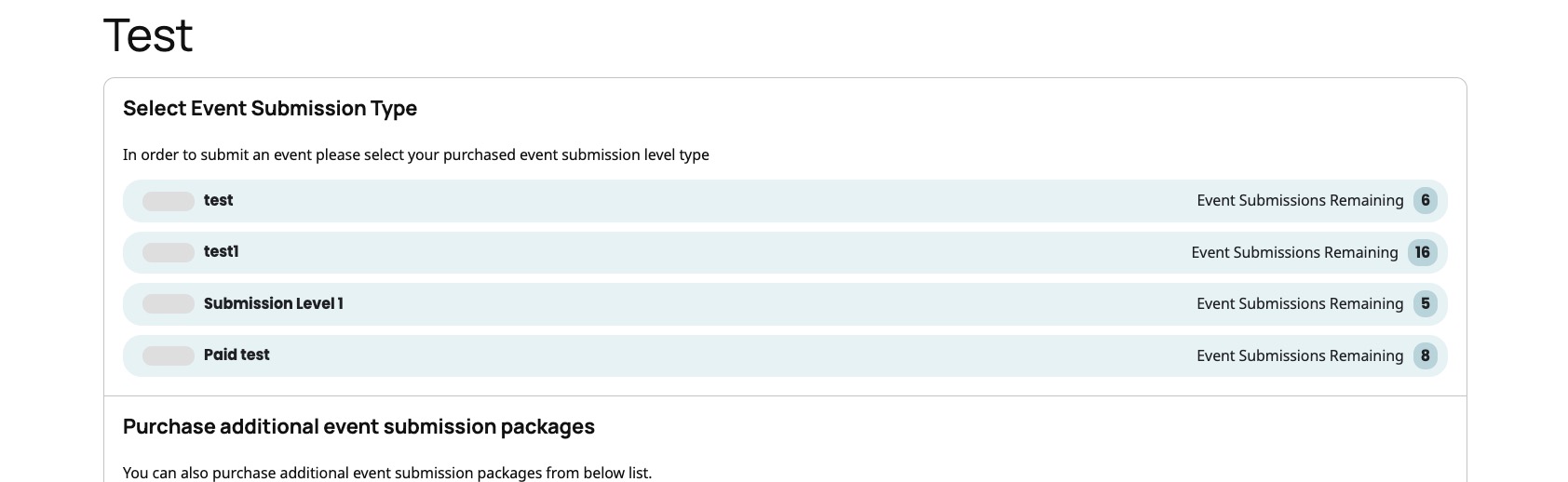
No changes in ”Select Event Submission Type”:
https://dev2.myeventon.com/test-148/
Hello,
Thank you for your messages!
I am going to escalate this ticket to development to help in here. Please allow us some time to address this, and we truly appreciate your patience. Thank you for being a valued EventON customer!
Hello,
Thank you for bringing this to our attention. Kindly apply this CSS change into EventON Settings > styles
.eventon_events_list .eventon_list_event .evcal_list_a{flex-wrap:wrap !important;}
this should resolve the issue and we will be including this code in the next version of eventON.
Thank you very much for your understanding.
Please check this instruction:
To update eventon addons: You can download latest eventon addons from myeventon > my account. Then you can go to your website, deactivate old addon and install new one and activate then delete the old addon. This link will further explain the process. Also you can follow us on twitter to get real-time announcements on updates!
Hello,
Could you go to EventON > Advanced > make sure that Select event calendar WP Query method is set to Query all the event posts?
If the issue continues, please send us wp-admin access to your site from ”Access Info” box on right side menu, to further assist your situation.
Did not find this info. So for this and also for future addon updates. What is the proper way to update an addon? Deactivate old addon and then install the the new updated addon? Will all the preferences be saved from previous version and will appear in the new version? Thanks.
By the way, msub=”yes” resolved the issue. Much appreciated. I misunderstood the shortcode’s switches. Now if you could just tell me what I am missing on the weekly view.
Unfortunately, not sure how to hide only certain menu items when they are duplicated. You can ask the theme developer why on custom taxonomies’ pages their menu doubles.