So since this is staging site, I can go to wp-admin > Events > All Subscribers > delete all of the data?
Also I just did tests on our test site and when I save an events as Draft it doesn’t email subscribers, even Edit Event > Event Subscription is still stays the same. Could you tell us more about how can we make sure to re-create the issue?
Hello,
… and they want to change their RSVP but the can’t.
When customers go to an event and then click on Change RSVP, they cannot change from Yes to No?
They message me to take them of the list but I can’t do that.
Have you tried to change their RSVP from from Single Event page by filling their email? Or from wp-admin > All Event RSVPs > Edit > change RSVP Status, then go to Edit Event > RSVP > Sync Count.
Hello,
1. & 2. Thank you for your great suggestion, at the moment it is not supported. However please create a new ticket and select Feature Request as category so others can vote on your idea and get it moved into development faster.
3. You can change the text by going to EventON > Language > Event Card.
Also possible to add more by following:
https://docs.myeventon.com/documentations/show-additional-custom-data-eventcard/
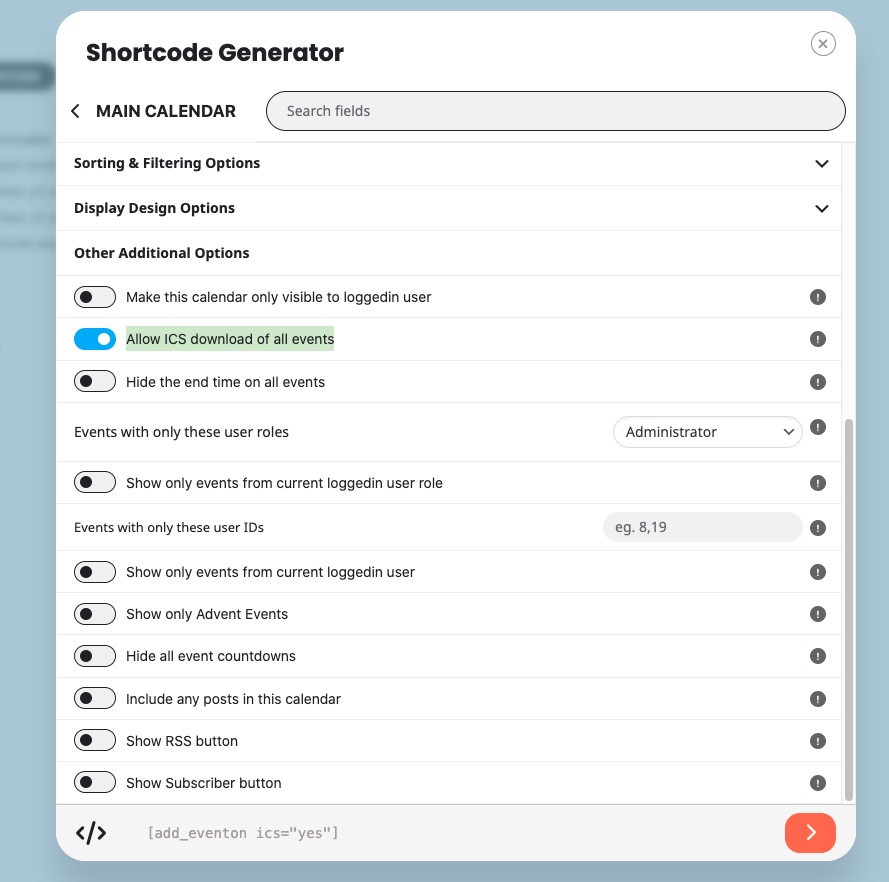
4. Please go to Shortcode Generator > enable Allow ICS download of all events:
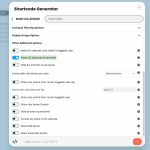
5. Please go to EventON > Time Settings > Select minute increment for time select in event edit page.
Perfect! I believe that you can increase it even more because memory limit isn’t related to RAM available.
Hello,
Please go to EventON > Appearance > enable Disable Auto eventTop Text Color.
Ashan,
In Troubleshooting Mode:
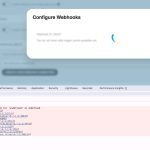
Also enabled WP_DEBUG, but no fatal errors in the file.
Thank you for your messages, I am going to assign this ticket to Ashan and he will be able to take it from here and find you a solution. Please allow some time for him to get back to you, we greatly appreciate your patience and thank you for being a eventon customer! Also please disable any IP blocking on your site if there are any.
Thank you for your messages, I am going to assign this ticket to Ashan and he will be able to take it from here and find you a solution. Please allow some time for him to get back to you, we greatly appreciate your patience and thank you for being a eventon customer!
Hello,
Please go to EventON > Appearance > enable Disable Auto eventTop Text Color. Now EventON is going to take the color from EventON > Appearance > EventTop.
Ashan,
Please check:
Reply to: 371795
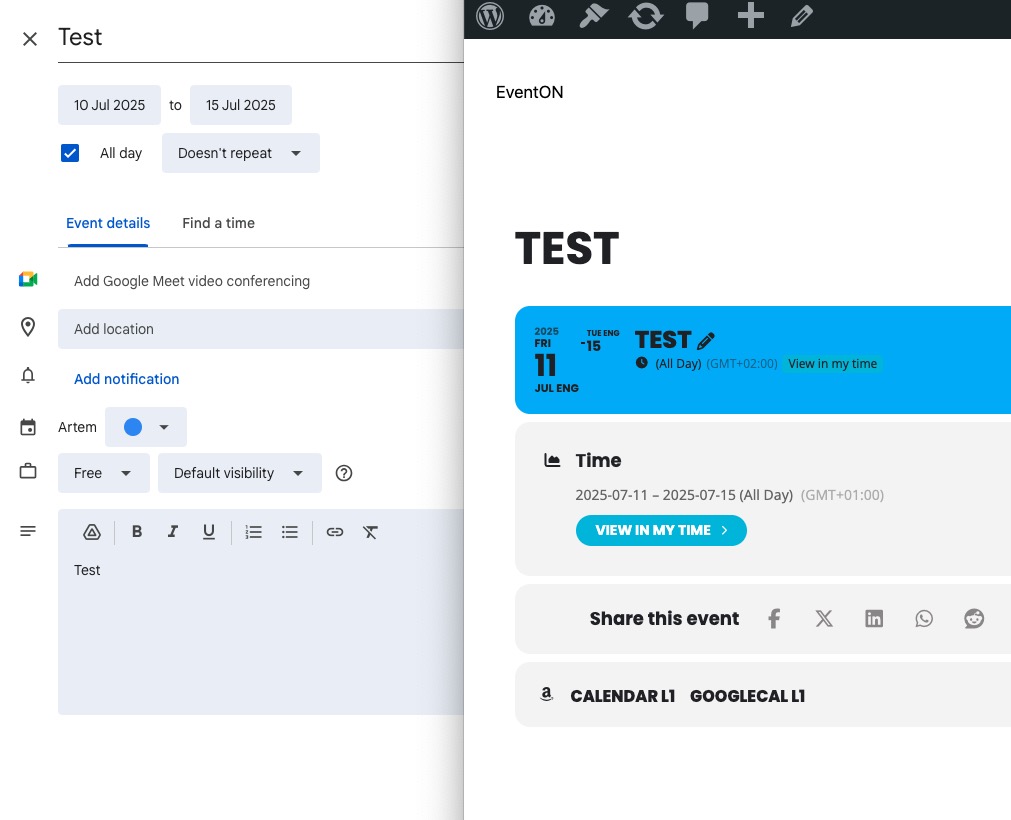
On dev2 “Start Date” imported as Nov 10:
https://dev2.myeventon.com/events/test-229/