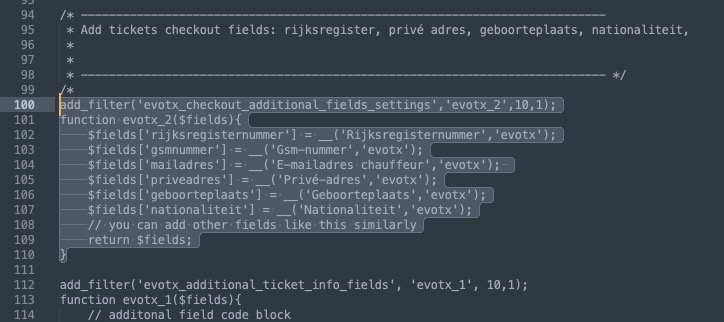
Sorry for the delay. I uncommented this part and then went to EventON > Tickets > Checkout > enabled Make additional guest names required in checkout:
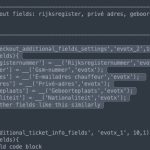
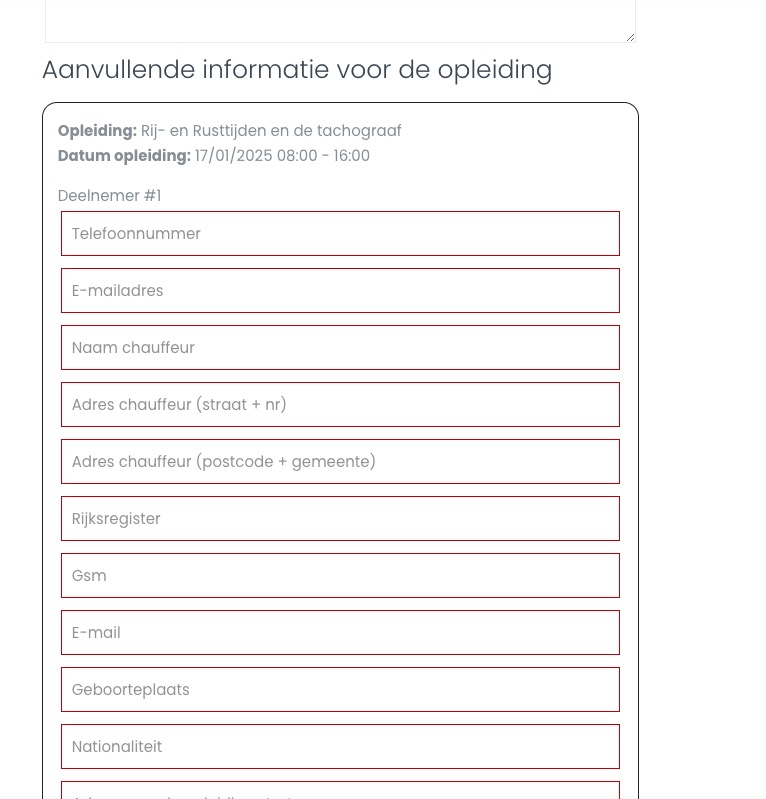
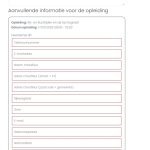
So now additional fields are required:
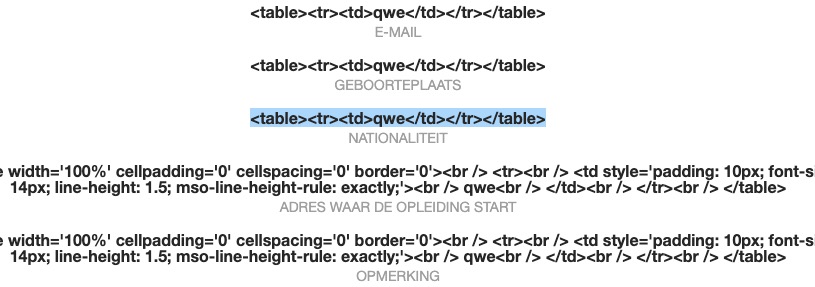
You cannot use any HTML tags in ‘value’ as EventON clean everything before outputting the data:
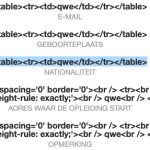
Please try customizing the email template itself:
https://docs.myeventon.com/documentations/customize-ticket-email-template/
Additionally, how do a find a list of all shortcodes? This is really hard to use.
Ashan,
The same on dev2:
Reply to: 371169
https://dev2.myeventon.com/wp-admin/post.php?post=56081&action=edit
https://dev2.myeventon.com/events/test-226/
It stopped confirming orders automatically.
Thank you for letting us know! Ashan will check this ASAP.
Also make sure to cancel your subscriptions:
https://docs.myeventon.com/documentations/how-to-cancel-addon-subscription-before-auto-renew/
Ashan,
Please take take a look at “The order IDs for refunding for the add-ons is #198481 and #198481“. And also the main plugin as well.
Please take a look at this page:
https://help.market.envato.com/hc/en-us/articles/202821460-Can-I-Get-A-Refund
Thank you for your messages, I am going to assign this ticket to Ashan and he will be able to take it from here and find you a solution. Please allow some time for him to get back to you, we greatly appreciate your patience and thank you for being a eventon customer!
We are glad your issue is resolved, if you have any further questions or concerns please create a new ticket.
If you have a moment, we would greatly appreciate if you could kindly leave us a review at Codecanyon. By going to your account > Downloads. We are very grateful for your kind review!
Hello,
Instead of your current Checkout page made in Divi, could you try using the default WooCommerce shortcode:
https://woocommerce.com/document/woocommerce-shortcodes/#woocommerce-shortcodes
[woocommerce_checkout]