Dear EventON team,
Thank you so much. It is working now.
And I must congratulate you for creating a complete Events plugin, which not only integrates most of the things, but looks great in the frontend. I tried about 7-8 Events plugin before trying EventON and found it close to what I wanted. Thanks once again.
Regards,
Surender
I fixed the issue by going to EventON > EventCard > open Designer and save > save EventON Settings.
Please check and let me know.
Please try adding this code to hide the blue box:
.evors_section.evors_remaining_spots.sec_shade { display: none !important; }
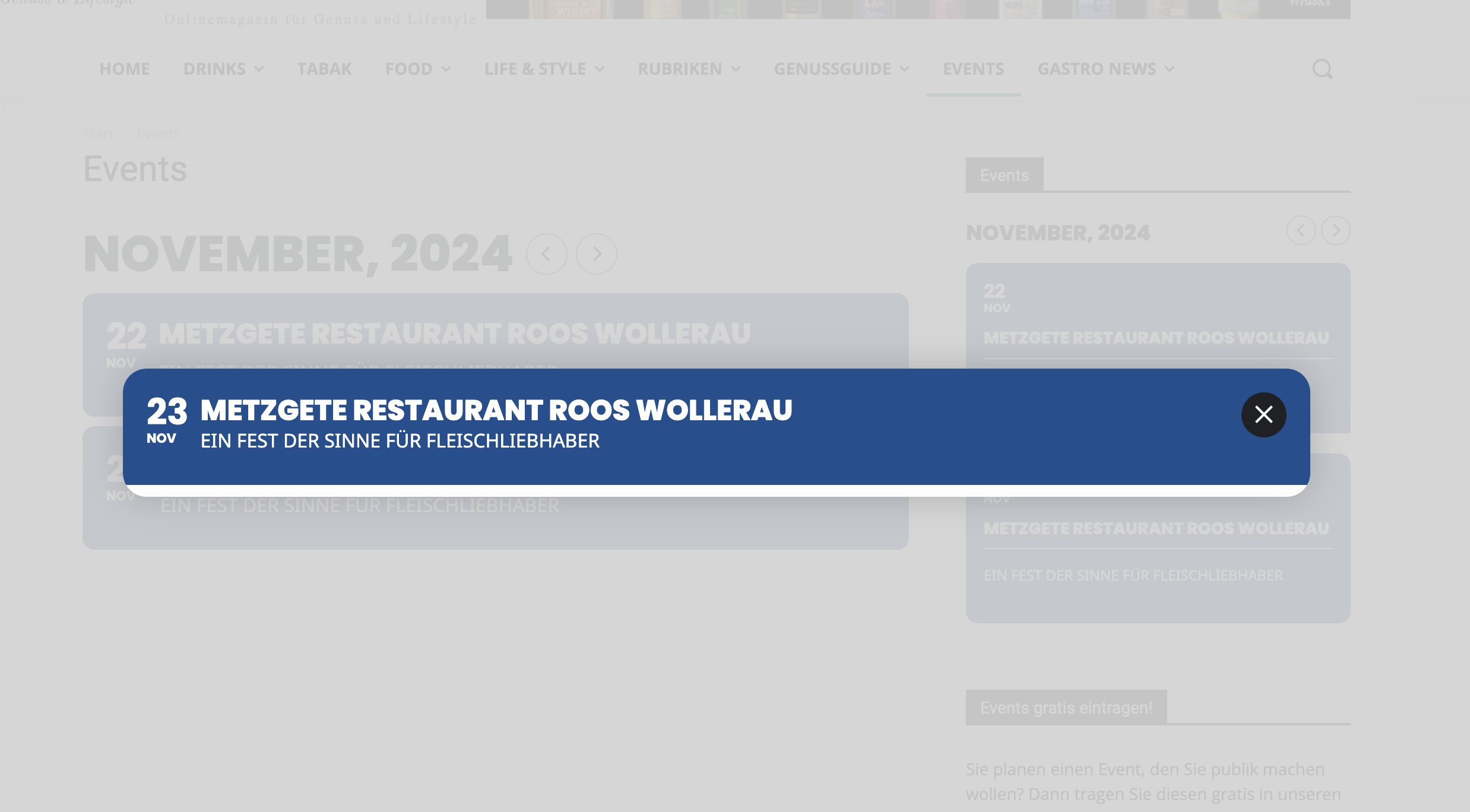
Hello, I have changed the feature image display style but now nothing is displayed, only the title of the event.
Please update to 4.7.3 manually. After it should update automatically from Plugins.
To update eventon to latest version: If you are unable to do autoupdate, you can go to codecanyon your account > download and get the latest eventon version as zip file. Then you can go to your website > make sure “Delete eventon settings & data when EventON is uninstalled” is Deslected from eventon settings, delete old eventon, install new one and activate. This link will further explain the process it. Also you can follow us on twitter to get real-time announcements on updates!
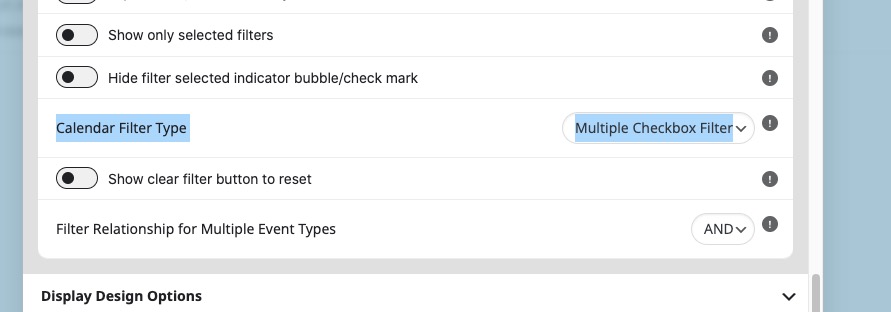
Please try adding filter_type=”select” to your shortcode to enable “Calendar Filter Type: Multiple Checkbox Filter”.
We are glad your issue is resolved, if you have any further questions or concerns please create a new ticket.
If you have a moment, we would greatly appreciate if you could kindly leave us a review at Codecanyon. By going to your account > Downloads. We are very grateful for your kind review!
Hello,
Please go to EventON > Appearance > enable Disable Auto eventTop Text Color. After EventON will start getting color from EventON > Appearance > EventTop > EventTop Styles.
Ashan,
Please take a look at
https://dev2.myeventon.com/events/seats-var/
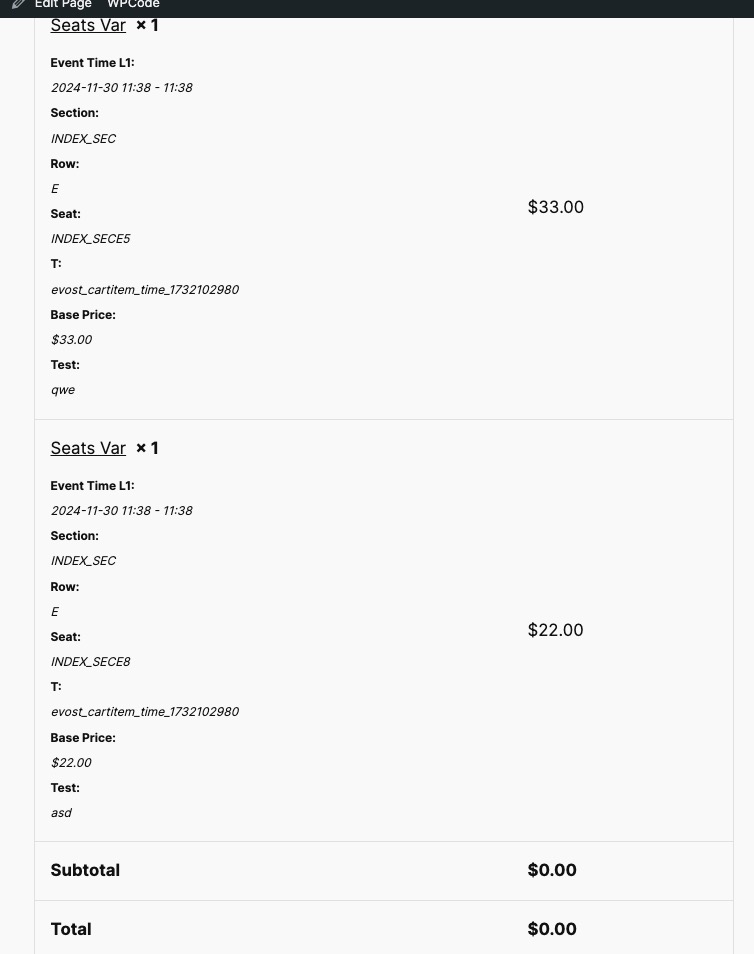
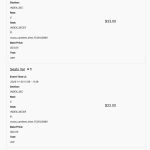
Checkout shows 0.00 price with variations + seats:
You are right! I am going to assign this ticket to Ashan and he will be able to take it from here and find you a solution. Please allow some time for him to get back to you, we greatly appreciate your patience and thank you for being a eventon customer! Also please disable any IP blocking on your site if there are any.