Hi Artem,
I have the same problem.
I have disabled version 4.7.2 manually, uninstalled it and installed again via WP plugin page.
Problem persists.
Replies for tickets on suppota
Hi Artem,
I have the same problem.
I have disabled version 4.7.2 manually, uninstalled it and installed again via WP plugin page.
Problem persists.
Hello,
I followed the instructions to update either plugins, but the error remains.
Here is the debug.log file:
https://drive.google.com/file/d/1uudty5_Pk6P9VnW6GrpcQiWcTsYvSOd3/view?usp=sharing
Regards
Hey Ashan sorry… try these credentials, I confirmed I got logged in on incognito:
https://harwoodmuseum.org/support
username: eventonsupport
password: event-on-support-team-1031
I updated to 5.7.3 and had 2.1 installed but it seems like it’s still duplicating tho… even if there are no events it will say “No Events” twice
thx Ashan,
Ashan,
The same on dev2:
https://dev2.myeventon.com/checkin/?id=%2355973-55972-55774T0
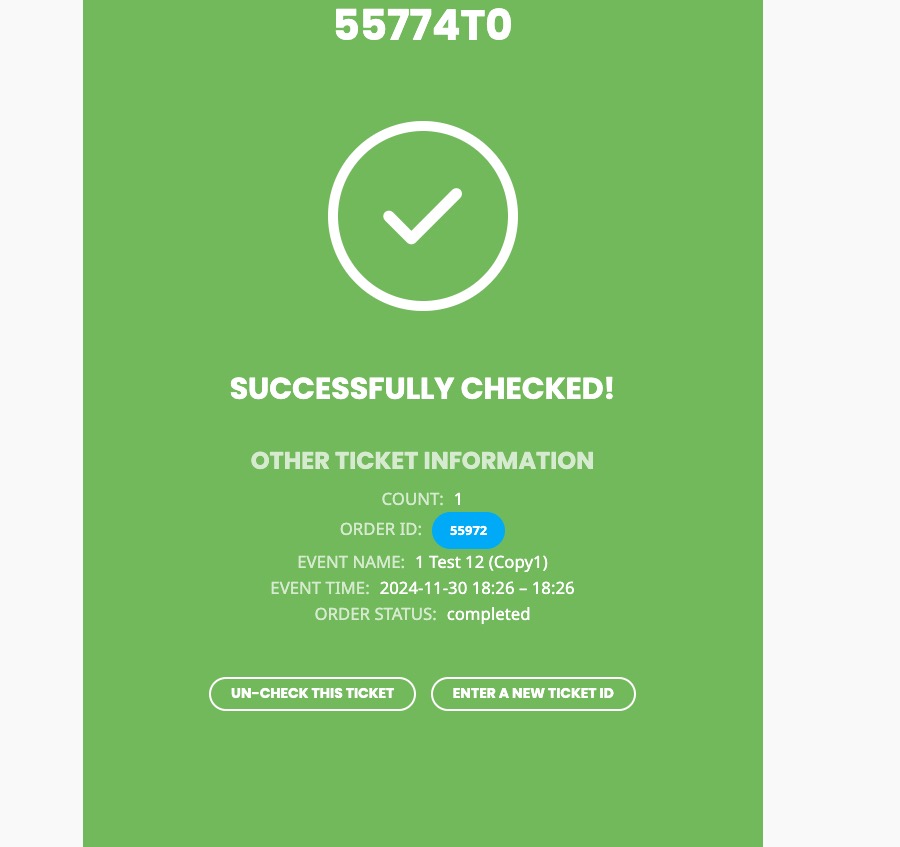
Hello,
Thank you for your messages, I am going to assign this ticket to Ashan and he will be able to take it from here and find you a solution. Please allow some time for him to get back to you, we greatly appreciate your patience and thank you for being a eventon customer! Also please disable any IP blocking on your site if there are any.
1. Please remove the previous code I gave you and use this one instead:
.ajde_evcal_calendar.boxy.boxstyle0 #evcal_list .eventon_list_event .desc_trig .evoet_c2 { flex-basis: unset !important; }
2. Please go to EventON > Appearance > enable Disable Auto eventTop Text Color. Now it should use EventON > Appearance > EventTop > Event Title font color.
3. Please use this code:
.eventon_list_event .event_description p, .evcal_list_a .event_description li, .evo_pop_body .evcal_evdata_row .evcal_evdata_cell p { font-size: 15px !important }
Hello,
Please take a look at our Refund Policy > 7.4 Subscription Refunds:
https://docs.myeventon.com/documentations/terms-and-conditions-and-refund-policy/
7.4 Subscription Refunds
The subscription can be canceled at any time by following
https://docs.myeventon.com/documentations/how-to-cancel-addon-subscription-before-auto-renew/
Hello,
Please update EventON to 4.7.3 and Tickets add-on to 2.4.4.
To update eventon to latest version: If you are unable to do autoupdate, you can go to codecanyon your account > download and get the latest eventon version as zip file. Then you can go to your website > make sure “Delete eventon settings & data when EventON is uninstalled” is Deslected from eventon settings, delete old eventon, install new one and activate. This link will further explain the process it. Also you can follow us on twitter to get real-time announcements on updates!
To update eventon addons: You can download latest eventon addons from myeventon > my account. Then you can go to your website, deactivate old addon and install new one and activate then delete the old addon. This link will further explain the process. Also you can follow us on twitter to get real-time announcements on updates!
If the issue still continues, please follow the instructions in this documentation to activate debug in your site to see any PHP errors recorded that can provide insight on to whats going on. Please reply with a link to debug.log file. If you are not able to do this please send us FTP access to your site so we can do this for you.
Hello,
Please update to EventON 4.7.3. To update eventon to latest version: If you are unable to do autoupdate, you can go to codecanyon your account > download and get the latest eventon version as zip file. Then you can go to your website > make sure “Delete eventon settings & data when EventON is uninstalled” is Deslected from eventon settings, delete old eventon, install new one and activate. This link will further explain the process it. Also you can follow us on twitter to get real-time announcements on updates!
After then update could you try removing show_et_ft_img=”yes” from the shortcode and also add this parameter to it:
tile_bg=”1″
Going to close this ticket as we are following up from the other ticket at
https://helpdesk.ashanjay.com/ticket/bulk-import-issue-with-events-and-tickets-in-eventon/