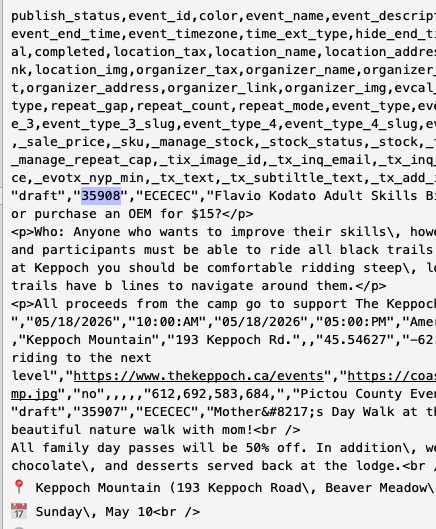
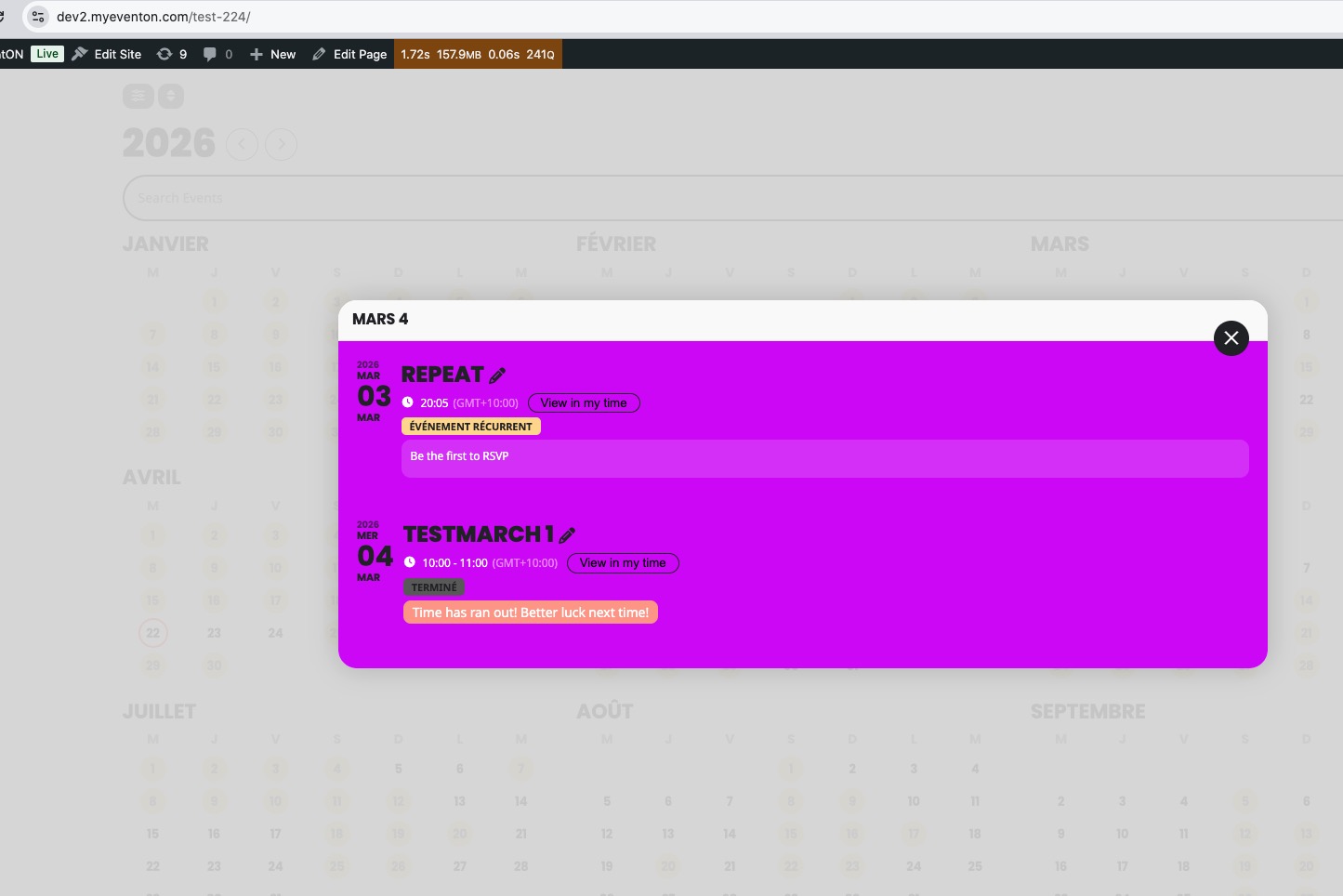
Still the same issue, I am afraid.
I also cannot access wp-admin of the website:
Forbidden
You don’t have permission to access this resource.
This ticket is private, so could you send us screenshots of how you activated the map api in your google account.
Thank you for your messages!
I am going to escalate this ticket to our account manager to help in here. Please allow us some time to address this, and we truly appreciate your patience. Thank you for being a valued EventON customer!
I believe that I’ve managed to import events from the smaller file because our website doesn’t have any existing content with event_id appearing in the file:
Could you try changing all event_id in the file to any numbers, ie 9999, 99991 and so on and try to import it again?
The thing with location is that they all must be assigned to events, since CSV Importer imports events and then creates location for each event it imported.
Could you check if any of locations have 0 events by going to wp-admin > Events > Event Location and they also cannot be imported?
Hello,
Please send us wp-admin access to your site from ”Access Info” box on right side menu, to further assist your situation.
Could you also send us your shortcode?
Seems to be working correctly on our test site:
https://dev2.myeventon.com/test-224/
Hello,
Please go to and click ”Verify Codecanyon Purchase” to get a free copy of the latest version:
https://www.myeventon.com/full/
Can I get a response, please?
That did the trick, thanks!
***I meant….>But Everton pluggin shows update available 5.0.9 when i go and get it from CodeCanyon it downloads V5.0.6
Hello again Artem,
Just had another question I meant to ask you about earlier.
For the import process, I exported and imported the EventON settings.
During this process, only 1/4 of the locations were brought over (219 of 816). Is there a way to import the 597 locations?
Thanks, and have a great day!
– Brianna
content@simplyducky.ca
Simply Ducky Designs
Hi Artem,
Thank you for the reply and for taking a look into this, I appreciate it.
In the Google Drive folder, the smaller file (the one you tried) was the one with files I was having issues importing. Did you need to tweak the file any or were you able to directly upload the file as is via the CSV Import plugin without issues?
If you let me know which email to use, I’d be happy to create a login to the website for you.
Thanks, and have a great day!
– Brianna
content@simplyducky.ca
Simply Ducky Designs