Please also send us FTP access to your site as a private message.
Archives: Replies
Replies for tickets on suppota
Reply to: tickets(368880)
Where can I find the added code? functions.php of the child theme is empty: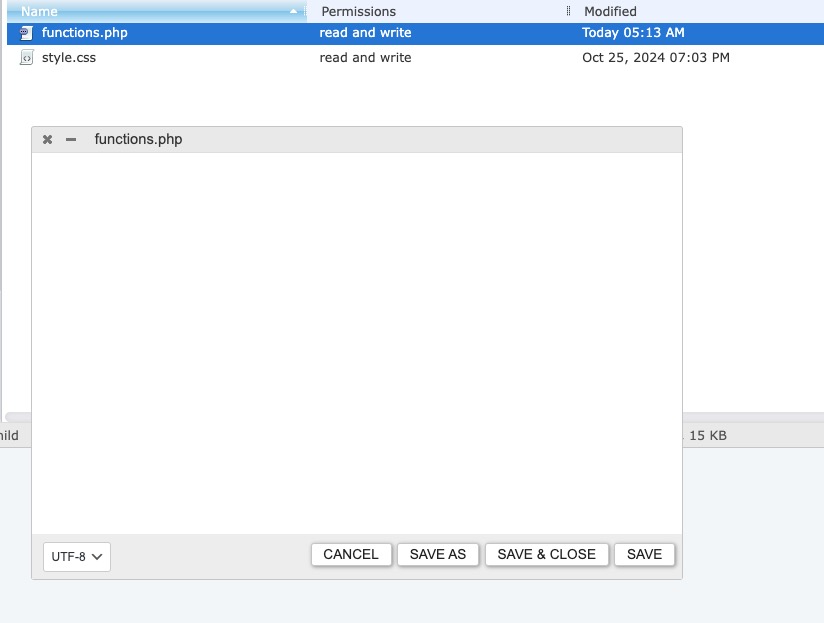
Reply to: tickets(369956)
That worked! Placeing the time and location under the title.
Thank you!
Why doesn’t the color work on the shortcode I have eventtop_style=’2′, like your demo, but it’s ignored?
Reply to: tickets(370003)
Alright, this worked and all the dates and times are showing up correctly.
But now none of the descriptions are showing up again on the frontend!
I am using the Disable Gutenberg plugin. Is this what is interfering with the descriptions showing up?
Can you check this for me? I’ve already given you guys login credentials.
Reply to: tickets(369956)
Access:
https://foothillknolls.com/admin
username: eventon
pwd: eventon7844!
Reply to: tickets(369989)
Please add this CSS code to EventON > Styles (If you don’t see any change, EventON > Scripts & Styling > turn off Write dynamic styles to header > save settings > turn on Write dynamic styles to header):
.ajde_evcal_calendar.color #evcal_list .eventon_list_event.clrW .evcal_cblock, .ajde_evcal_calendar.color #evcal_list.eventon_events_list .eventon_list_event.clrW p .evoet_cx span.evcal_event_title, .ajde_evcal_calendar.color #evcal_list .eventon_list_event.clrW .evoet_cx span.evcal_event_title, .ajde_evcal_calendar.color .eventon_list_event.clrW .evoet_cx em { color: white !important; }
Reply to: tickets(367591)
Perfect! Please keep us updated.
Reply to: tickets(370156)
Perfect! Which PHP version you upgraded from?
Reply to: tickets(369390)
Could you update EventON to 4.7.2?
To update eventon to latest version: If you are unable to do autoupdate, you can go to codecanyon your account > download and get the latest eventon version as zip file. Then you can go to your website > make sure “Delete eventon settings & data when EventON is uninstalled” is Deslected from eventon settings, delete old eventon, install new one and activate. This link will further explain the process it. Also you can follow us on twitter to get real-time announcements on updates!
Reply to: tickets(370174)
Hello,
We are working on fixing the issue. EventON 4.7.3 will be available ASAP.