Thank you for checking into this. I have provided those credentials below. As I mentioned above, I’ve also added the RSS plugin, and it appears to have the same issue of not populating any events.
SFTP Access to that folder provided below.
address: lbkculturaldis.sftp.wpengine.com
port 2222
user: lbkculturaldis-eventon
pw: WLy@2%Av
Hi, this change is not useful in my opinion, because it requires extra work to assign a color to each event similar to each image, and it is not always easy to achieve. Regards.
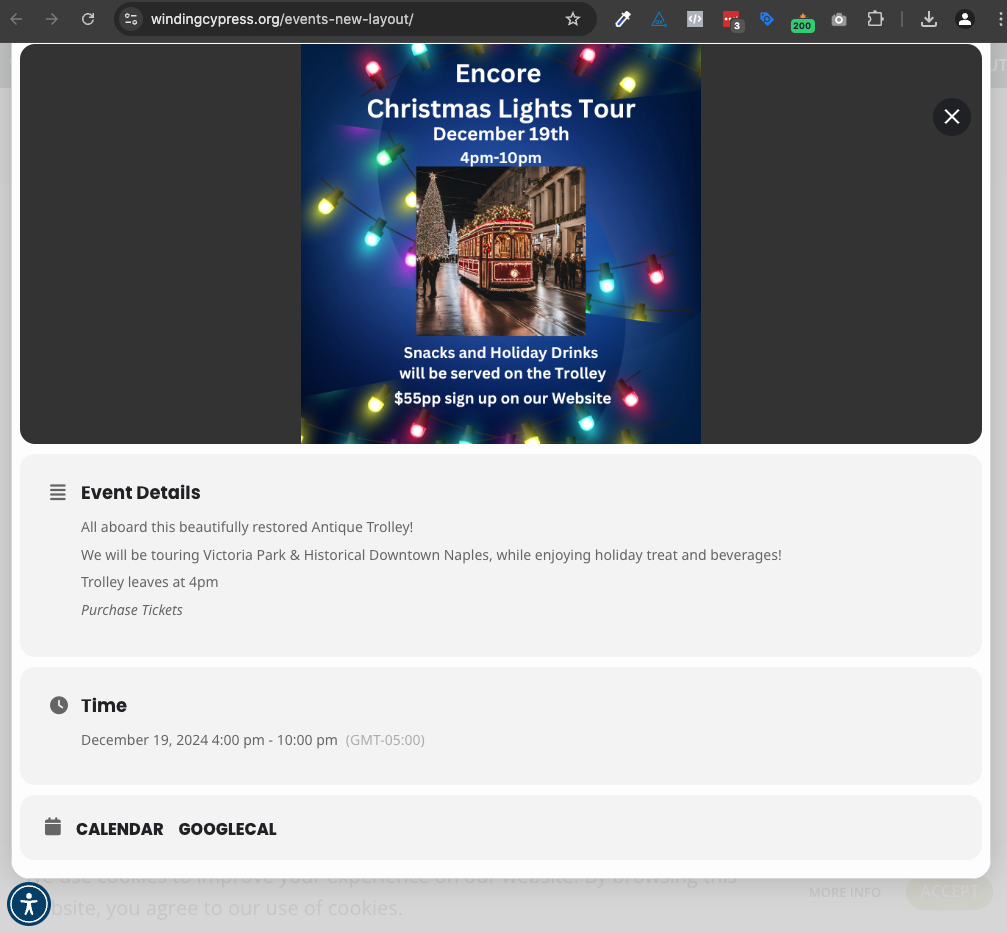
I did as you suggested here: EventON > Photos > enable “Enable separate photo gallery for all events, from additional event images”.
Still not working for me.
See attached – I do not see any event gallery on the popup after clicking the event from the calendar.
You can test this by going here: https://windingcypress.org/events-new-layout/
Then click on an event that has a photo gallery such as ‘Encore Holiday…’
Ok I changed the PHP to 8.2.25
Now it appears to work OK.
Fingers crossed
Down again and I can’;t find FTP access. Help!
Geee, critical error again damn
I updated wordpress
remade two pages and critical error again!
Waaaa
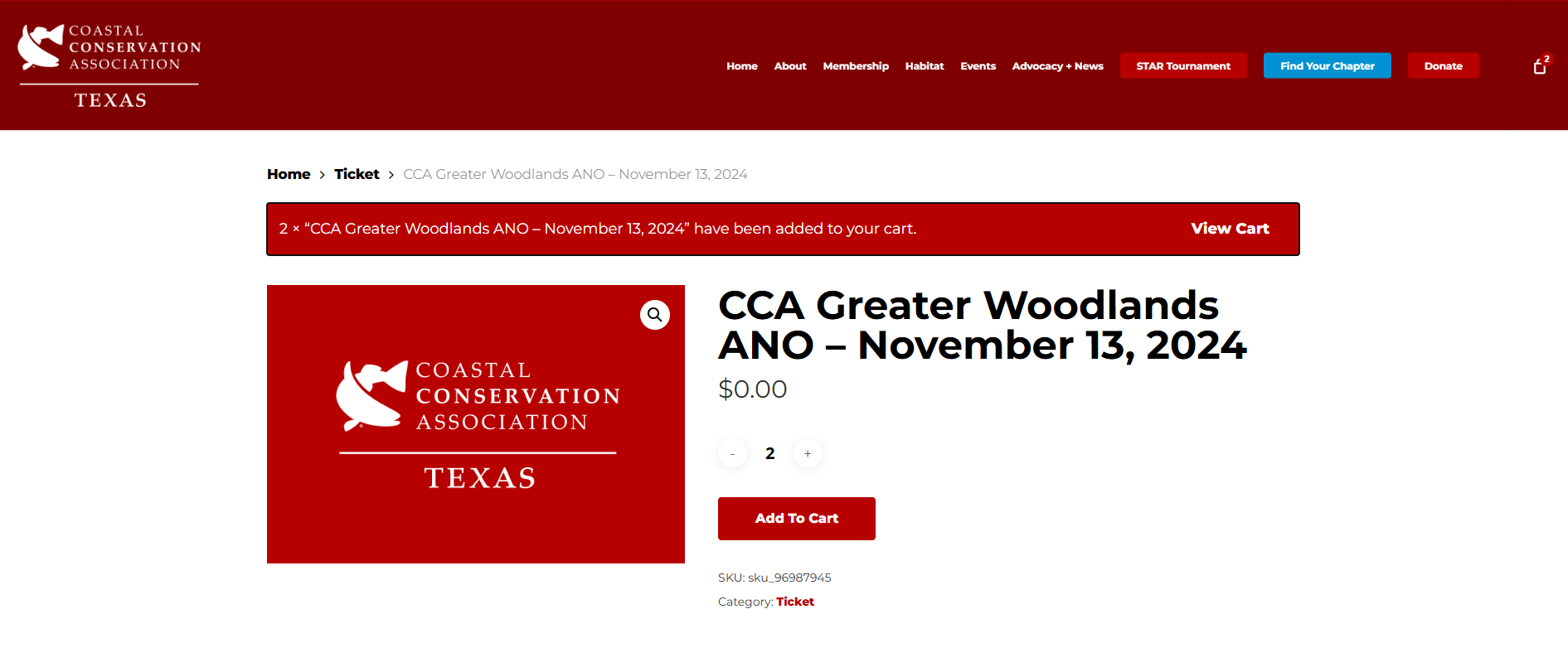
One other important note, we are not having this issue for products that are “Simple Product” (ex – https://ccatexas.org/product/woodlands-ano-november-2024/). Here I am able to add tickets to the cart. I’ve attached the screenshot of what it looks like upon adding them.
Happy to provide any other screenshots that may help us figure this out. Thank you so much for your ongoing help!
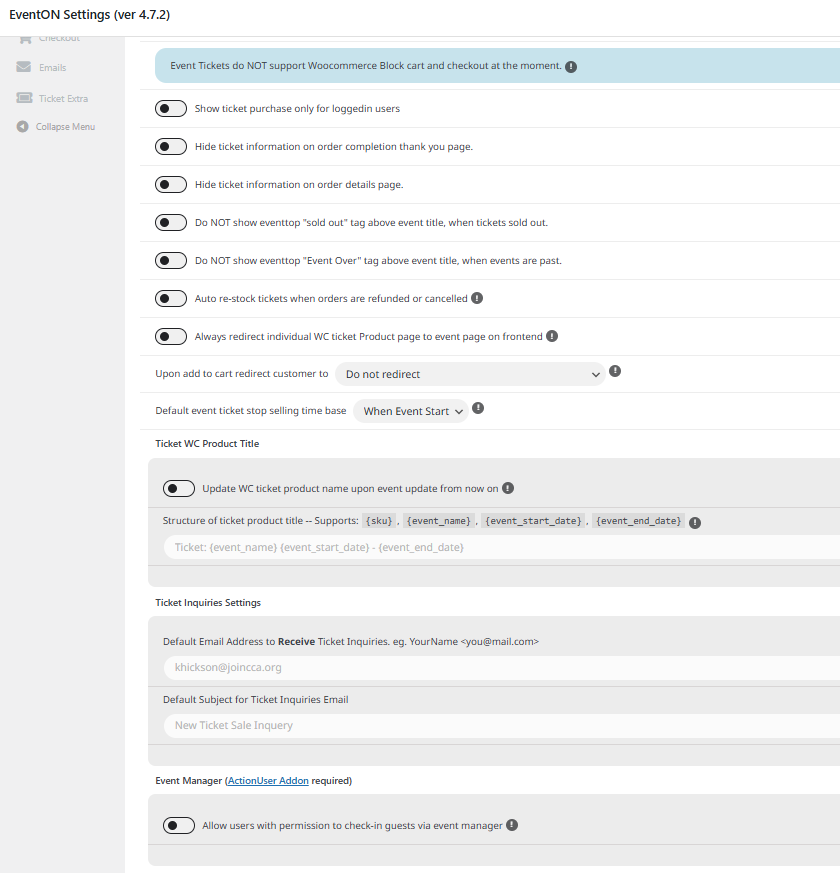
We haven’t added any plug-ins recently that would be interfering with it. To note, the EventON – Event Tickets plug-in was updated last night and EventOn was updated on Friday, 11/8. I’ve attached a screenshot of our EventON Settings (ver 4.7.2) >> “General Ticket Settings”. Is there anything we should be toggling on or maybe even toggling on/off? I ask because Artem said the following in ticket #345674 “After every update of the plugin, please always save EventON Settings, since we add new features and fixes, so sometimes settings must be updated.”
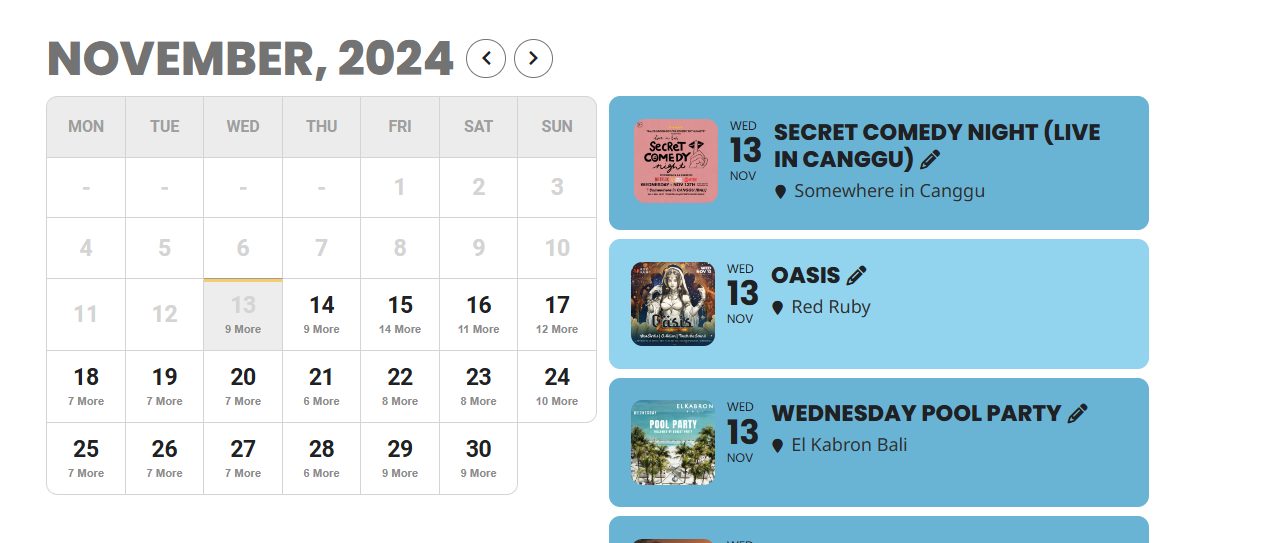
Ok I updated to 4.7.2 and it seems to work
I noticed the calendar listing now has black text. Where did that come from?
Any idea where I find FTP login details. Maybe you can help with that.
BTW should I update to the latest wordpress again?
Hello,
with e latest update from the ticket plugin in looks like it is working!
I have to do further tests…
Thanks for the moment.
Best
Carmen