How do I override this? I don’t want black text its harder to read than white and it doesn’t fit with the theme of the website.
Archives: Replies
Replies for tickets on suppota
Reply to: tickets(370156)
Hello,
Please update EventON to 4.7.2. After the update please follow the instructions in this documentation to activate debug in your site to see any PHP errors recorded that can provide insight on to whats going on. Please reply with a link to debug.log file. If you are not able to do this please send us FTP access to your site so we can do this for you.
Reply to: tickets(361333)
The website says that it’s valid:
https://validator.w3.org/feed/check.cgi?url=https%3A%2F%2Fwww.bancroftpto.org%2Fptocalendar
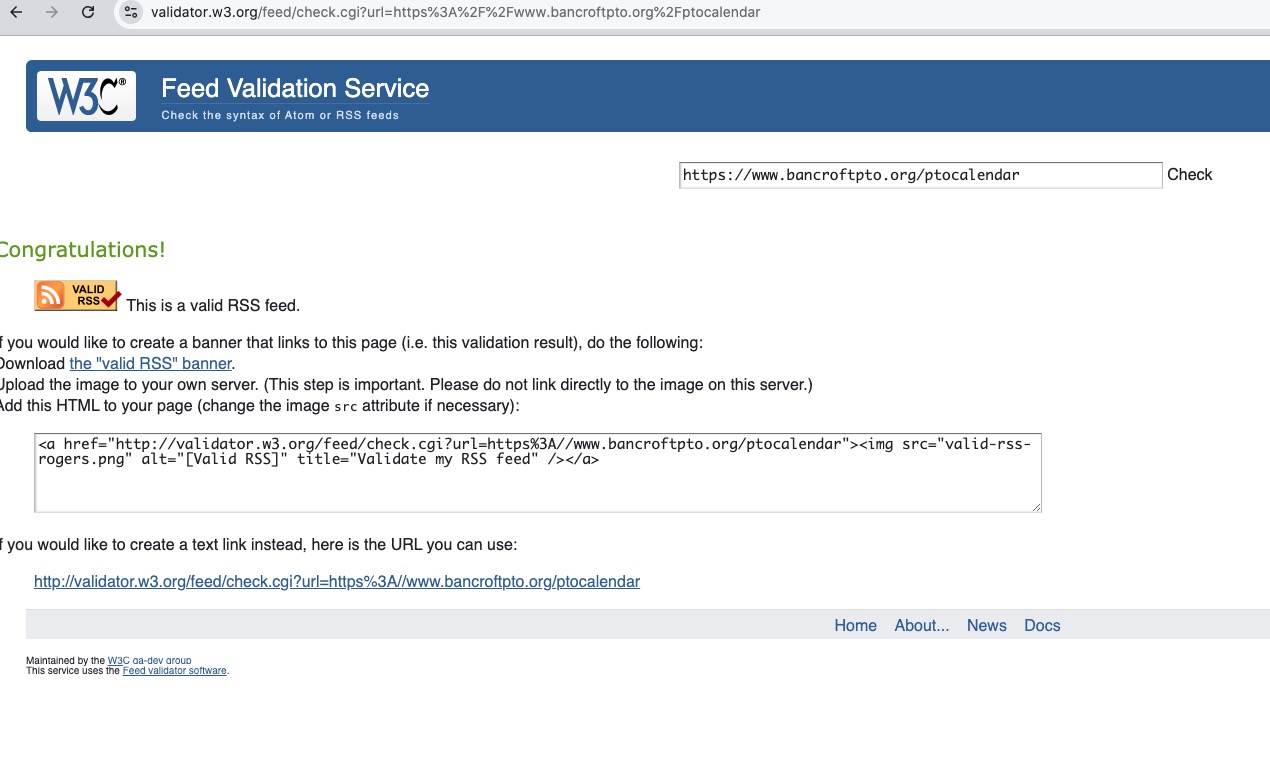
Could you check and let me know?
Reply to: tickets(370003)
Please take a look at Time Format:
event_start_date & event_end_date – Start/End date in format mm/dd/YYYY
event_start_time & event_end_time – Start/End time in format h:mm:AM/PM
You need to make sure that “5:00 PM” is “5:00:PM”, like this:
10/28/2021,5:00:PM,10/28/2021,11:59:PM
Reply to: tickets(369226)
Please follow the instructions in this documentation to activate debug in your site to see any PHP errors recorded that can provide insight on to whats going on. Please reply with a link to debug.log file. If you are not able to do this please send us FTP access to your site so we can do this for you.
Reply to: tickets(346921)
Hi, yes we’ve already updated and it fixed some of the issues. However the plugin is not working correctly, the Cron jobs are not created so it’s not working still.
Reply to: tickets(370141)
Hello,
I am sorry, the access information you have provided did not work for us. Please check them and post the correct login information as a private message, thank you!
Please also check for latest version of this software from here Your issue might be related to an older version you are running and we might have resolved this already in the newer version update. If you are on latest version of our software and the issue still persist please let us know.
Reply to: tickets(370141)
Reply to: tickets(367752)
Dear Ashan,
thank you very much for your message and for this specific customization for us. I really appreciate that.
Unfortunately the process of changing the RSVP status is working but the email is not sent although I have toggled the button as shown (meaning the initial RSVP yes confirmation is sent, but the one for the change is not).
Thank you again!
Cristiano
Reply to: tickets(368880)
sorry, this should work:
Eventon
vCxUEzq0JFL&8)06N!o69MHH