We are aware of this and the fix is coming ASAP in the next version 4.7.3 🙂
Archives: Replies
Replies for tickets on suppota
Reply to: tickets(369258)
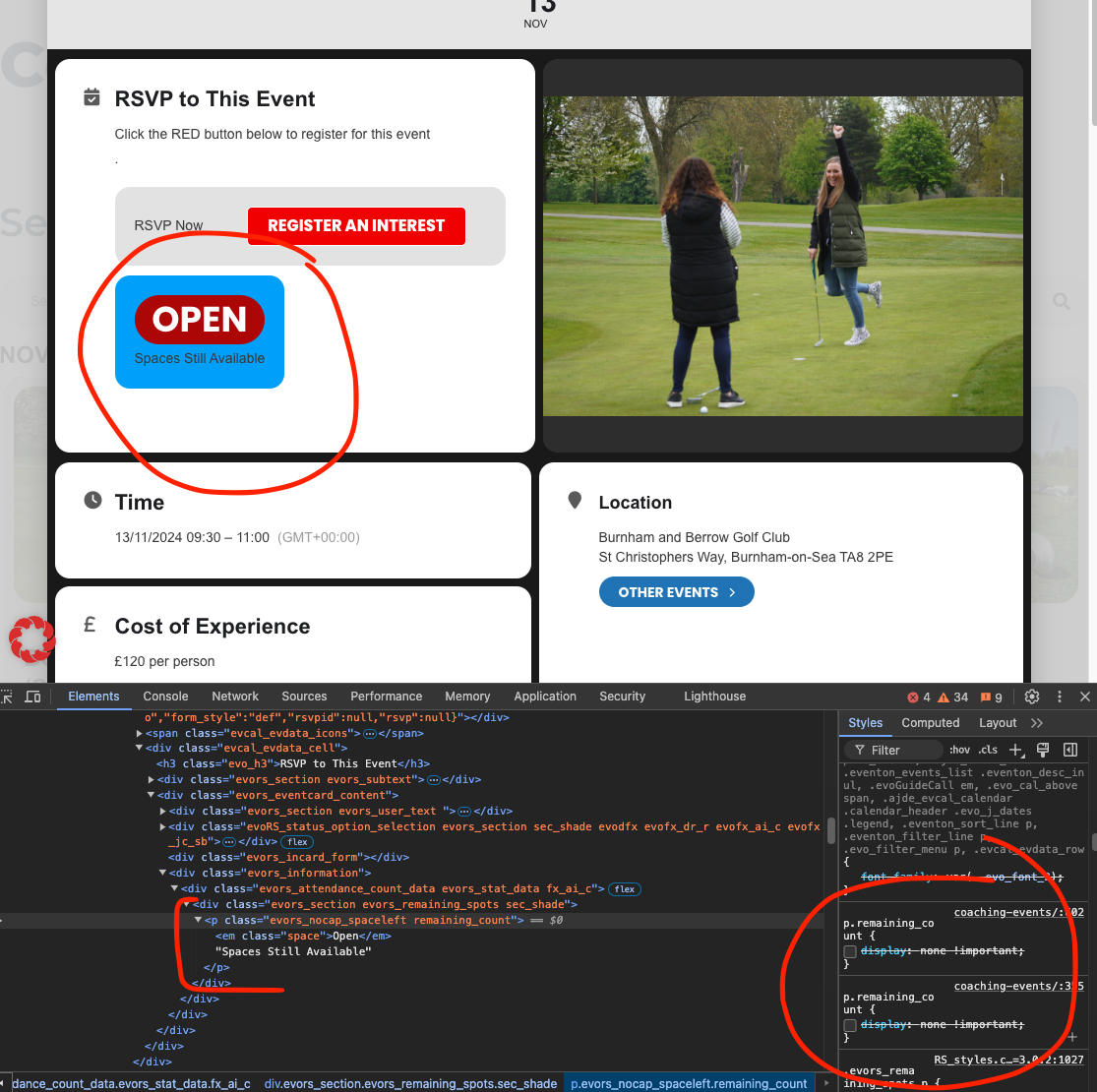
That blue box is because the content inside is hard hidden with custom styles.
I am not sure where these styles are added. You can remove them or target the parent <div> and hide that completely.
Reply to: tickets(364486)
I have updated to the latest version of the app and am still needing some assistance with the above issue.
Reply to: tickets(368880)
Hi,
Thanks for the reply – we added it according the documentation provided. Yet we still are in the fix of 2 errors:
Layout of the checkout fields in Outlook shows everything in 1 line (see attachment above) despite this code:
if( !empty( $_this_ticket[‘oD’][‘opmerking’] )){
$array[‘opmerking’] = array(
‘label’=> evo_lang(‘Opmerking’),
‘value’=> “<table><tr><td>” . $_this_ticket[‘oD’][‘opmerking’] . “</td></tr></table>”
2nd issue it doesn’t make the fields mandatory, despite it’s in the code:
$fields[‘nationaliteit_chauffeur’] = array(
‘type’=>’text’,
‘label’=> evo_lang(‘Nationaliteit’),
‘required’=> true,
);
}
Reply to: tickets(369956)
Hi,
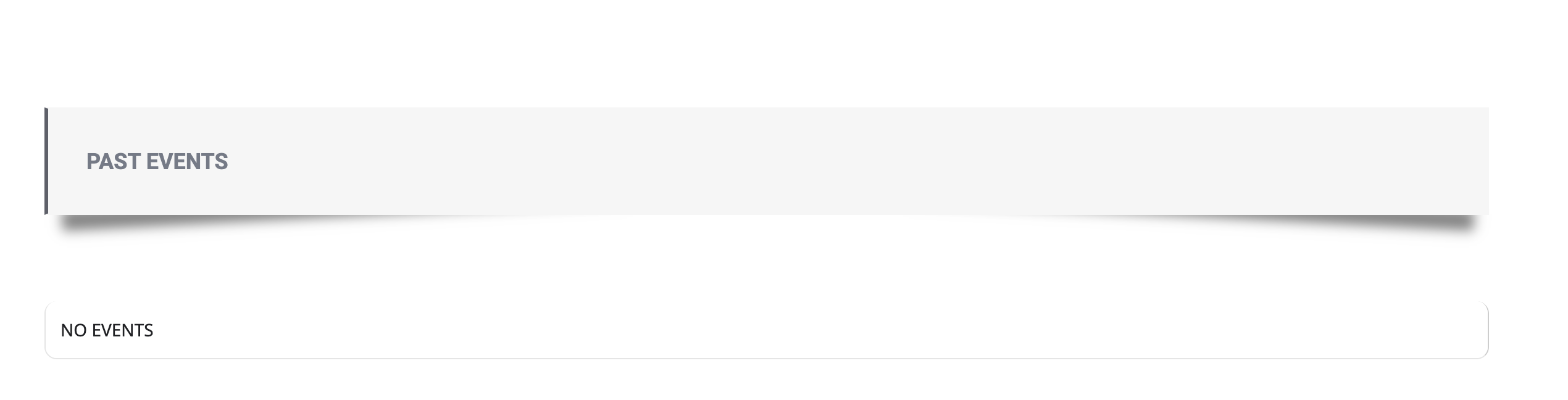
That didn’t work – nothing shows up. (see attachment)
I don’t use blocks or Gutenberg editor, is there another way to access the shortcode generator – it’s really frustrating.
I use the Avada theme and don’t see the eventon shortcode generator anywhere.
Reply to: tickets(369665)
Haha completely understandable. I would do the same thing 🙂
Simon please allow me some time to get few more issues ironed out and will get this new version out 🙂
Reply to: tickets(367752)
Namaskar Cristiano!
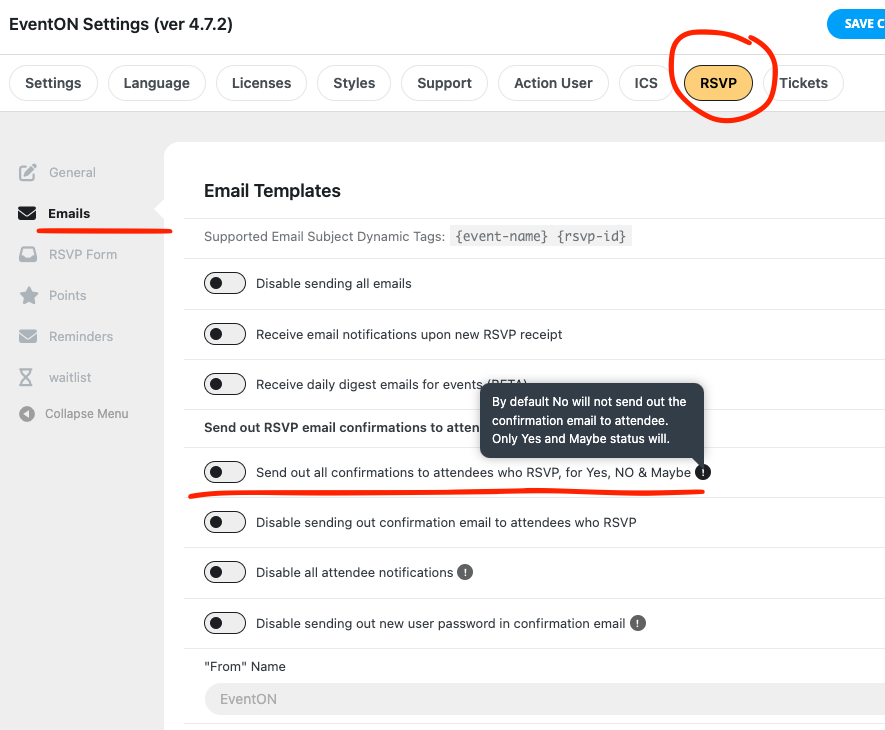
Are you able to update to the latest version 3.0.3? In this new version specifically for you 🙂 I added an option to send out confirmation message even when customers select NO for rsvp status. Please try enabling this in 3.0.3 and see if that does what you are expecting the addon to do 🙂
Reply to: tickets(367866)
The text color is changed auto according to event color So the text can be visible easily. We will add an option in the future to disable this auto text colors. As for now with current latest version 4.7.2, please use darker colors for text to appear white.
Reply to: tickets(369773)
Little clarification is needed here.
We have changed the algorithm that dictate text color compared to event color, so the text is visible. For your case, please change the event color that closely match the event image colors, so then text color will auto change to white or black. 🙂
Reply to: tickets(369769)
Kindly update to the latest version of RSVP addon 3.0.3 should resolve this issue.