Hello,
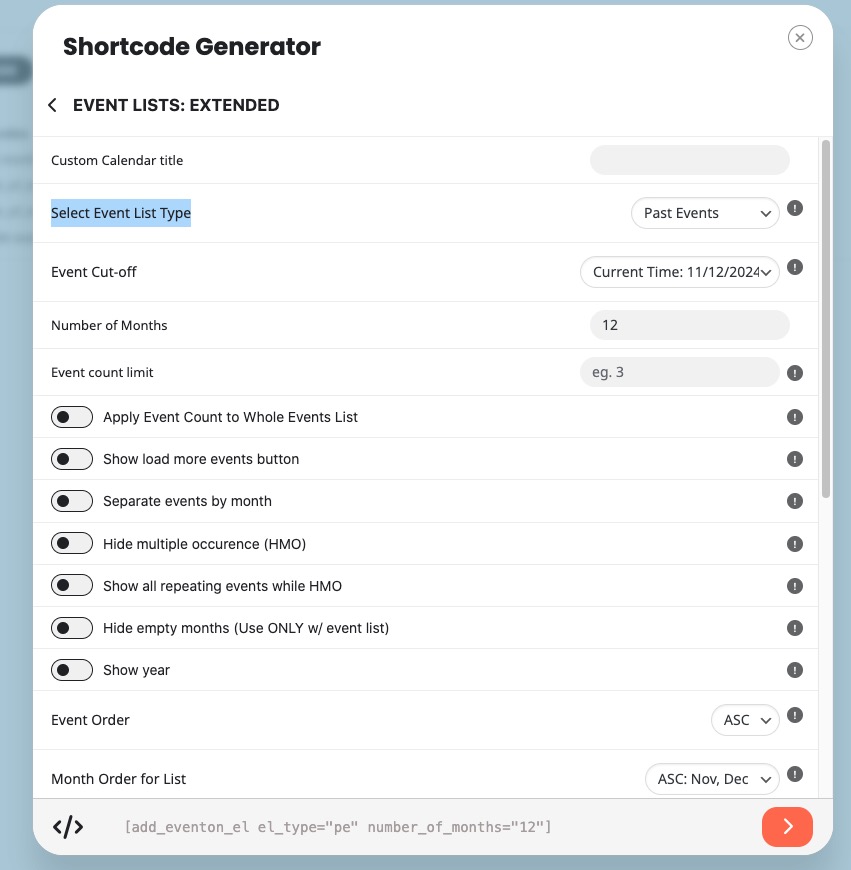
The shortcode you can use:
[add_eventon_el el_type=”pe” number_of_months=”12″ hide_empty_months=”yes”]
You can create it with Shortcode Generator:
https://docs.myeventon.com/documentations/shortcode-generator/
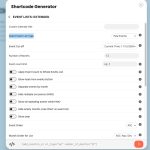
Select “Event Lists: Ext” > then choose “Select Event List Type: Past Events”:
Hello,
Thank you for letting us know! We are going to fix this in 4.7.3. The new version will be available very soon.
Hello,
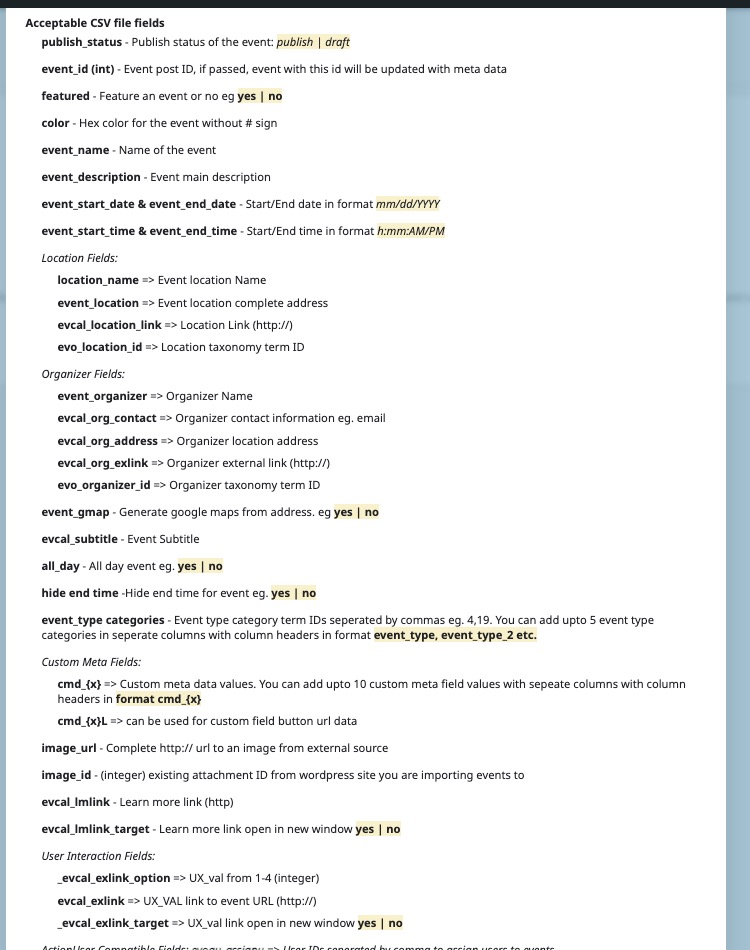
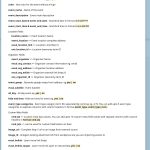
Acceptable CSV file fields can be found on this screenshot:
The number of events depends entirely on your server’s performance. But for an average server, the add-on should be able to import 400 events.
You can also add additional fields by following
https://docs.myeventon.com/documentations/import-additional-fields-using-hooks/
Try on https://dev.myeventon.com/wp-admin/
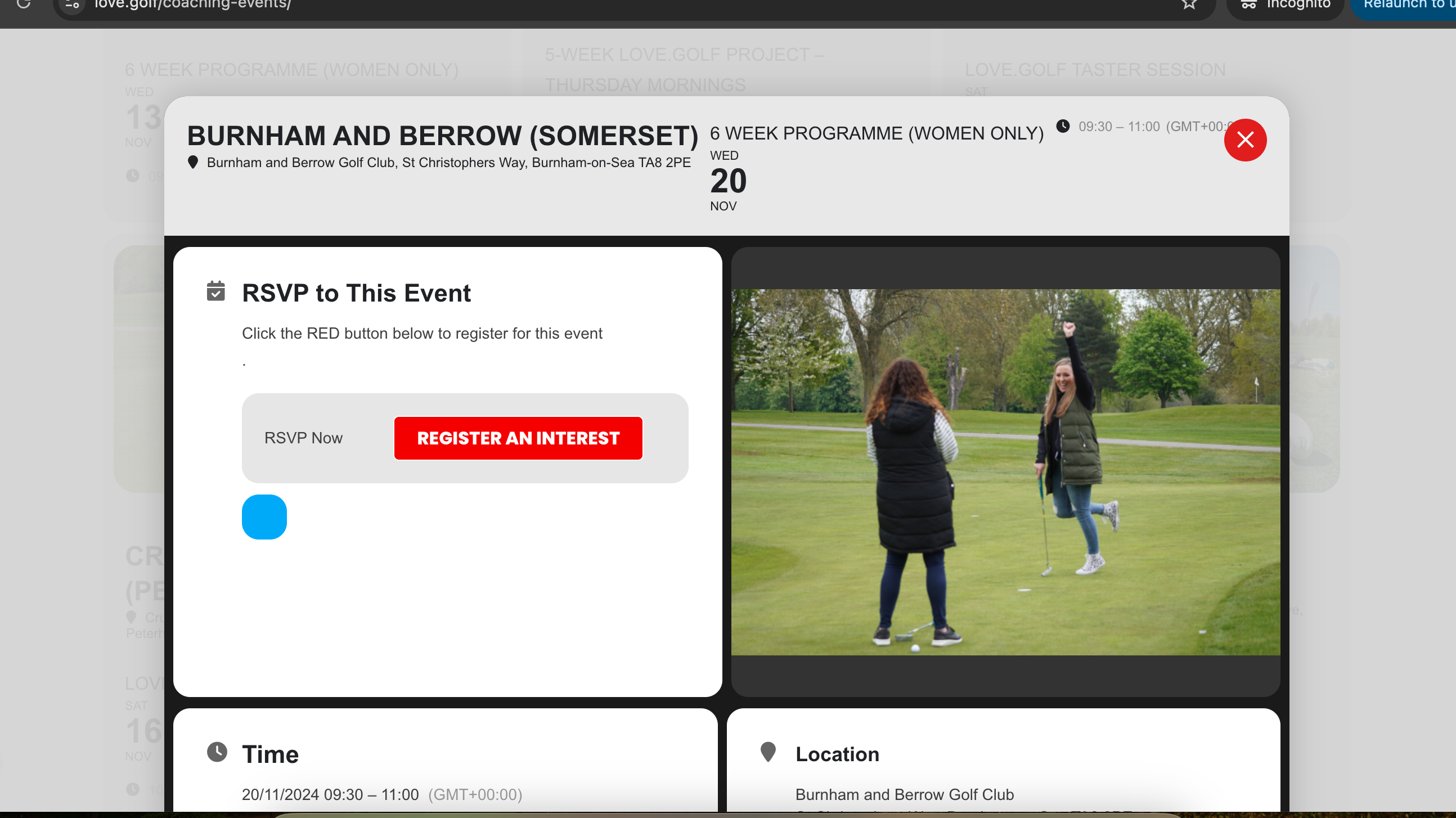
Thats very strange as even in incognito mode I still see the blue dot for attendees or events that have registrations still showing on the front end?
Ive checked on incognito on mobile and the same
Also I noticed these in our seat map configuration
- When I duplicate the rows, after I edit the new row, the new setting does not reflect
- When the map is complete and I want to edit some parts of it like the price, the changes does not reflect either.
Please check this too as it will cause problems later on
Thanks. Good to know. I click about trying to figure things out sometimes, and that one with the </> and image, just stumped me.
So I am a glad a fix is being rolled out. I expectged the > green arrow to generate the code. So when no code is generated and no obvious way to generate it… throws up a “what the heck?”…
Simon
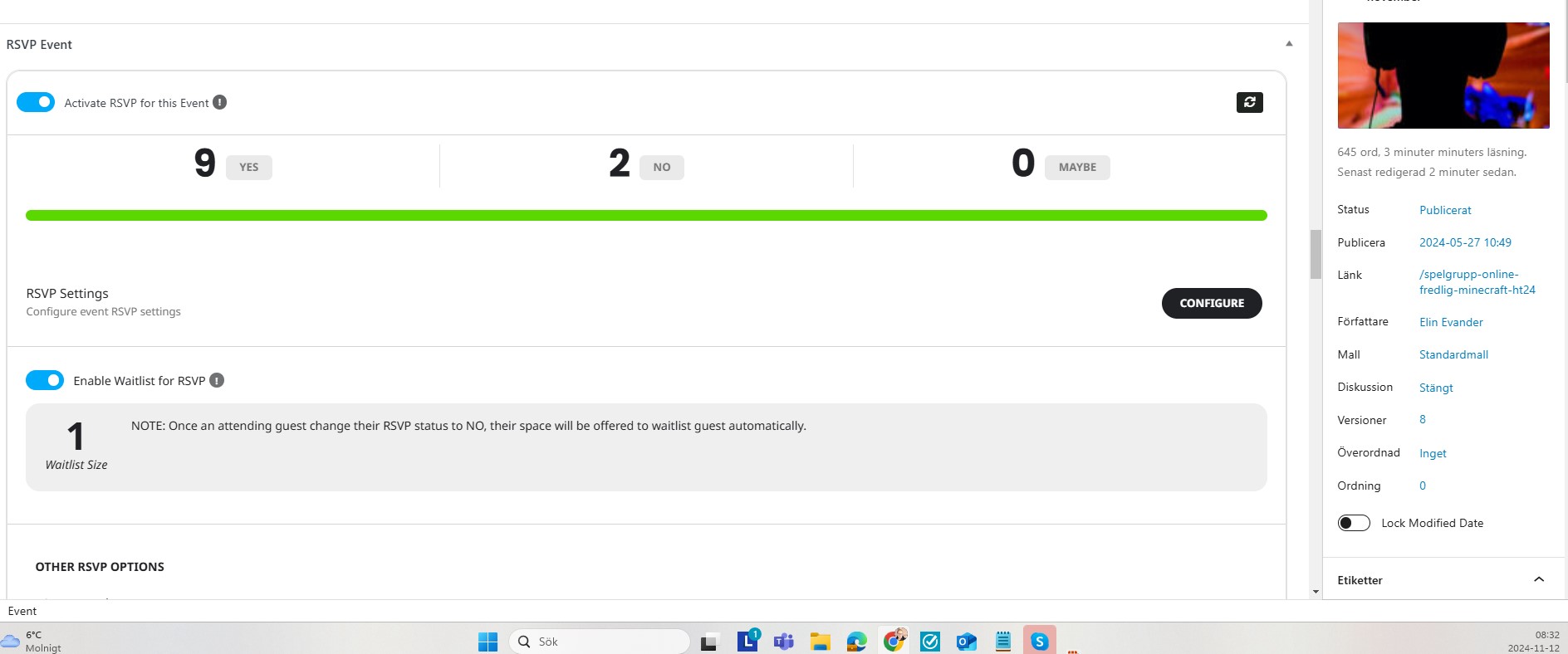
Which email is not going out? Change RSVP status email not going through?
If user set No as RSVP status it will not send the confirmation email. Confirmation email is only if client set Yes for RSVP.
actually I think in version 3.0.3 which I am going to release soon.
Awesome!
I also just noticed it’s impossible to close the image.
Same URL as mentioned above, then click on the image between “Be the first to RSVP” and “Event Details ENG”. Something weird is also that below the image ‘undefined’ is shown.