Ashan,
In Troubleshooting Mode on customer’s website there is evotx_addtocart_total element that shows NaN:
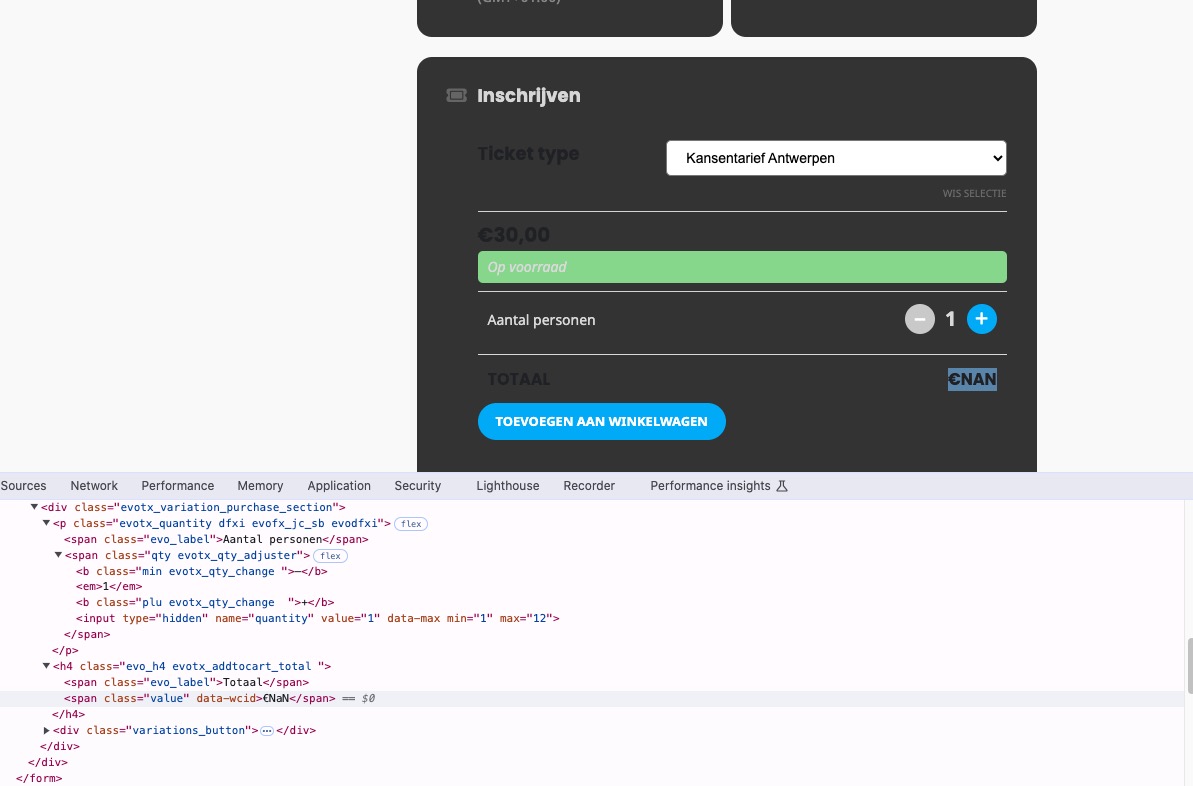
On dev2 such element doesn’t exist at all:
https://dev2.myeventon.com/events/var-guide-2/
Could you check?
Replies for tickets on suppota
Ashan,
In Troubleshooting Mode on customer’s website there is evotx_addtocart_total element that shows NaN:
On dev2 such element doesn’t exist at all:
https://dev2.myeventon.com/events/var-guide-2/
Could you check?
Hello,
Thank you for your messages, I am going to assign this ticket to Ashan and he will be able to take it from here and find you a solution. Please allow some time for him to get back to you, we greatly appreciate your patience and thank you for being a eventon customer! Also please disable any IP blocking on your site if there are any.
Al, kindly share a link to an event where I can see this issue. I checked all the events from your original ticket and they all work fine.
This event. https://uniquemindfulevents.com/events/alma-nomada-fest-2024/
I am checking this events in regular browser. Perhaps you are seeing the issue because your browser is running cached version of the website. Anyone looking at it fresh have no issues, it seems.
Try this please, clear cache on your WordPress admin, if you have any cache plugins. Go into control panel and clear cache, if you can also check in PHP myadmin and clear database cache.
I think that should do the trick.
BTW Alma Nomada fest sounds like a pretty cool event 🙂
Ashan,
The customer lost their translations after updating to 4.7.2. Also the license data.
But this is the only customer that reported the issue.
Thank you for your messages, I am going to assign this ticket to Ashan and he will be able to take it from here and find you a solution. Please allow some time for him to get back to you, we greatly appreciate your patience and thank you for being a eventon customer! Also please disable any IP blocking on your site if there are any.
Hello,
What’s your current version of EventON? Could you make sure that it’s 4.7.2?
Please also note that you can use the add-on without activating it while we are working on the issue.
If possible, please send us wp-admin access to your site as a private message for us to further assist your situation.
The invoice seems to be working correctly on my side: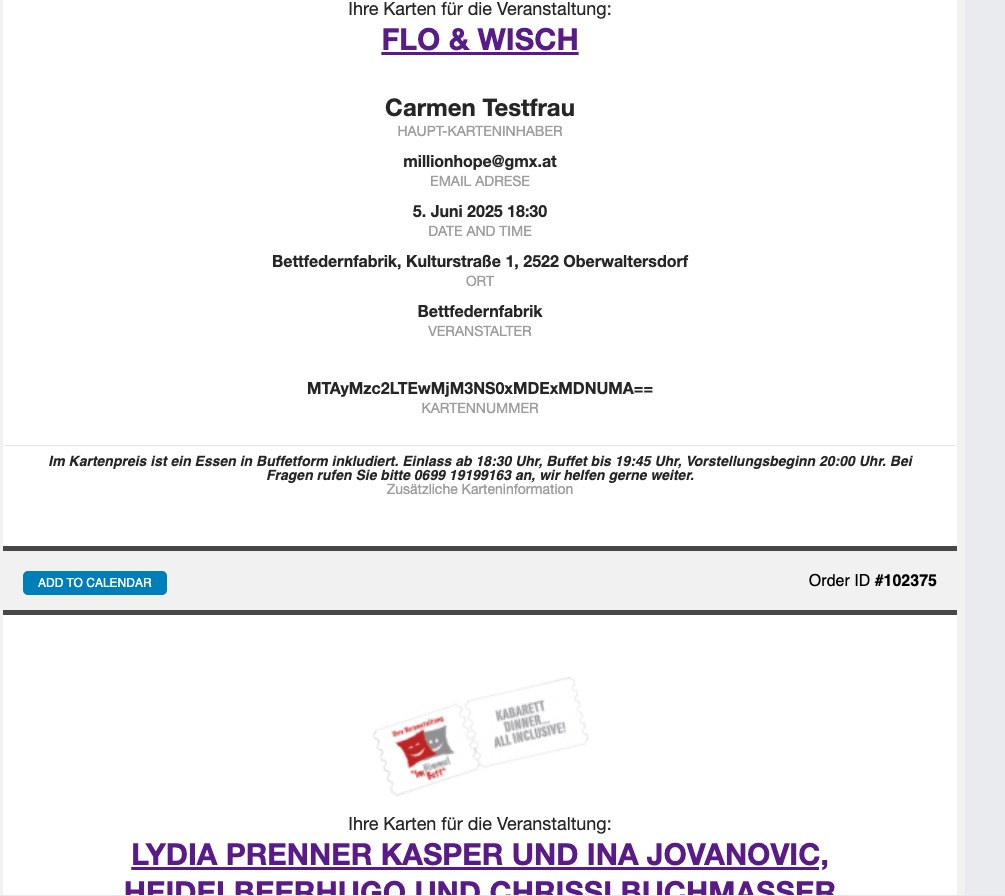
Could you send us a screenshot?
Could you go to EventON > Appearance > EventTop Styles > Event Title font color has the correct color?
Next, EventON > Scripts & Styling > turn off Write dynamic styles to header > save settings > turn on Write dynamic styles to header.
I’ve updated but there is no change. What is the best way to refresh the cache for events? Thanks!
Hello Ashan,
I appreciate so much your help and time effort to figure this out. However, I tried to update all new releases and although it seems to work on backend, it does not on the invoices.
I reached out to the guys from “Germanized” in order to get help from them. I will let you know which part of the code you might consider to change.
Best
Carmen