Hi,
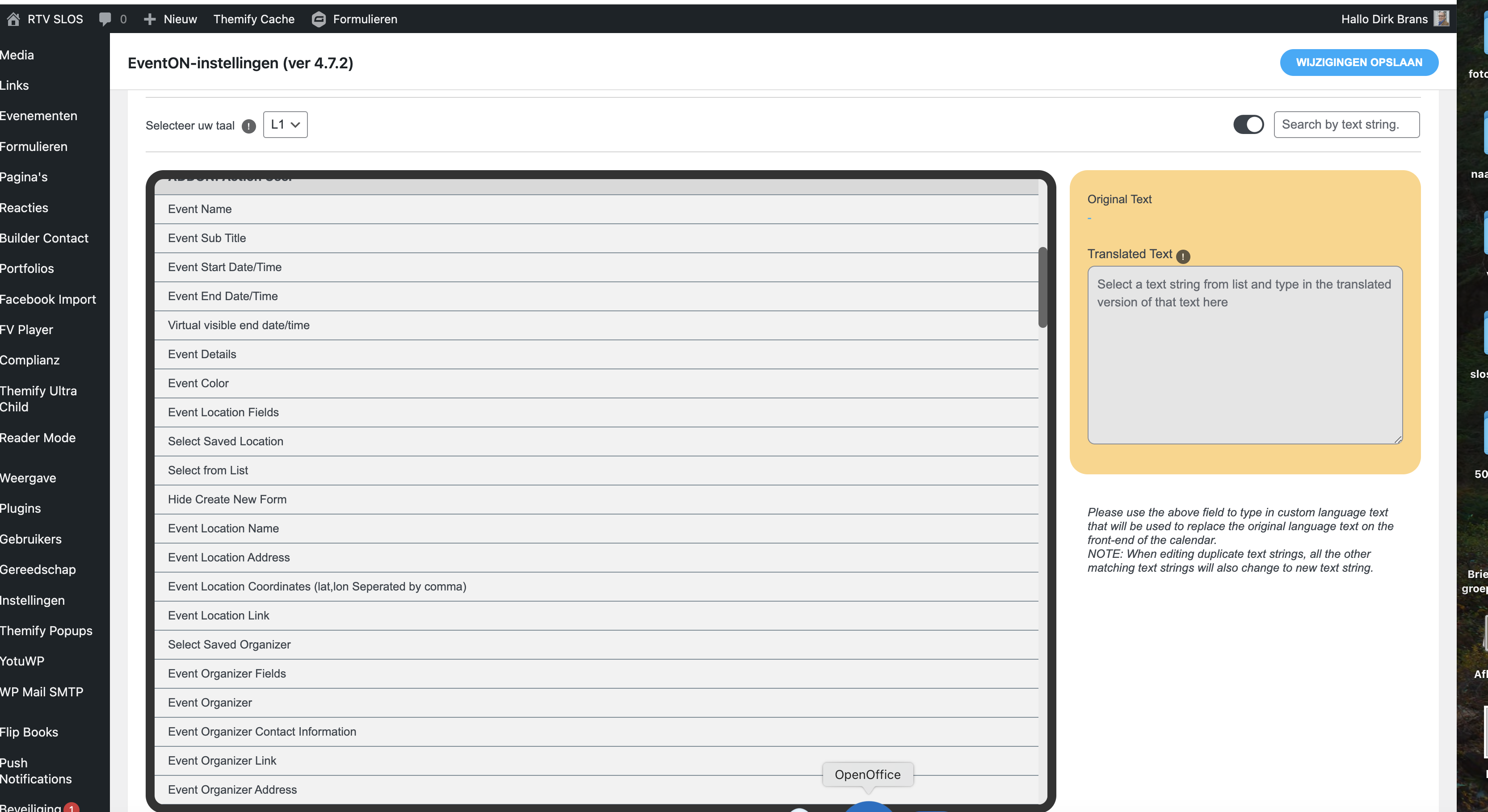
Yes, that’s what I mean, see attachment. I also had to fill in all the license data of the plugins again after the update
Mvg Dirk
Replies for tickets on suppota
Hi,
Yes, that’s what I mean, see attachment. I also had to fill in all the license data of the plugins again after the update
Mvg Dirk
i did find location and loc_phone in evo_tax_meta
i successfully got event_id from $event_post_meta_values = $object->pmv;
but i miss location info e.g. array number in $event_post_meta_values = $object->pmv;
there is only name copied from origin as subtitle but no reference
how do it get loc_phone for my current event displayed?
Just to let you know, I didn’t change anything and it all seems to work again. Since yesterday. Maybe there was an update on the errant plugin – whichever plugin that was. I will let you know if anything else comes up.
Thanks
Hello João Carita,
Could you elaborate more? When you select “Virtual Event Boradcasting Method: Other Live Stream” and then add “Live Event URL”, it changes the link to what?
Or are you trying to show your own link instead of /var/event_access on Single Event Page?
Hello,
Do you mean that the plugin doesn’t show the translations or that after updating all lines in https://rtvslos.nl/rtv/wp-admin/admin.php?page=eventon&tab=evcal_2 are removed?
Hello,
Please go to EventON > RSVP > RSVP Form > uncheck No.
ICS Import add-on’s new version is available. Could you update?
To update eventon addons: You can download latest eventon addons from myeventon > my account. Then you can go to your website, deactivate old addon and install new one and activate then delete the old addon. This link will further explain the process. Also you can follow us on twitter to get real-time announcements on updates!
Thank you for your messages, I am going to assign this ticket to Ashan and he will be able to take it from here and find you a solution. Please allow some time for him to get back to you, we greatly appreciate your patience and thank you for being a eventon customer!
If you want to completely remove the date, please remove “Event date block”:
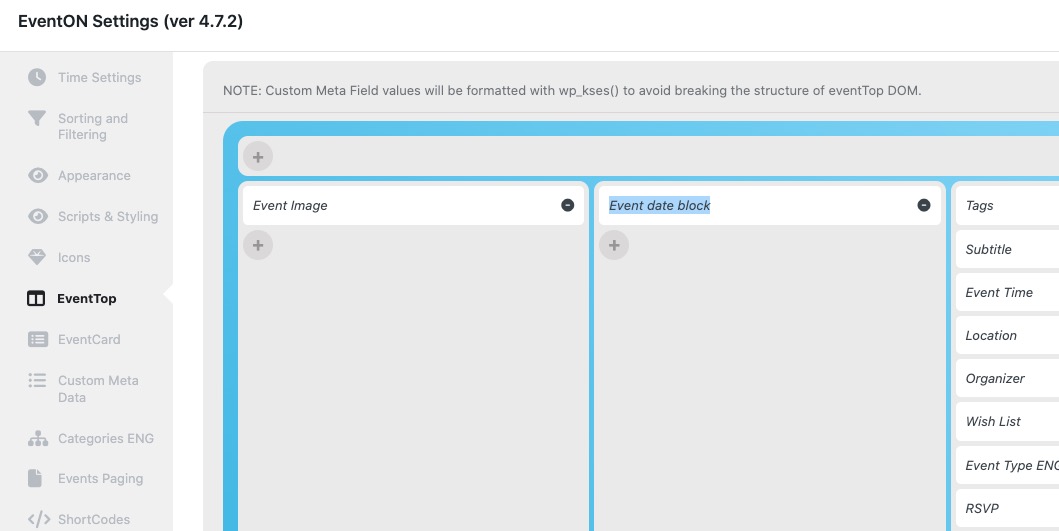
Could you send us a screenshot of the exact part you are trying to remove?