Ashan,
Please check these lines:
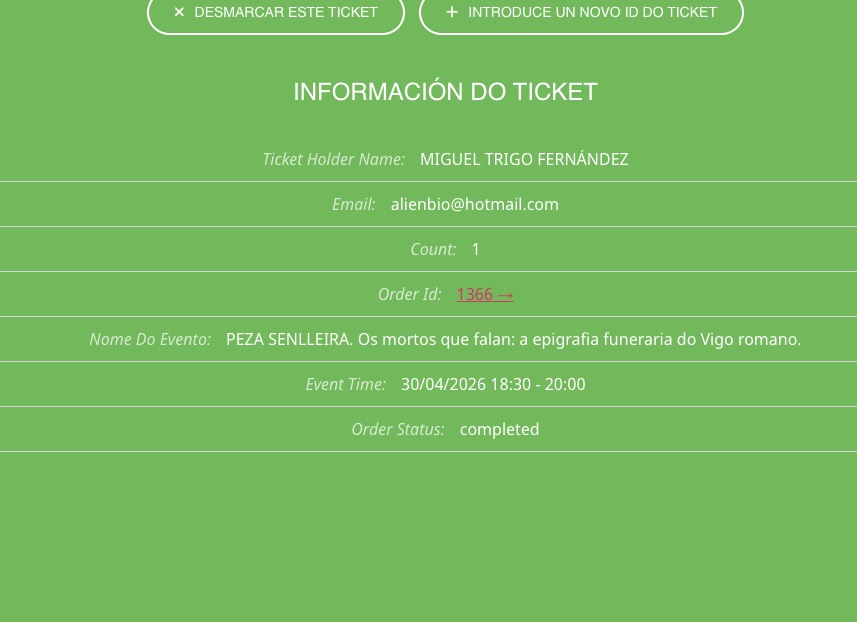
On dev2 checkin:
https://dev2.myeventon.com/checkin/?id=%2353822-53821-53820T0
Language:
https://dev2.myeventon.com/wp-admin/admin.php?page=eventon&tab=evcal_2
Replies for tickets on suppota
Ashan,
Please check these lines:
On dev2 checkin:
https://dev2.myeventon.com/checkin/?id=%2353822-53821-53820T0
Language:
https://dev2.myeventon.com/wp-admin/admin.php?page=eventon&tab=evcal_2
Thank you for your messages!
I am going to escalate this ticket to development to help in here. Please allow us some time to address this, and we truly appreciate your patience. Thank you for being a valued EventON customer!
Additionally, if your site has any IP blocking or security restrictions in place, kindly disable them temporarily to facilitate our support process.
Thank you for your messages!
I am going to escalate this ticket to our account manager to help in here. Please allow us some time to address this, and we truly appreciate your patience. Thank you for being a valued EventON customer!
We are glad your issue is resolved, if you have any further questions or concerns please create a new ticket.
There is also an other problem: The mobile view of the page does not shearch for the events. This happens 1-3 times a day. Can this be fixed?
Since you use lang=”L2” in the shortcode, please go to EventON > enable Enable language corresponding events.
Now go to each event and change Language for Event:
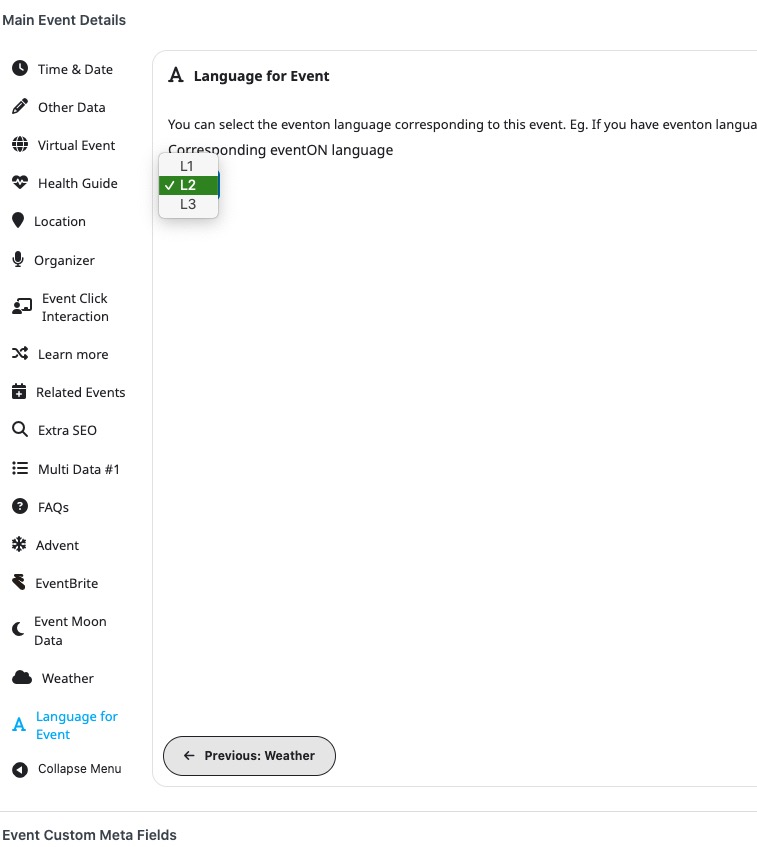
This way the yearly view shortcode will show only L2 events and you should be also be able to find them.
Please try and let me know.
Ashan,
Please check:
Still not working. It opens, but the dates that include events are not clickable to open and when you try the hole page freezes and not scrolling.
Works completely fine on dev2:
https://dev2.myeventon.com/test-223/
But on customer’s website, it still closes the modal window right after clicking on dates:
https://www.alhaurinhoy.es/calendario-anual/
Troubleshooting Mode:
https://www.alhaurinhoy.es/wp-admin/site-health.php?tab=troubleshoot
Thank you for your messages!
I am going to escalate this ticket to development to help in here. Please allow us some time to address this, and we truly appreciate your patience. Thank you for being a valued EventON customer!
Additionally, if your site has any IP blocking or security restrictions in place, kindly disable them temporarily to facilitate our support process.
That doesn’t explain to me why I can see that check box with the older version of EventOn and not the newer version. How can I get it to be visible in the current version of EventOn? Is there an add on for EventOn that will allow us to add a checkbox for approval?
Hi Artem!
I have added the WP login information.
There is also an other problem: The mobile view of the page does not shearch for the events. This happens 1-3 times a day. Can this be fixed?
Thank you so much. Amazing