Reply to: tickets(368385)
Replies for tickets on suppota
Perfect!
Ashan,
On their website in Troubleshooting mode when you click on RSVP > Configure it doesn’t open:
https://bettfedernfabrik.at/staging1024/wp-admin/post.php?post=100266&action=edit
Thank you for your messages, I am going to assign this ticket to Ashan and he will be able to take it from here and find you a solution. Please allow some time for him to get back to you, we greatly appreciate your patience and thank you for being a eventon customer! Also please disable any IP blocking on your site if there are any.
Hello,
Please update manually to 4.7.1:
To update eventon to latest version: If you are unable to do autoupdate, you can go to codecanyon your account > download and get the latest eventon version as zip file. Then you can go to your website > make sure “Delete eventon settings & data when EventON is uninstalled” is Deslected from eventon settings, delete old eventon, install new one and activate. This link will further explain the process it. Also you can follow us on twitter to get real-time announcements on updates!
The autoupdate should work starting from the newest version.
Please contact Tribe events plugin developers about this request as we only support EventON.
Ashan,
What happens is
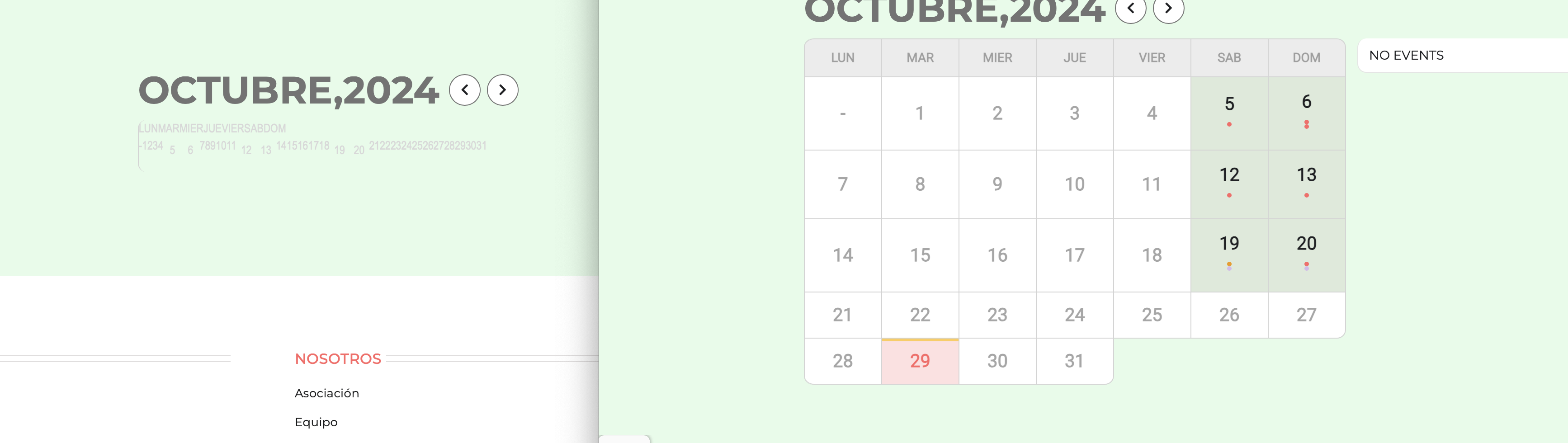
The description of the error:
[Replyto/368322]
Can we fix this from our side?
Thank you for your messages, I am going to assign this ticket to Ashan and he will be able to take it from here and find you a solution. Please allow some time for him to get back to you, we greatly appreciate your patience and thank you for being a eventon customer! Also please disable any IP blocking on your site if there are any.
We are glad your issue is resolved, if you have any further questions or concerns please create a new ticket. If you have a moment, we would greatly appreciate if you could kindly leave us a review at Codecanyon. By going to your account > Downloads. We are very grateful for your kind review!
Yes!