We are sorry for the delay. Thank you for your messages, I am going to assign this ticket to Ashan and he will be able to take it from here and find you a solution. Please allow some time for him to get back to you, we greatly appreciate your patience and thank you for being a eventon customer! Also please disable any IP blocking on your site if there are any.
Archives: Replies
Replies for tickets on suppota
Reply to: tickets(367964)
Ashan,
Please take a look at
Staging site:
https://qwr.dlmwebdevelopment.com/
Username
EventOn
Pass
VYcBL4^QcgLQ&kd!89n*jGXV
The calendar starts working when I disable Woo, so the issue is in events with Tickets enabled.
Reply to: tickets(367964)
Thank you for your messages, I am going to assign this ticket to Ashan and he will be able to take it from here and find you a solution. Please allow some time for him to get back to you, we greatly appreciate your patience and thank you for being a eventon customer! Also please disable any IP blocking on your site if there are any.
Reply to: tickets(368250)
Hello,
Please send us wp-admin access to your site as a private message for us to further assist your situation.
Could you also try manually clearing your browser cache?
Reply to: tickets(351103)
We are glad your issue is resolved, if you have any further questions or concerns please create a new ticket.
Reply to: tickets(360304)
Instead of using EventON element in Elementor, could you use a regular text element and then put EventON’s shortcode inside of it?
Reply to: tickets(368281)
Hello,
Please update Tickets add-on to the latest version and try making a new test purchase.
To update eventon addons: You can download latest eventon addons from myeventon > my account. Then you can go to your website, deactivate old addon and install new one and activate then delete the old addon. This link will further explain the process. Also you can follow us on twitter to get real-time announcements on updates!
Reply to: tickets(368282)
Hello,
Are you trying to change this font:
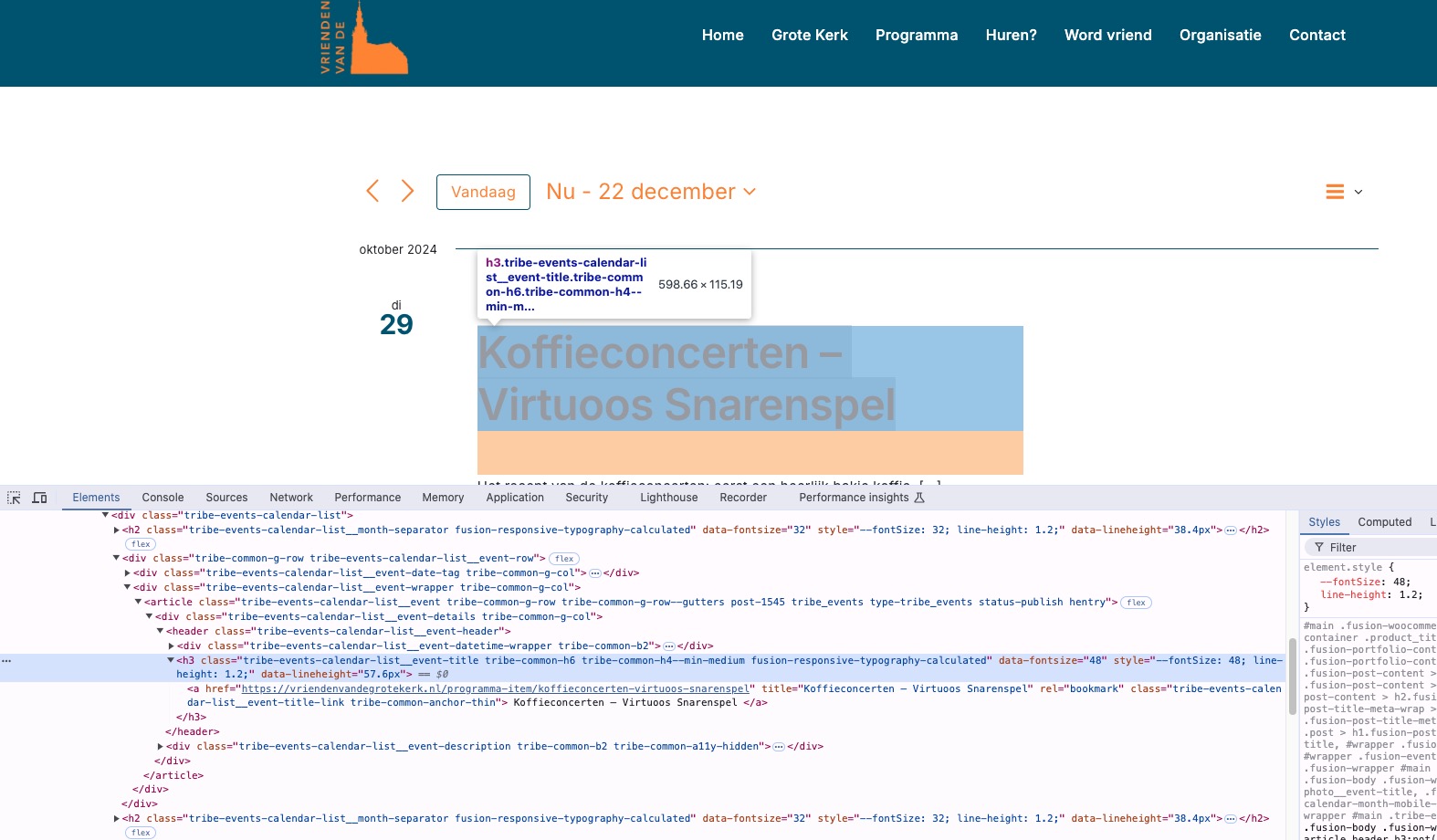
Please note that the content on the screenshot is coming from Tribe events plugin and not EventON.
Reply to: tickets(368285)
Hello,
Please go to EventON > EventCard > open Designer and save > now save EventON Settings.
Reply to: tickets(368026)
Please add this CSS code to EventON > Styles (If you don’t see any change, EventON > Scripts & Styling > turn off Write dynamic styles to header > save settings > turn on Write dynamic styles to header):
p.evo_location_name + .padt10 { display: none !important; }