Wow it’s working now thank you very much for the help. Is there a way where in they can choose to buy tickets regularly and but tickets within the seat map?
Archives: Replies
Replies for tickets on suppota
Reply to: tickets(367902)
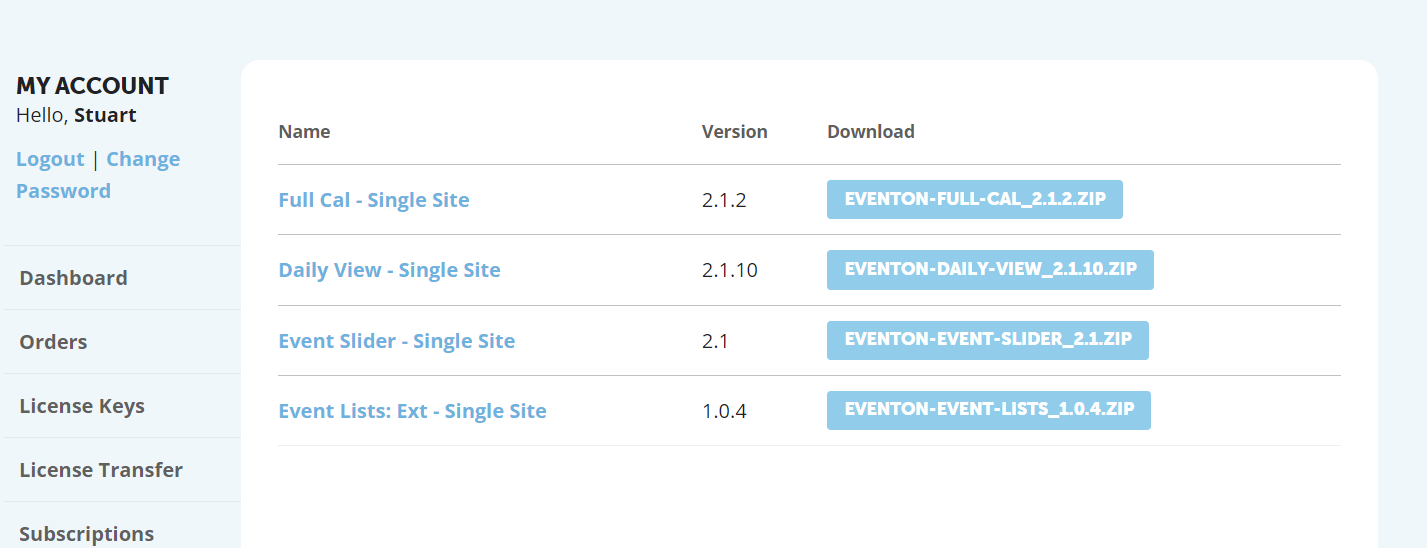
and this is what it says in myeventon. see attached.
Reply to: tickets(367902)
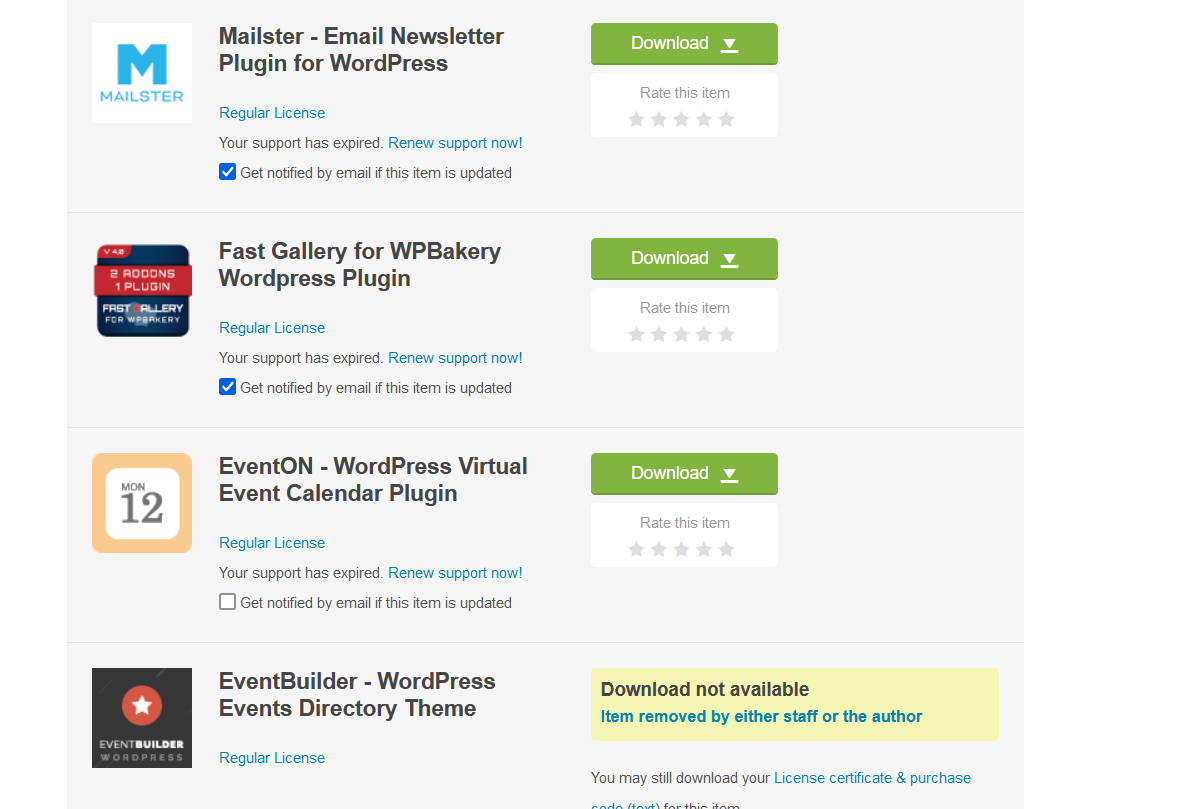
Hi. As I said there is no eventon zip on codecanyon. See screenshot
Reply to: tickets(367857)
If you want to order them in ASC, could you try changing DESC to ASC in event_order?
Reply to: tickets(367866)
OK, if it is a short time it is OK.
Thanks
Reply to: tickets(367901)
Hello,
Could you try adding hide_month_headers=”yes” to your shortcode?
Reply to: tickets(367912)
Hello,
It’s best for you to purchase all of them separately, I am afraid.
Reply to: tickets(367913)
Hello,
Could you go to EventON > EventCard > Open Designer > Save > Now save EventON Settings?
If the same issue still happening, please send us wp-admin access to your site as a private message for us to further assist your situation.
Reply to: tickets(367916)
Hello,
Please update to 4.7.1 manually, then the autoupdate functionality should start working again.
To update eventon to latest version: If you are unable to do autoupdate, you can go to codecanyon your account > download and get the latest eventon version as zip file. Then you can go to your website > make sure “Delete eventon settings & data when EventON is uninstalled” is Deslected from eventon settings, delete old eventon, install new one and activate. This link will further explain the process it. Also you can follow us on twitter to get real-time announcements on updates!
Reply to: tickets(367921)
Hello,
The password still doesn’t work, I am afraid. Could you check?
As for the issue, please follow the instructions in this documentation to activate debug in your site to see any PHP errors recorded that can provide insight on to whats going on. Please reply with a link to debug.log file. If you are not able to do this please send us FTP access to your site so we can do this for you.