Hello,
I am sorry for the inconvenience. We are fixing it and then something breaks so we need to start all over and only the latest version starts supporting it.
Because it involves CodeCanyon also makes it harder and harder to fix.
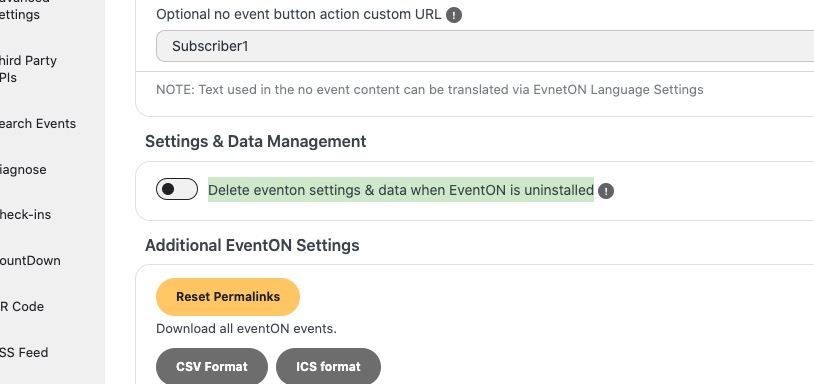
You can update add-ons without worrying about any data, but before updating EventON, make sure to that this is DISABLED:
Then just follow this guide:
To update eventon to latest version: If you are unable to do autoupdate, you can go to codecanyon your account > download and get the latest eventon version as zip file. Then you can go to your website > make sure ”Delete eventon settings & data when EventON is uninstalled” is Deslected from eventon settings, delete old eventon, install new one and activate. This link will further explain the process it. Also you can follow us on twitter to get real-time announcements on updates!
Ashan,
Can we somehow fix this? Not sure how to help.
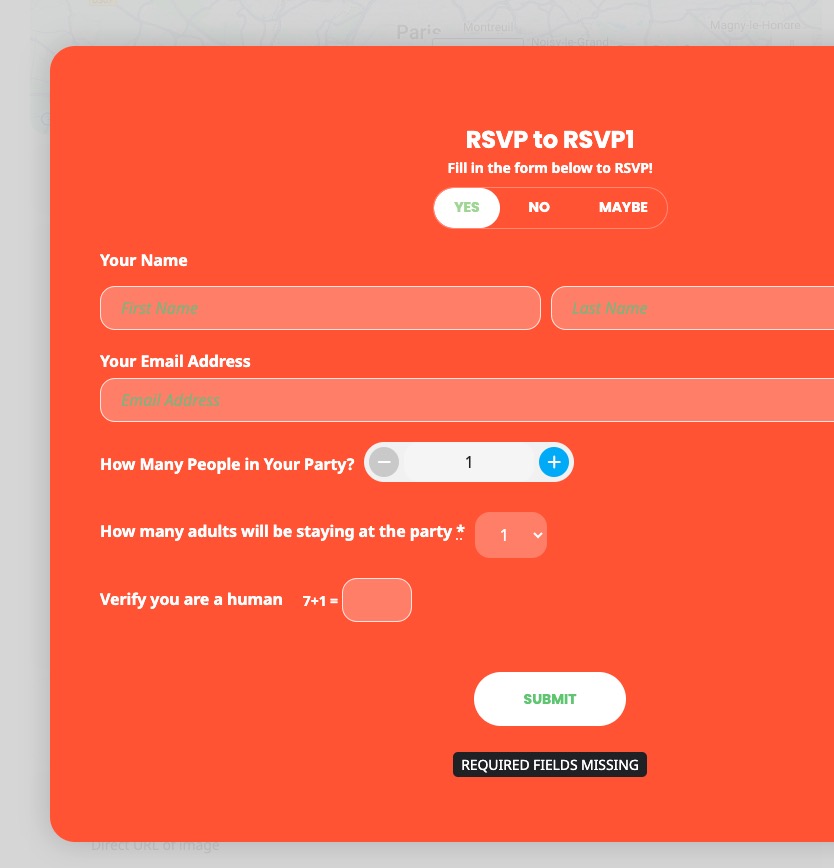
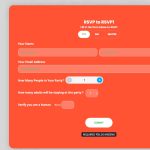
The same on dev2:
https://dev2.myeventon.com/?ajde_events=rsvp1
Hello,
Thank you for your messages!
I am going to escalate this ticket to development to help in here. Please allow us some time to address this, and we truly appreciate your patience. Thank you for being a valued EventON customer!
Additionally, if your site has any IP blocking or security restrictions in place, kindly disable them temporarily to facilitate our support process.
Hello,
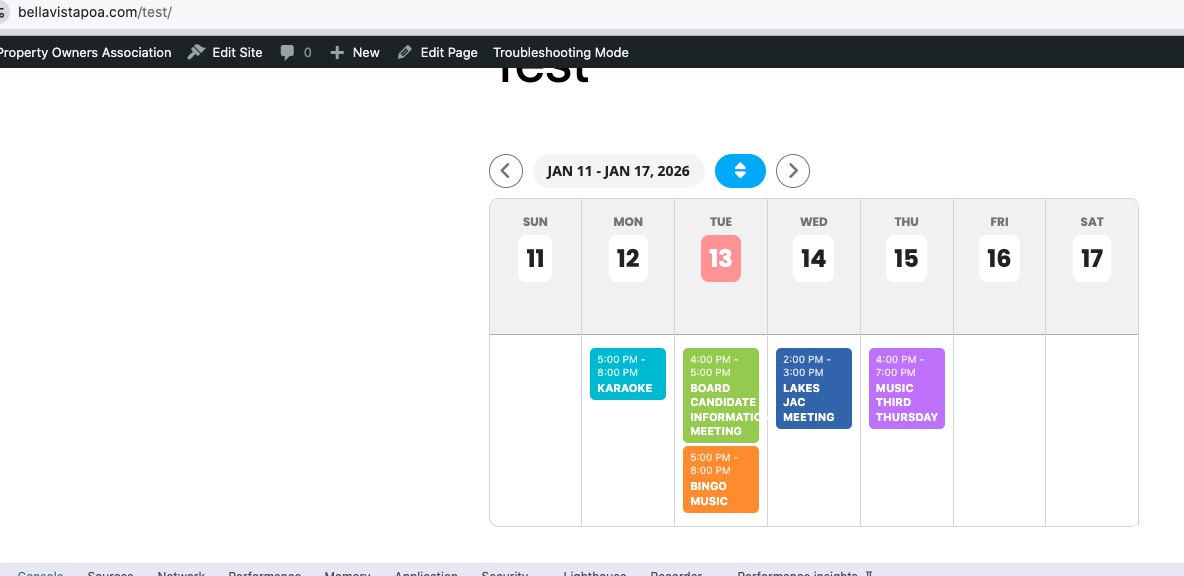
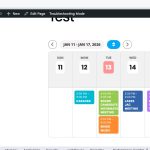
No issues in Troubleshooting Mode:
https://bellavistapoa.com/wp-admin/site-health.php?tab=troubleshoot
Could you please try the instructions mentioned in this documentation?
I did check for js errors and it seems that something restricts the loading of some script files.
This is perfect! I didn’t realize there are two different quotation marks! This was causing the problem.
Thanks a lot.
I added more code to wp-admin > Appearance > Customize > Additional CSS. Could you check and let me know?
Hello,
I cannot find any license associated with your current email.
Did you purchase the main plugin from our website or CodeCanyon? Could you check and let me know?
Please also take a look at this guide:
https://docs.myeventon.com/documentations/how-to-find-eventon-license-key/
We are glad your issue is resolved, if you have any further questions or concerns please create a new ticket.
When, oh when will I EVER have auto-updates? Artem, you mentioned I should have them in the next version. Not so. Can you PLEASE make that happen for me? It’s really been something trying to update a simply plugin manually for more than 4 YEARS! In this day and age, I shouldn’t have to deal with this. So much progress, and this is just too cumbersome.
I just noticed that this line is not working either.
[add_eventon_fc etc_override=”yes” ux_val=”0” hover=”numname” ehover=”def” nexttogrid=”yes” style=”names”]